
Janoshik COA archive
Janoshik COA Reports
Browse the public Janoshik COA scans referenced from the public gallery we reviewed, then use the batch-specific section below for reports published for Calibra Research materials. Every image opens at full size for closer inspection.
Two different documents, two different jobs
The in-house certificate and the independent report are not rivals. One governs release, the other governs trust. Knowing which one you are looking at prevents most disputes.
Who runs the test
In-house: The manufacturer's own quality-control team.
Independent: A separate laboratory that has no stake in whether the batch ships.
What it proves
In-house: That the batch passed the manufacturer's internal release checks before dispatch.
Independent: That a sample drawn from the stated batch was measured by someone outside the supply chain.
Typical use
In-house: Release-to-warehouse control, lot traceability.
Independent: Independent confirmation when a buyer cannot take the supplier's word alone.
How to read it
In-house: Check it matches the batch you received, then file it with your purchase record.
Independent: Check batch and date first, then verify the report ID against the issuing laboratory where a lookup exists.
| Aspect | In-house COA | Independent third-party report |
|---|---|---|
| Who runs the test | The manufacturer's own quality-control team. | A separate laboratory that has no stake in whether the batch ships. |
| What it proves | That the batch passed the manufacturer's internal release checks before dispatch. | That a sample drawn from the stated batch was measured by someone outside the supply chain. |
| Typical use | Release-to-warehouse control, lot traceability. | Independent confirmation when a buyer cannot take the supplier's word alone. |
| How to read it | Check it matches the batch you received, then file it with your purchase record. | Check batch and date first, then verify the report ID against the issuing laboratory where a lookup exists. |
How to read a third-party report
Every legitimate independent report carries roughly the same eight pieces of information. If any of them is missing, treat the document as incomplete rather than convincing.
Sample identification
The name the laboratory recorded for the material it received. It should match the product label; if it does not, the report is describing a different vial.
Batch / lot number
Ties the report to one specific production run. This is the single most important line — a certificate only ever describes the batch printed on it.
Date of analysis
When the laboratory actually ran the sample. Together with the batch number it tells you whether the report covers the material you are holding.
Analytical method
Usually HPLC for purity and MS for identity. Two numbers produced by different methods or different labs are not directly comparable — compare like with like.
Purity result
Typically reported as an area percentage from the chromatogram. Read it together with the method line; an area% is not the same thing as a weight% assay.
Quantity / net peptide content
How much material the laboratory quantified. Stated separately from purity, because lyophilised material can carry residual moisture and counter-ions.
Appearance
A simple physical description (colour, form). It is a quick sanity check that the vial matches what the document claims.
Report ID / verification reference
The laboratory's own tracking number. Where the lab publishes a lookup, you can enter it and confirm the report is genuine rather than edited artwork.
Public reference gallery
Janoshik COA scan archive
71 localized scans · source page reviewed
These scans reproduce the public image gallery at the source page for convenient viewing. They are presented as reference documents only; the visible sample identity, lot number, date and result remain specific to each pictured document.
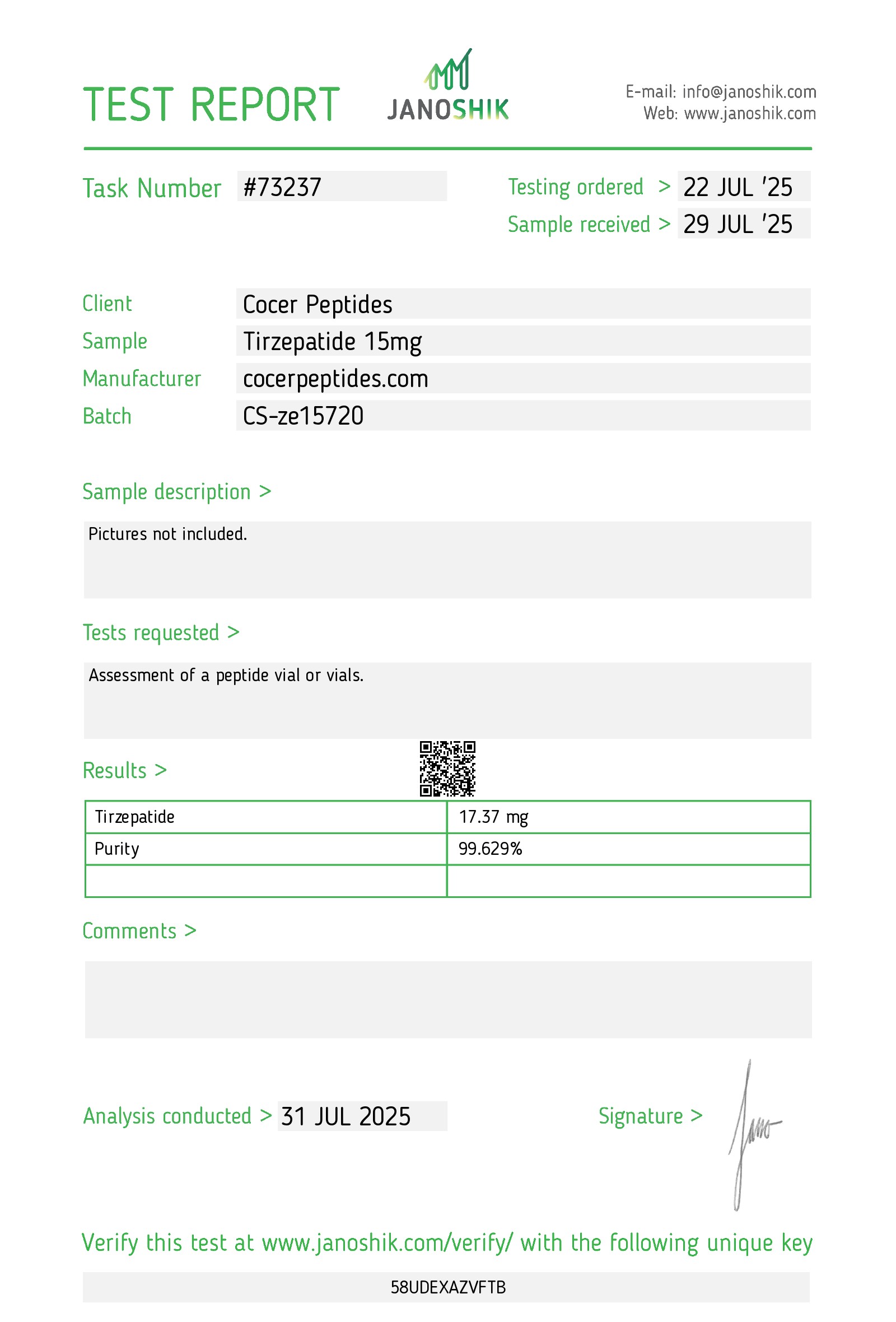
Reference scan 01
Open full-size image
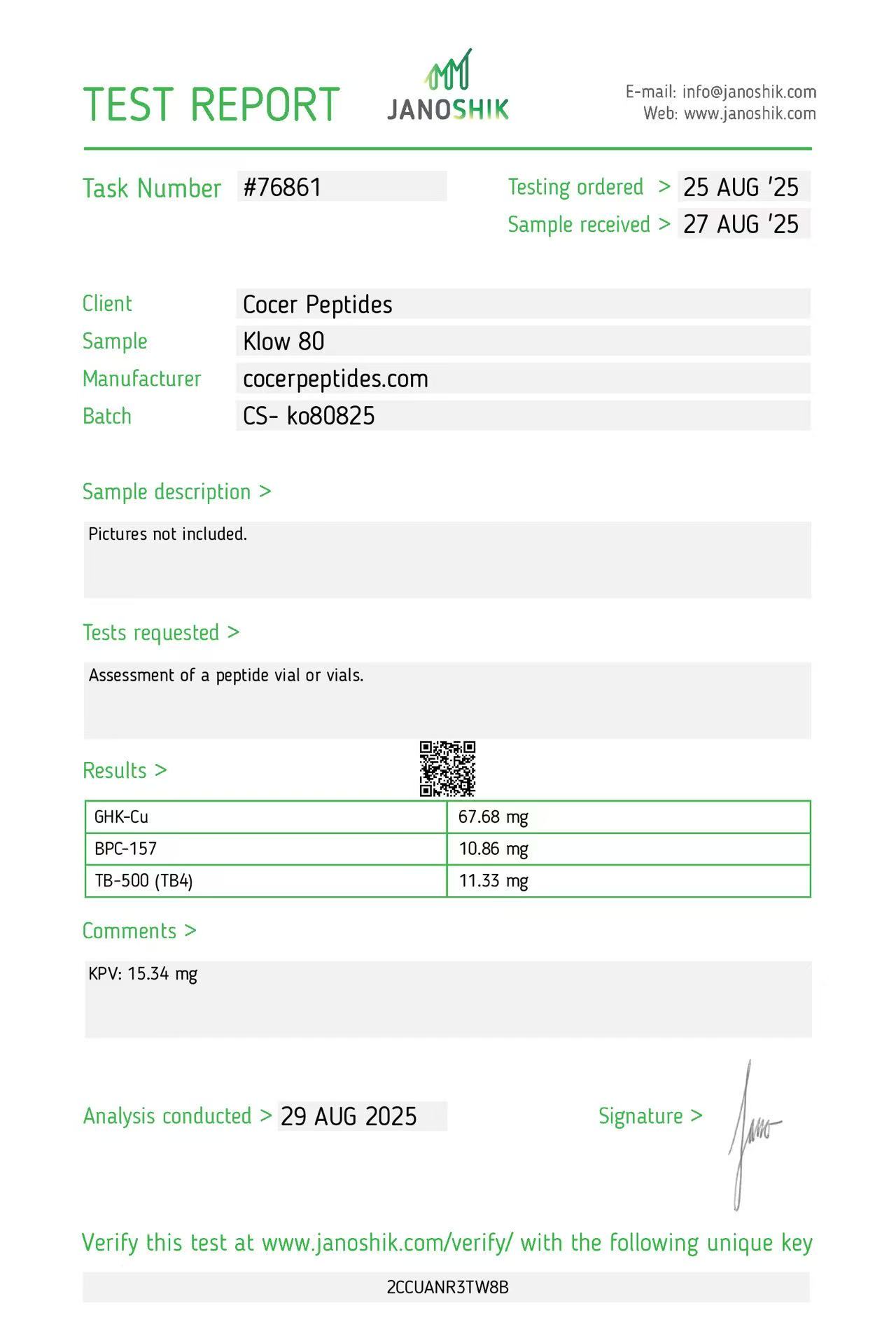
Reference scan 02
Open full-size image
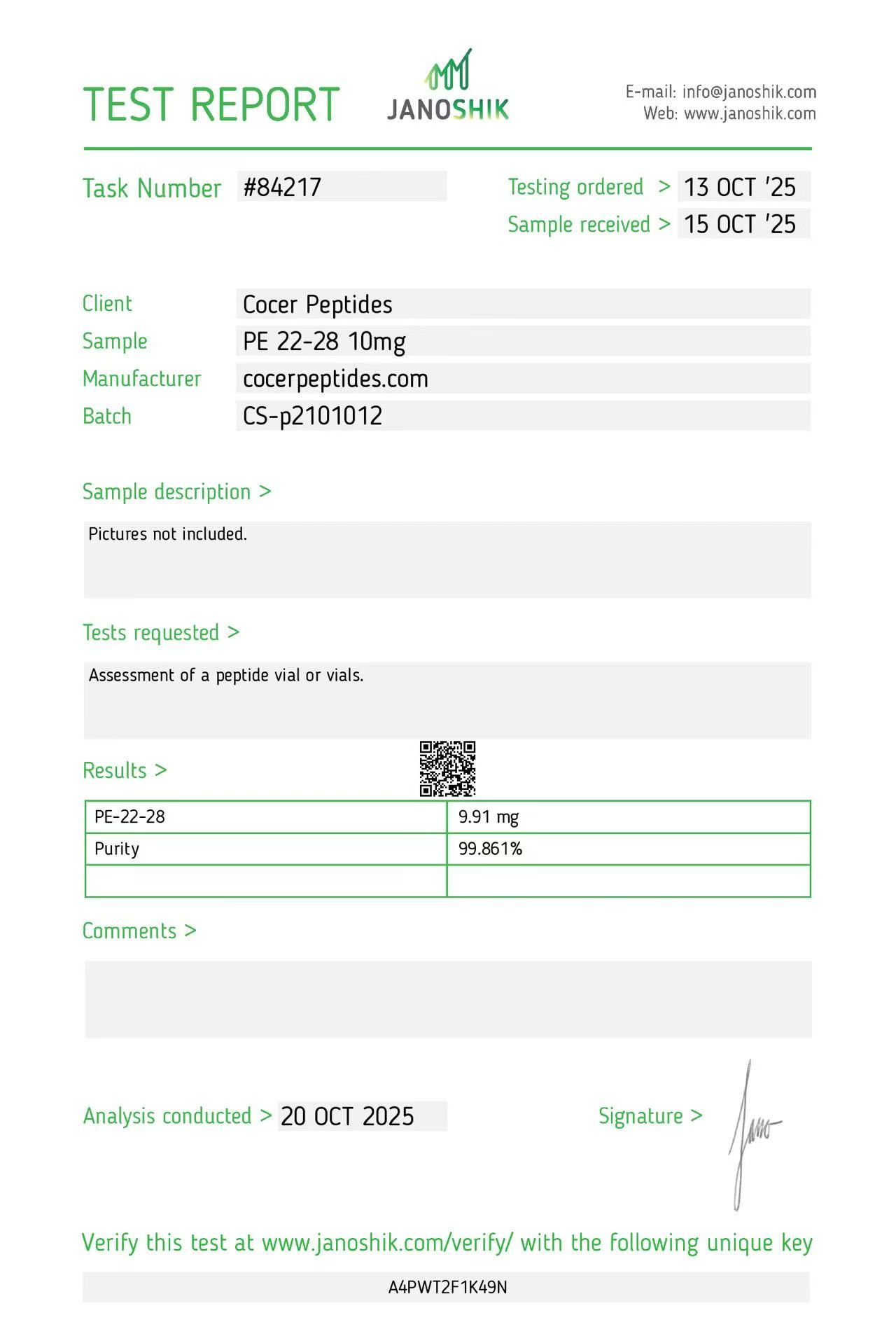
Reference scan 03
Open full-size image
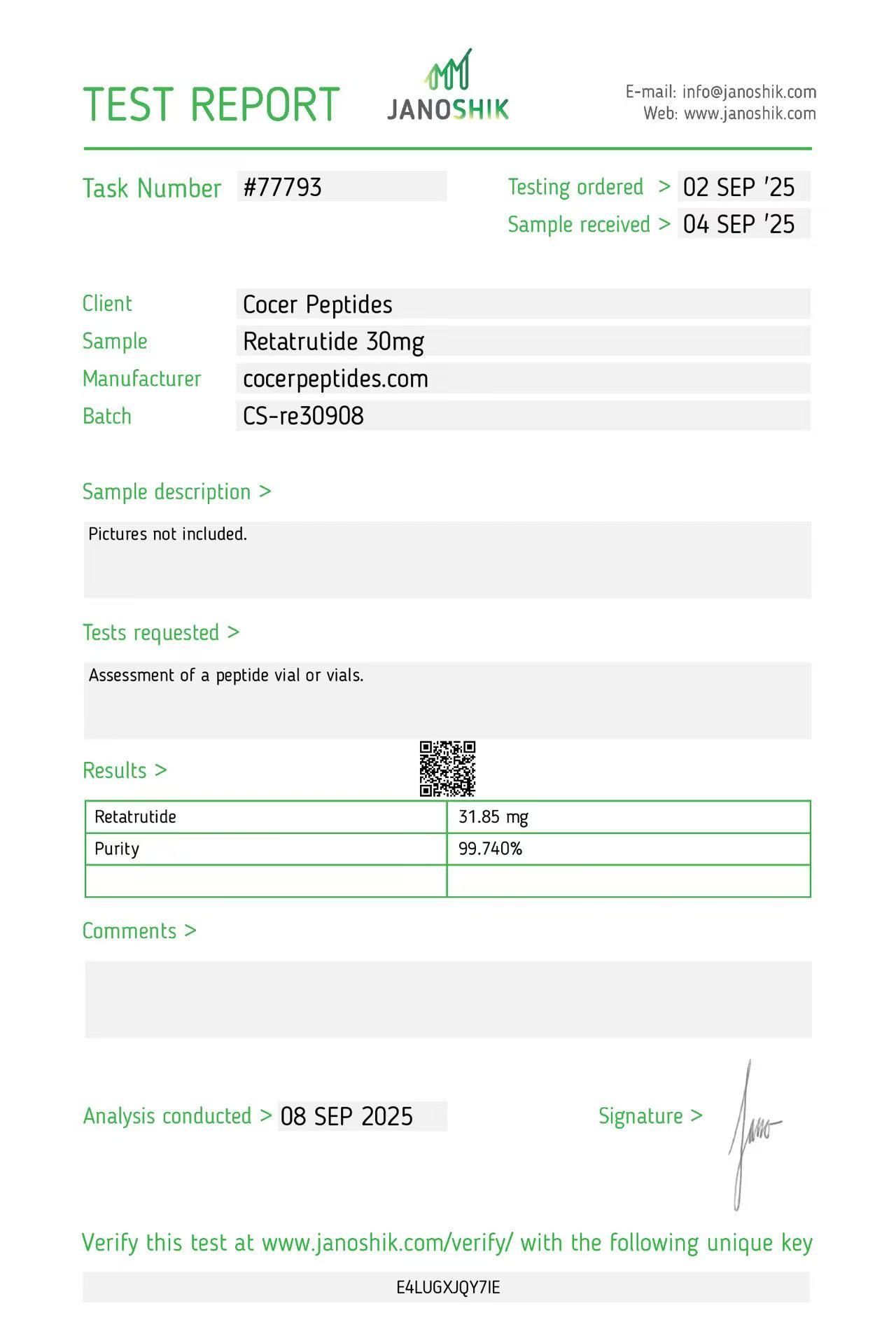
Reference scan 04
Open full-size image
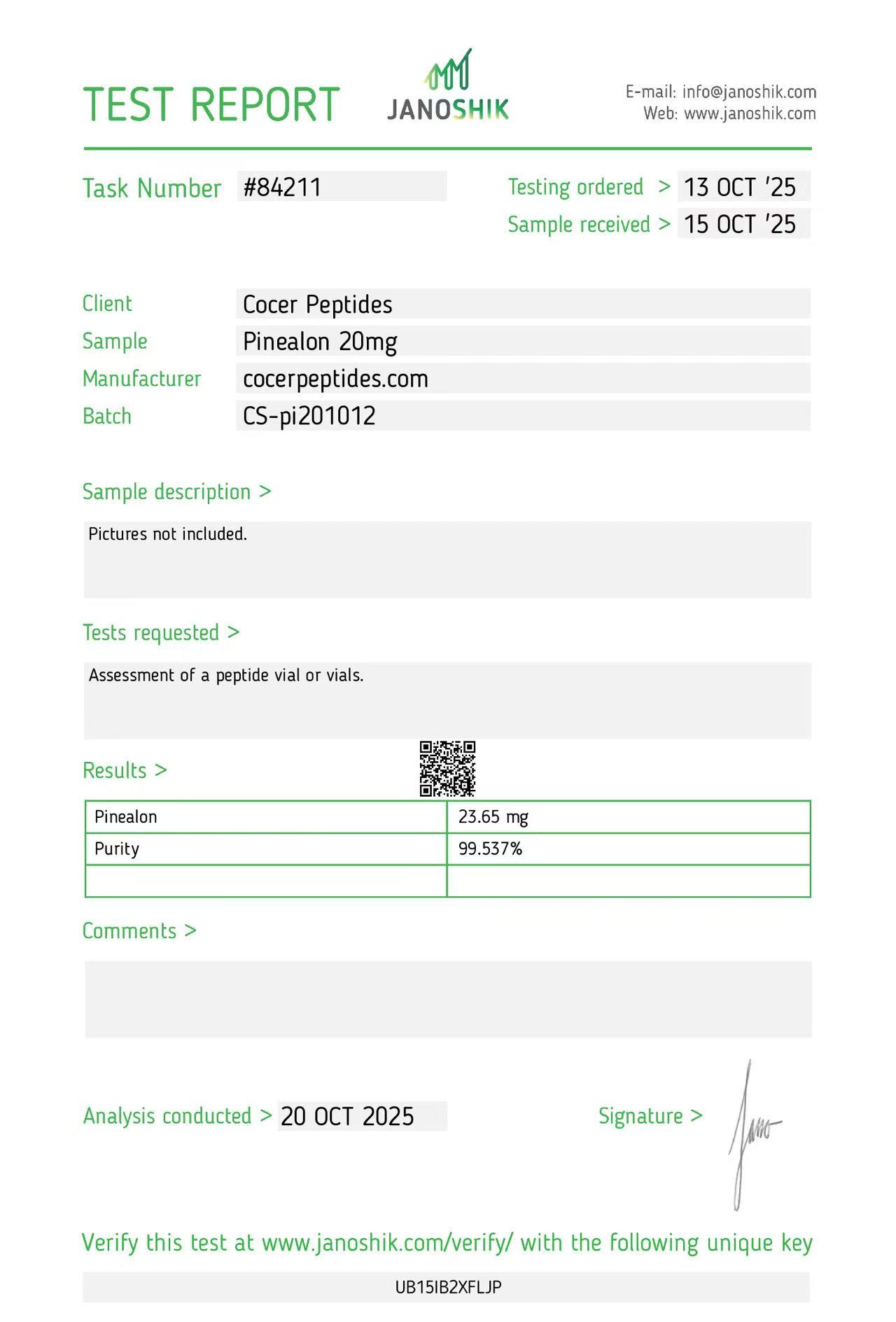
Reference scan 05
Open full-size image
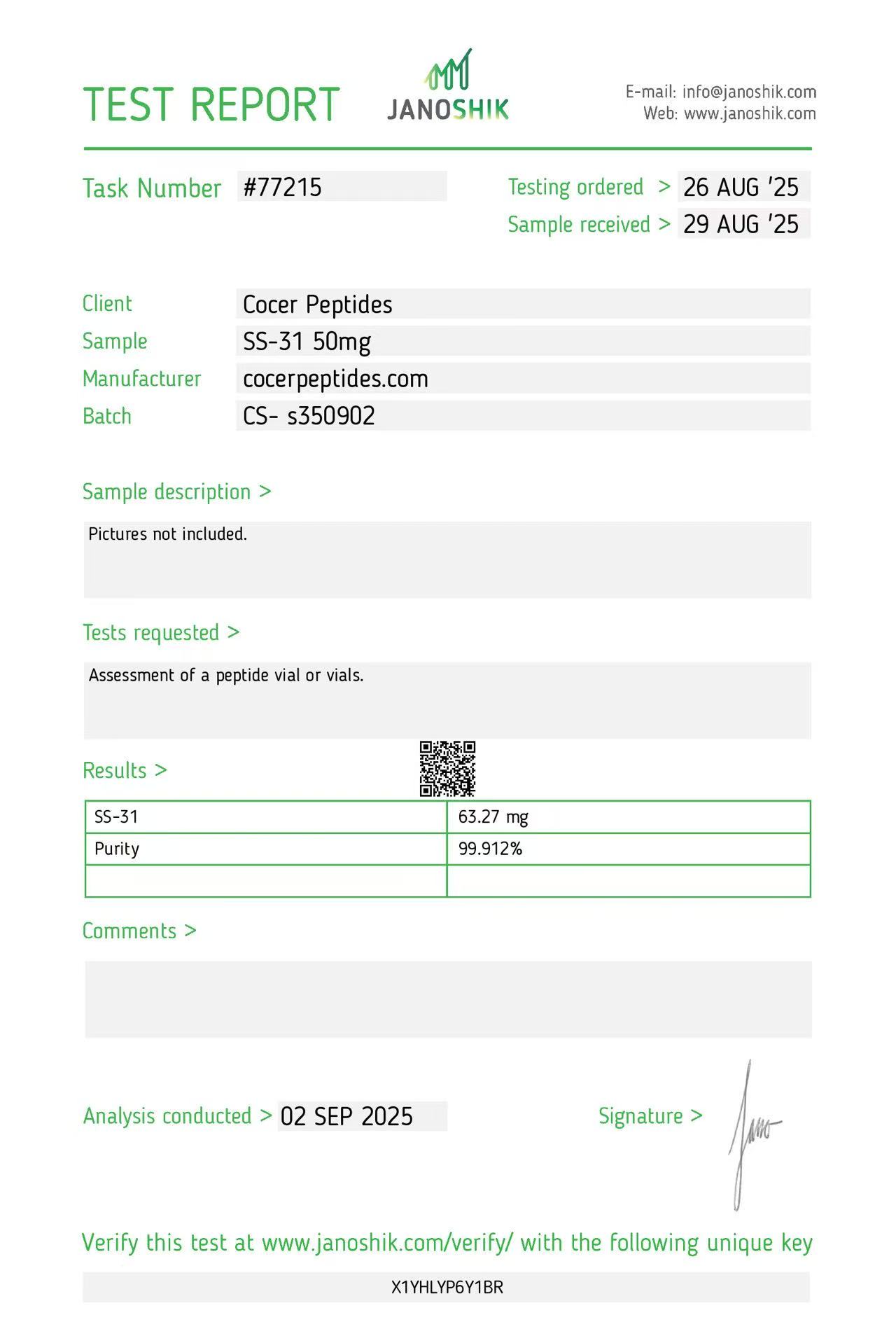
Reference scan 06
Open full-size image
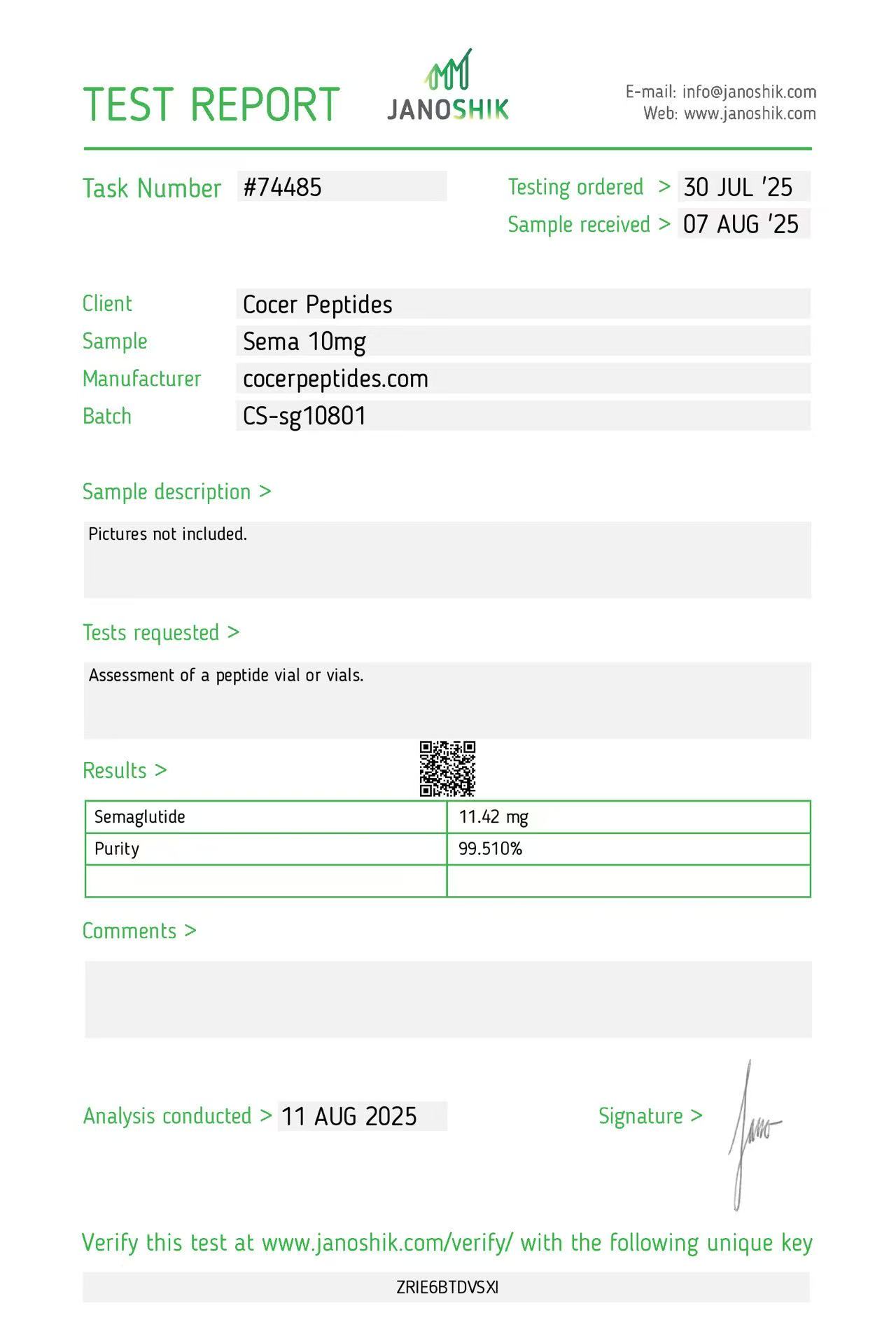
Reference scan 07
Open full-size image
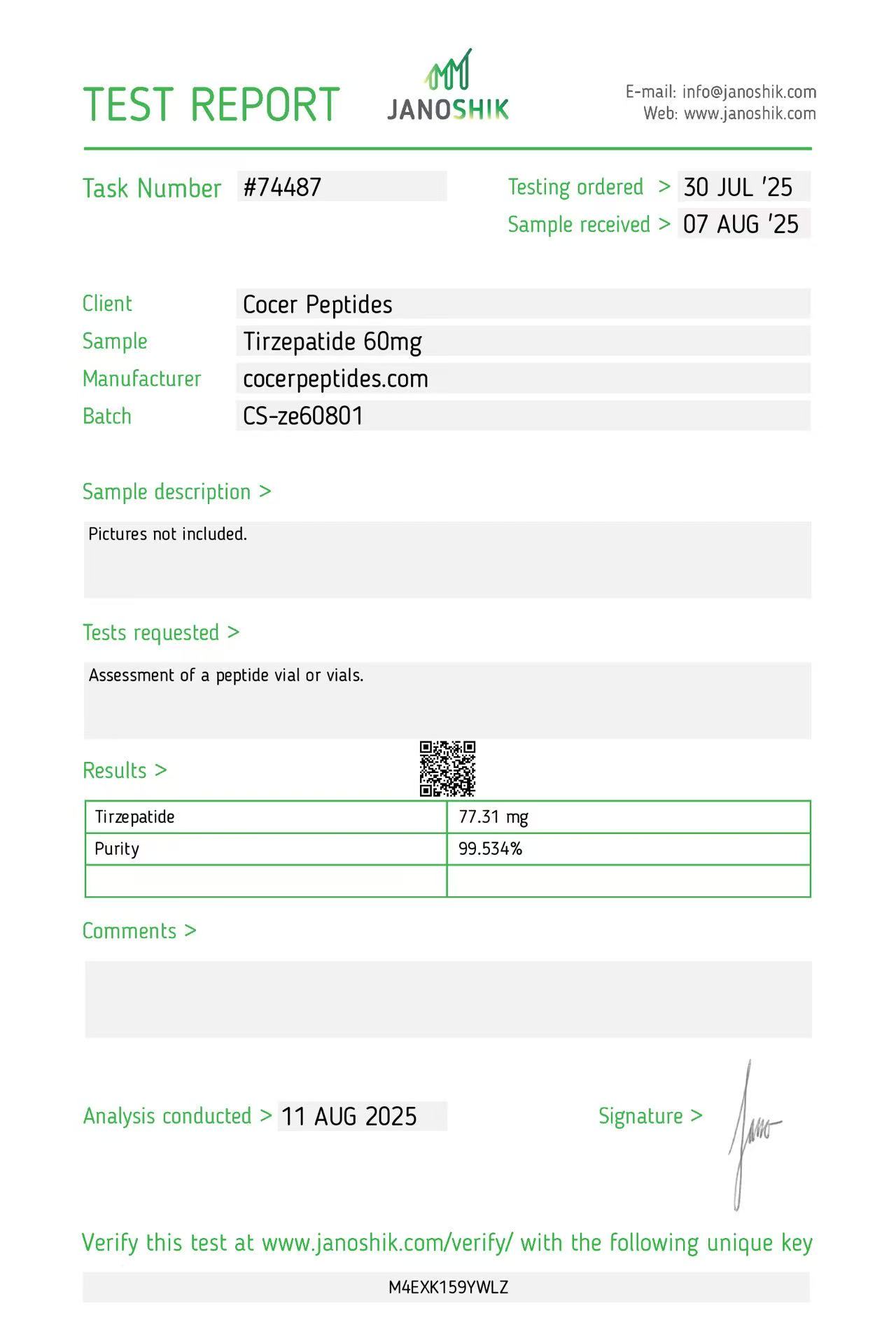
Reference scan 08
Open full-size image
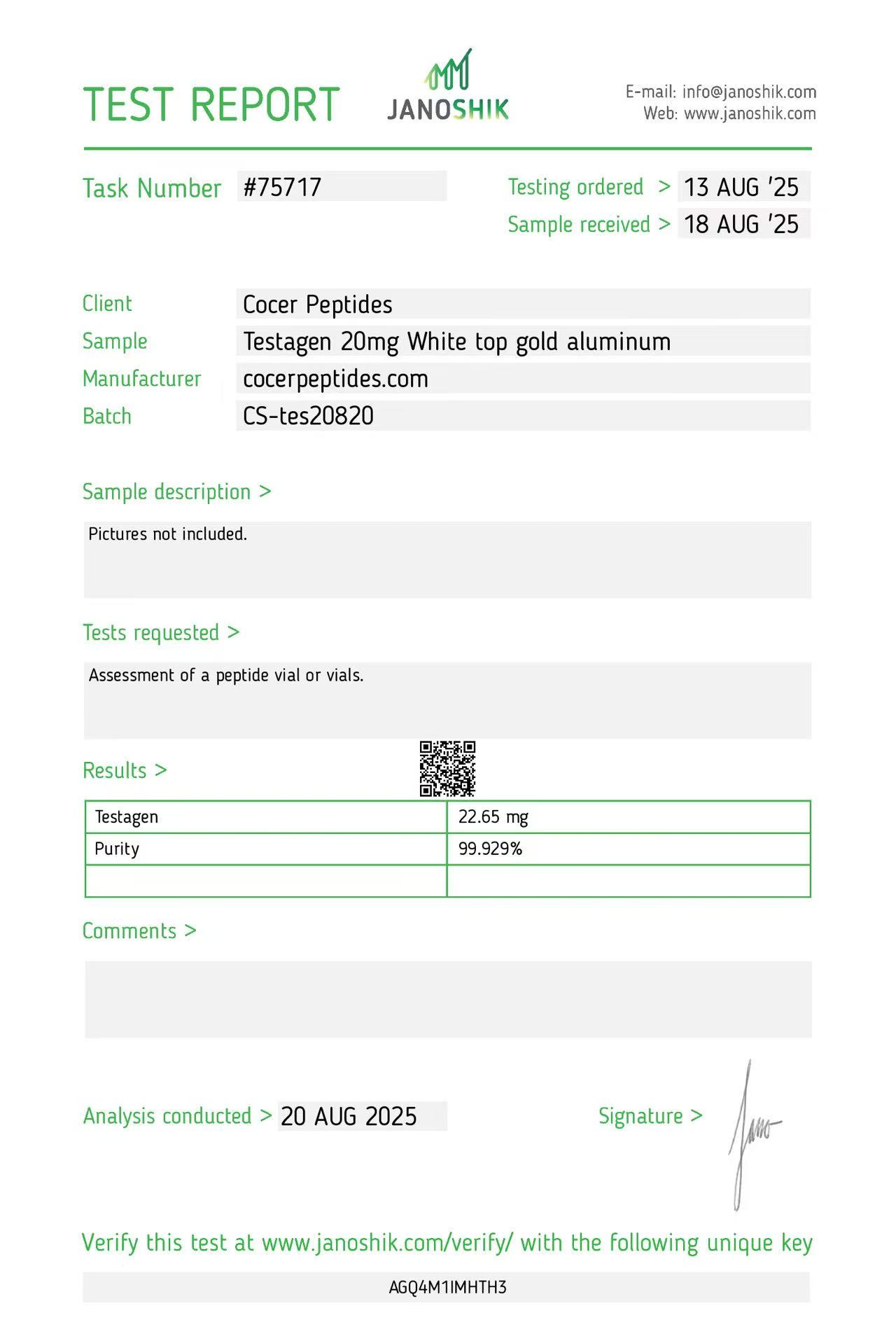
Reference scan 09
Open full-size image
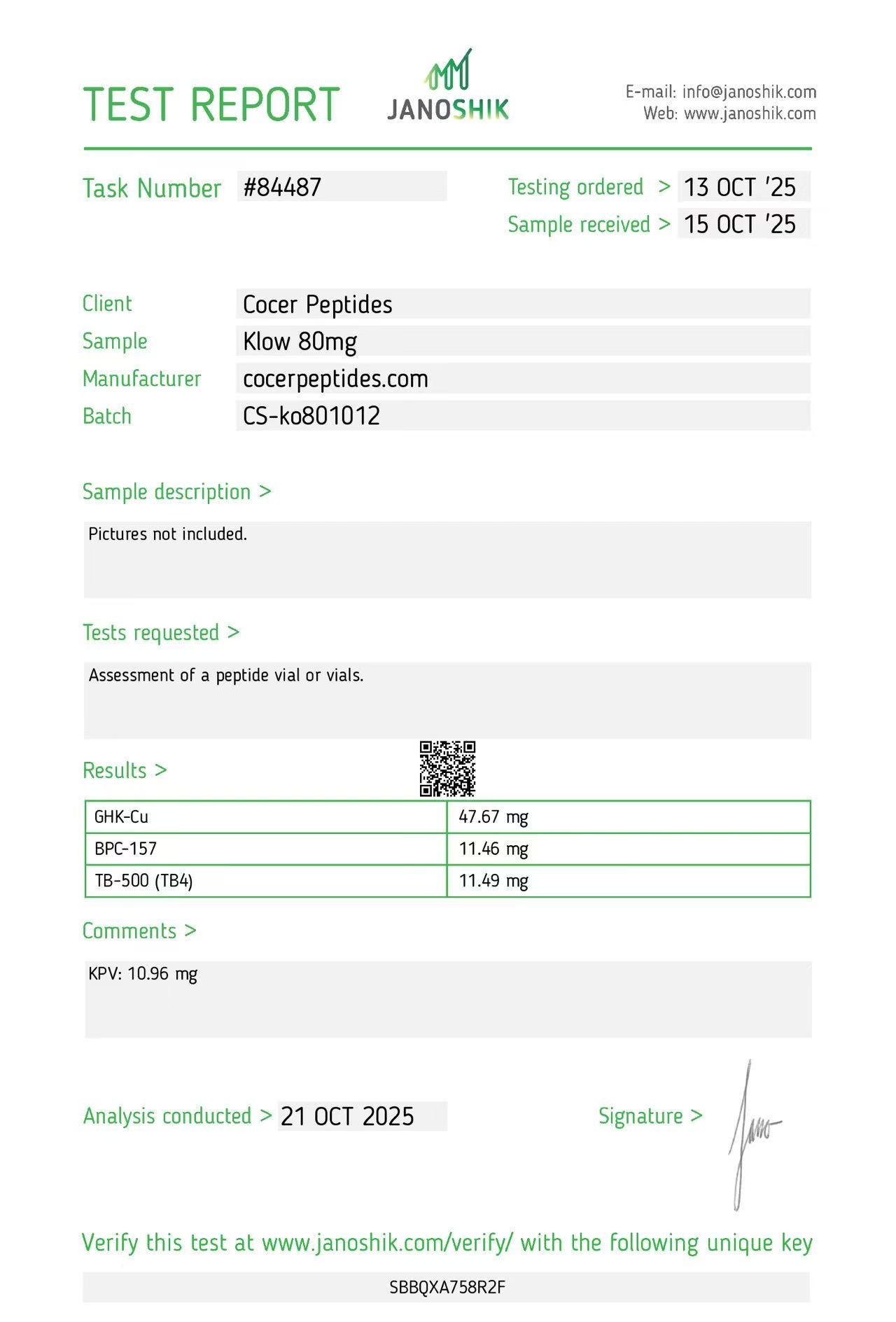
Reference scan 10
Open full-size image
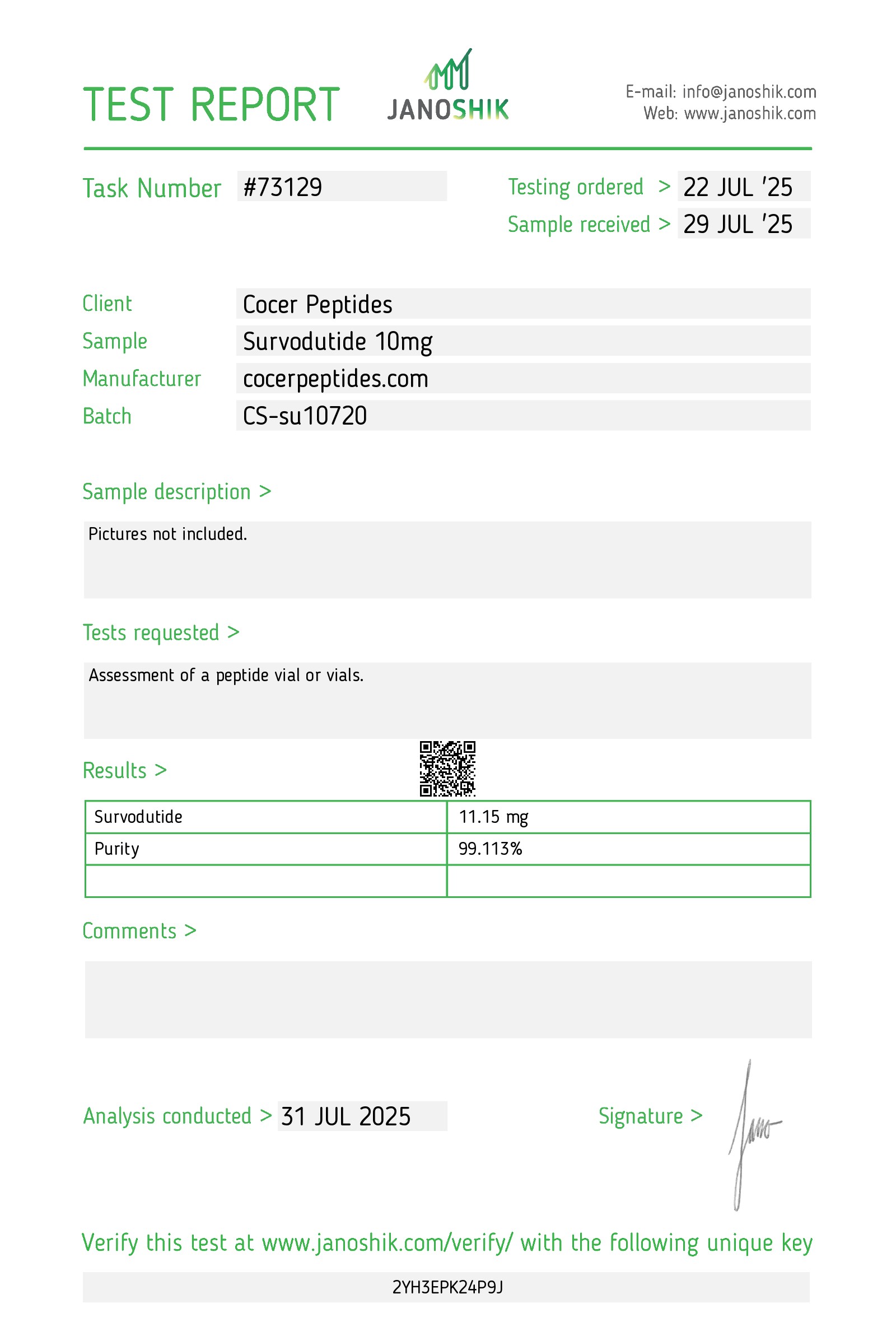
Reference scan 11
Open full-size image
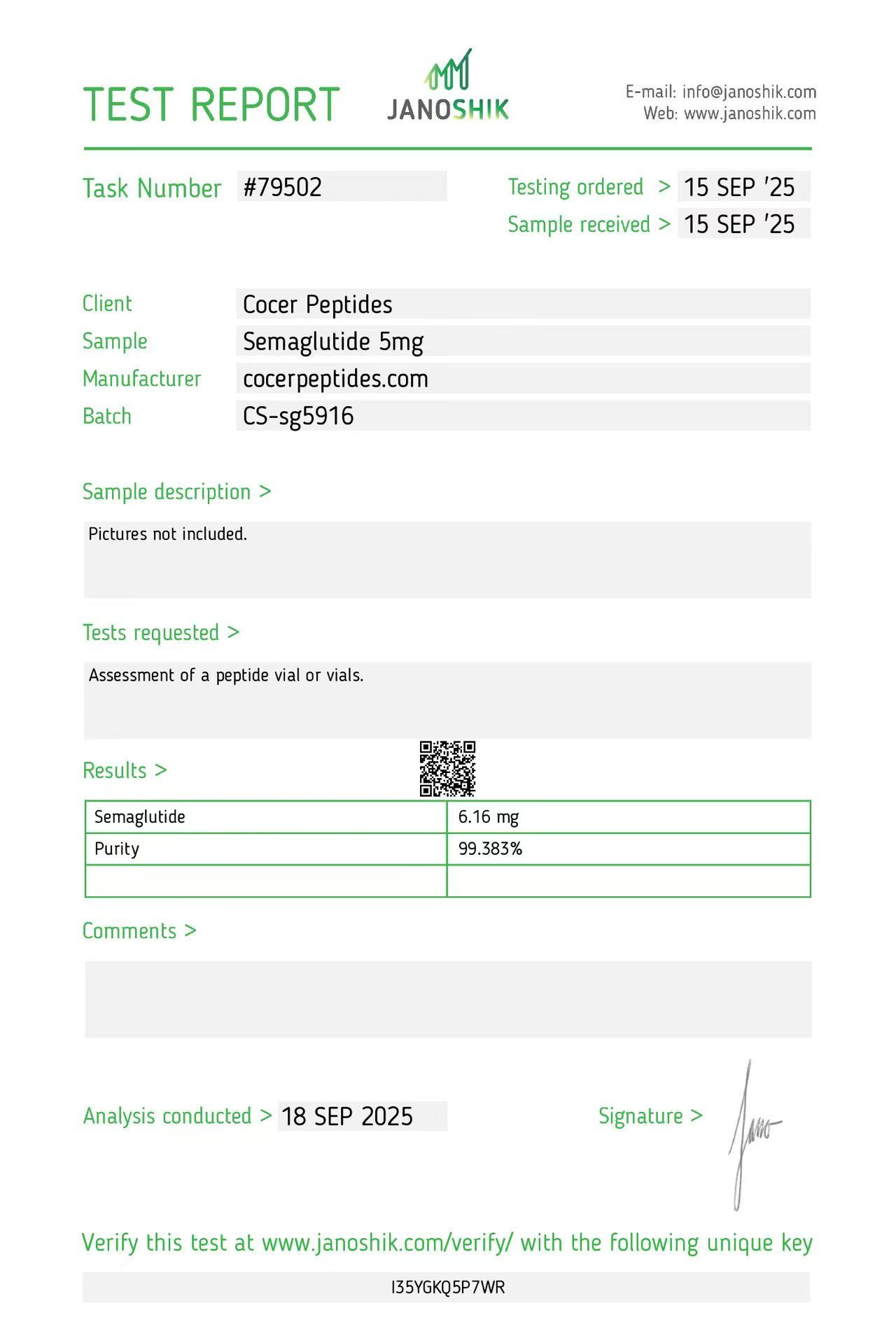
Reference scan 12
Open full-size image
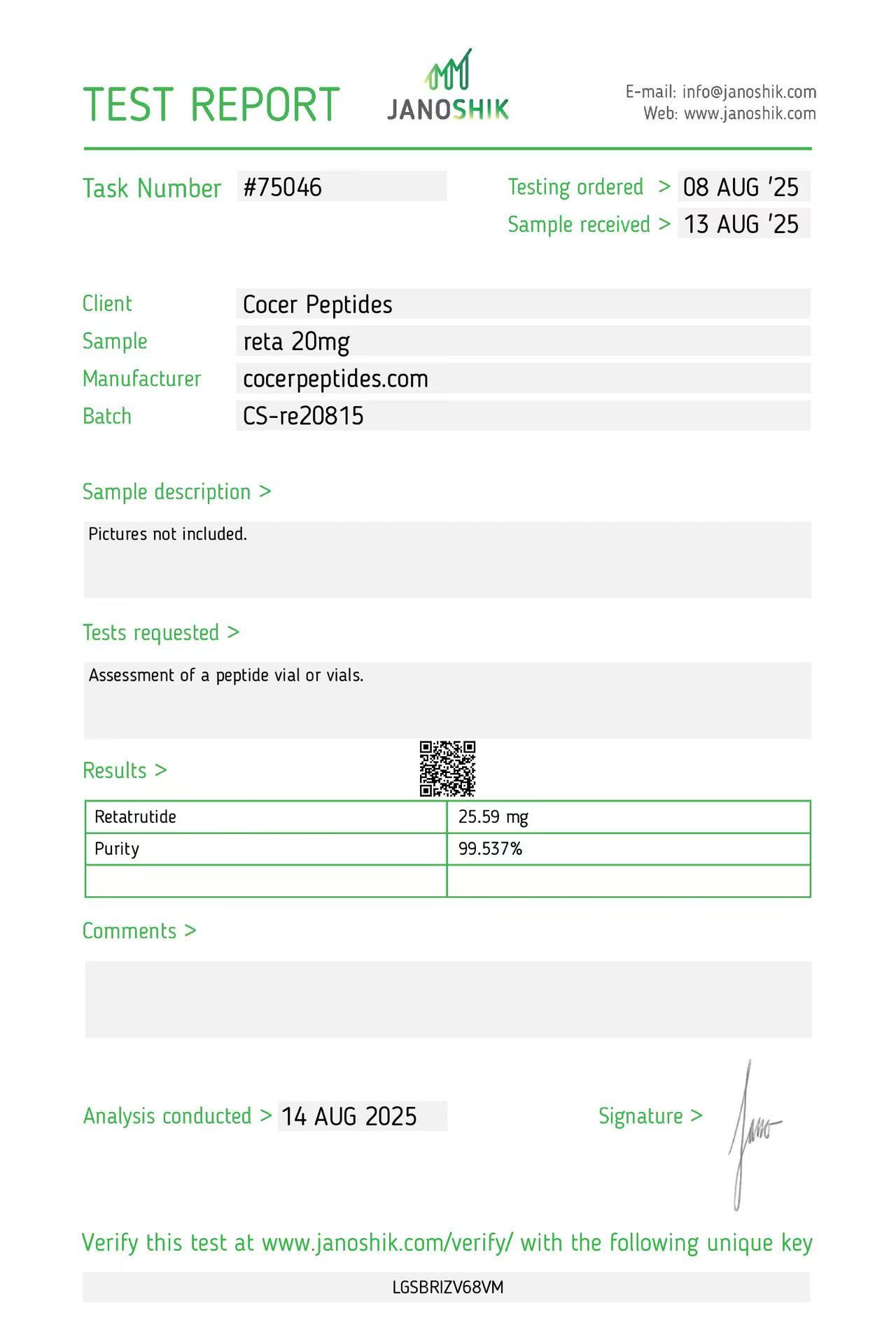
Reference scan 13
Open full-size image
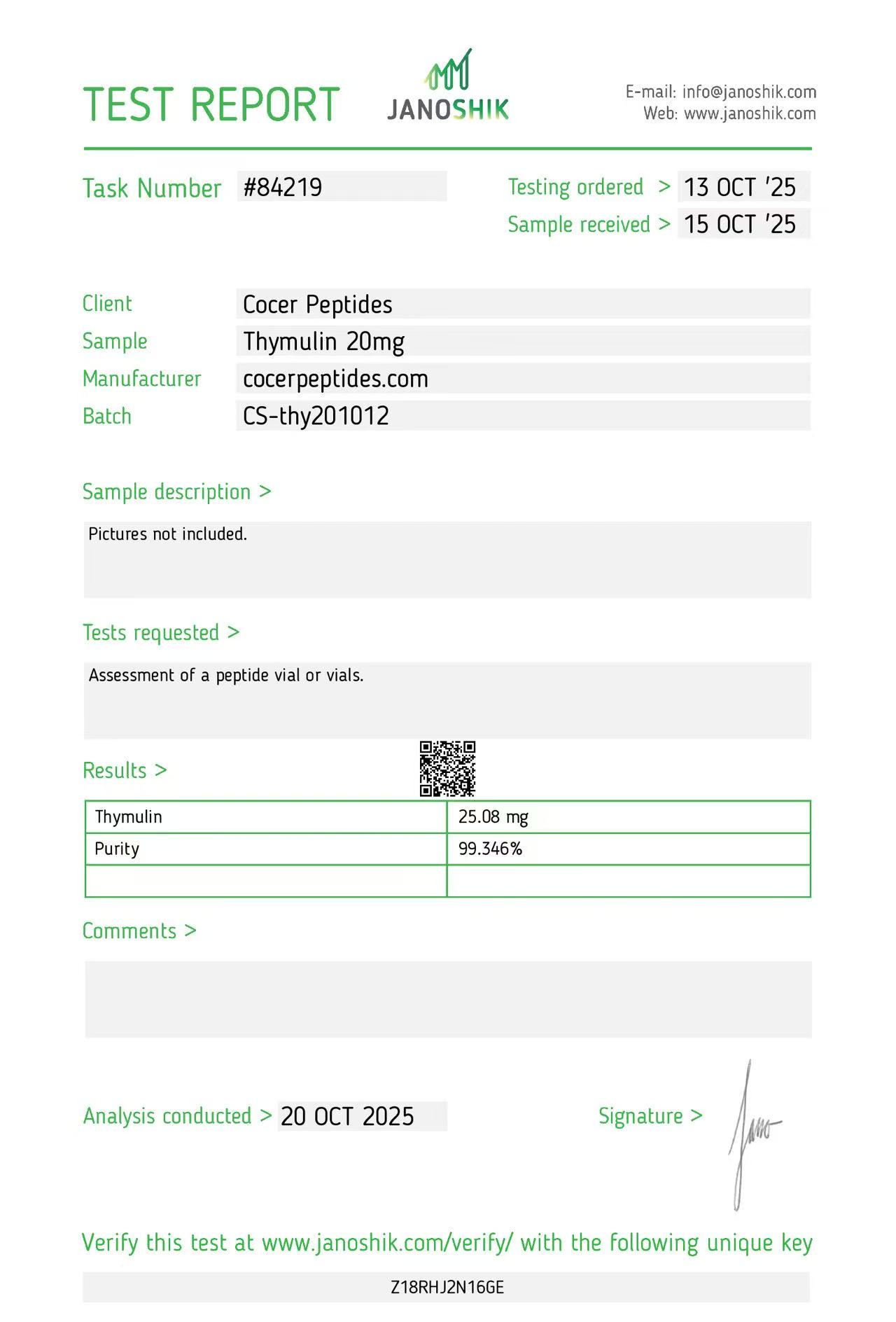
Reference scan 14
Open full-size image
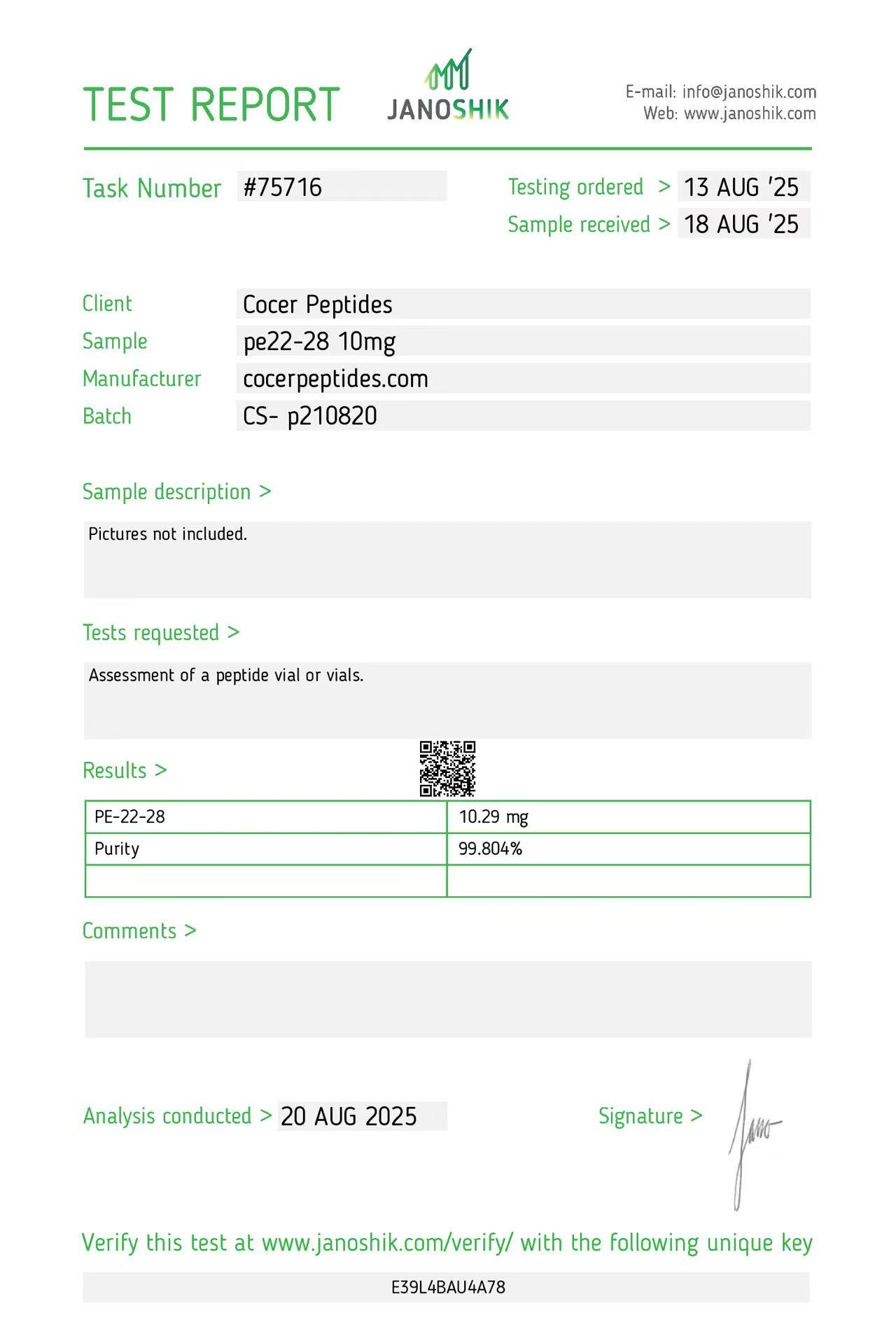
Reference scan 15
Open full-size image
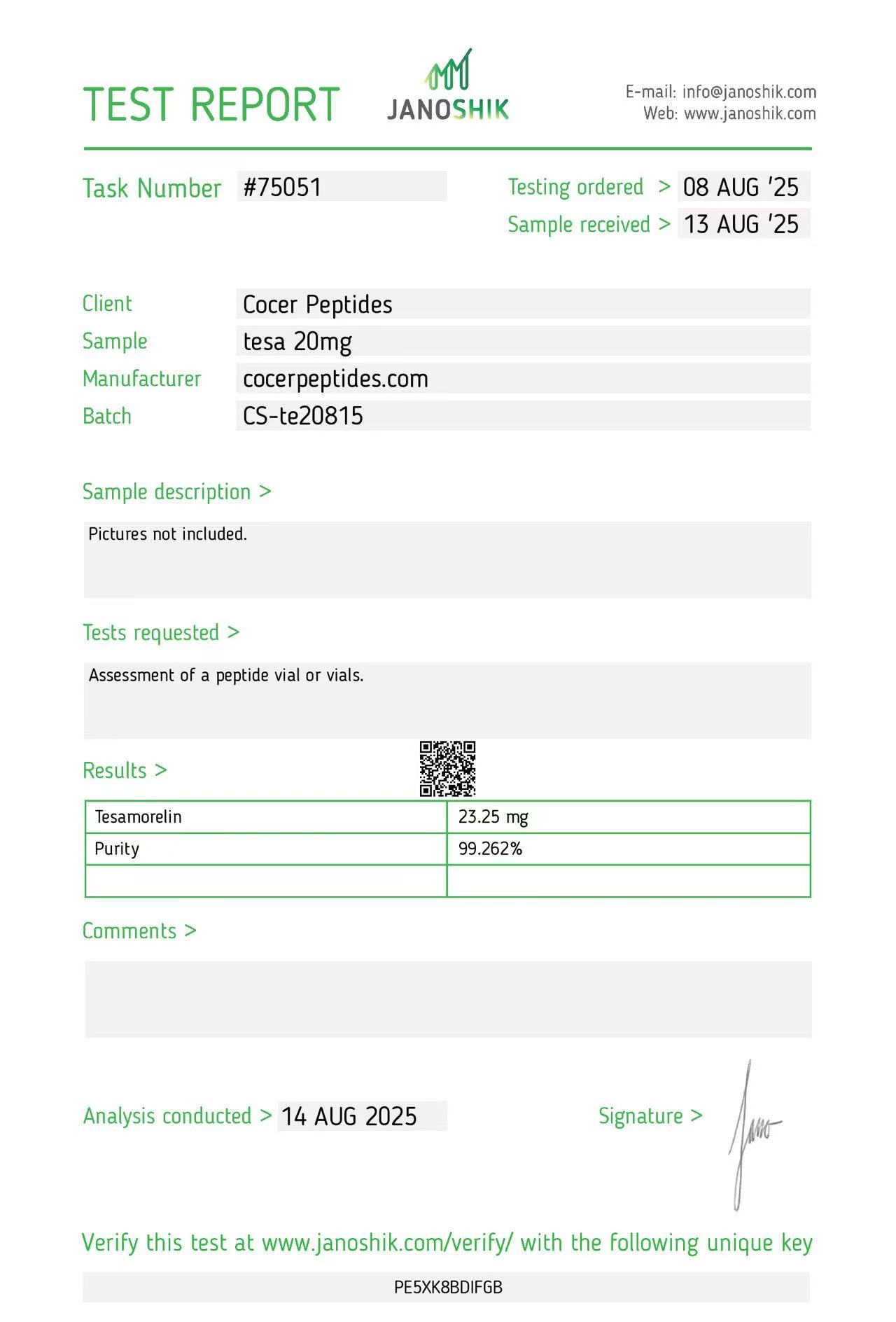
Reference scan 16
Open full-size image
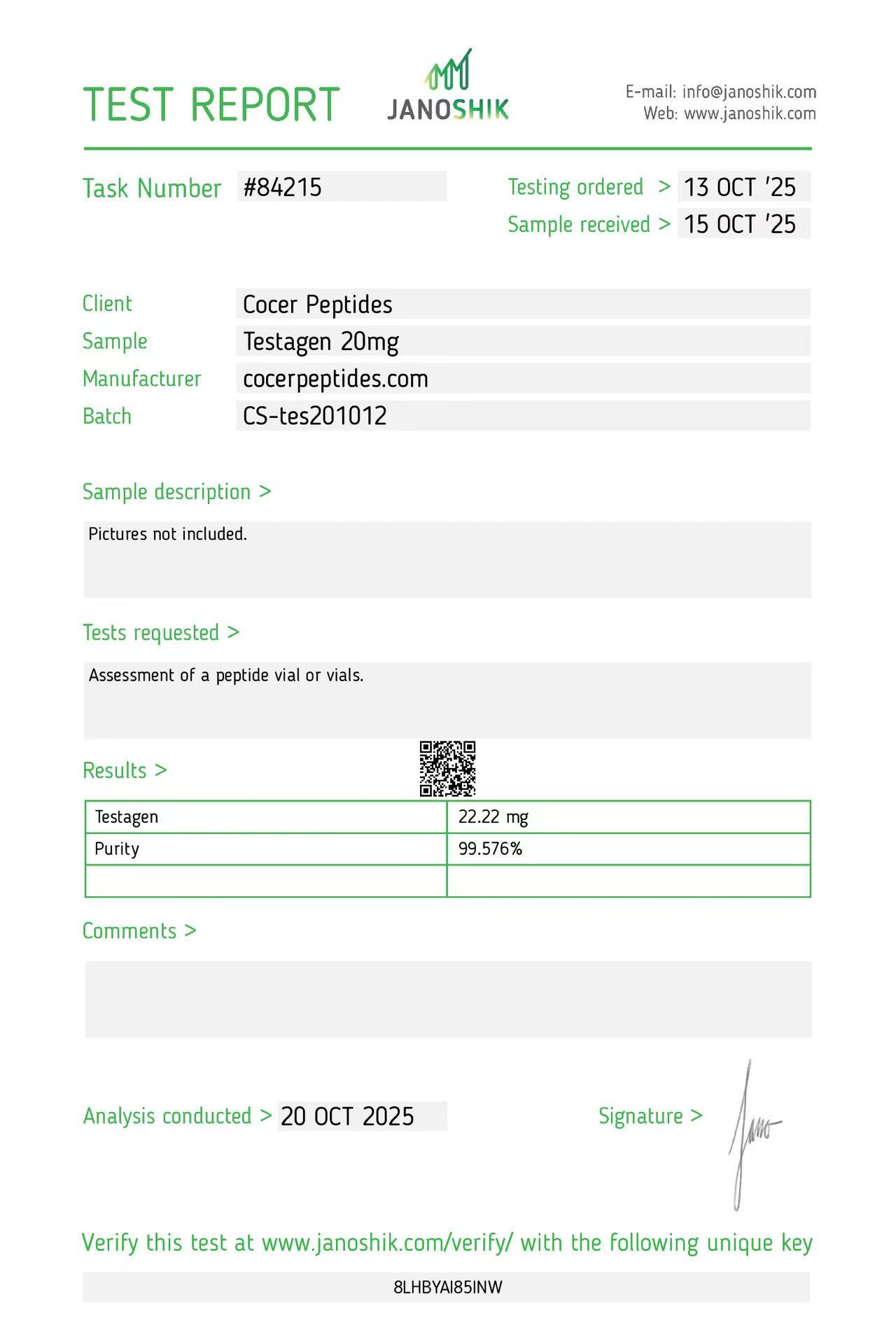
Reference scan 17
Open full-size image
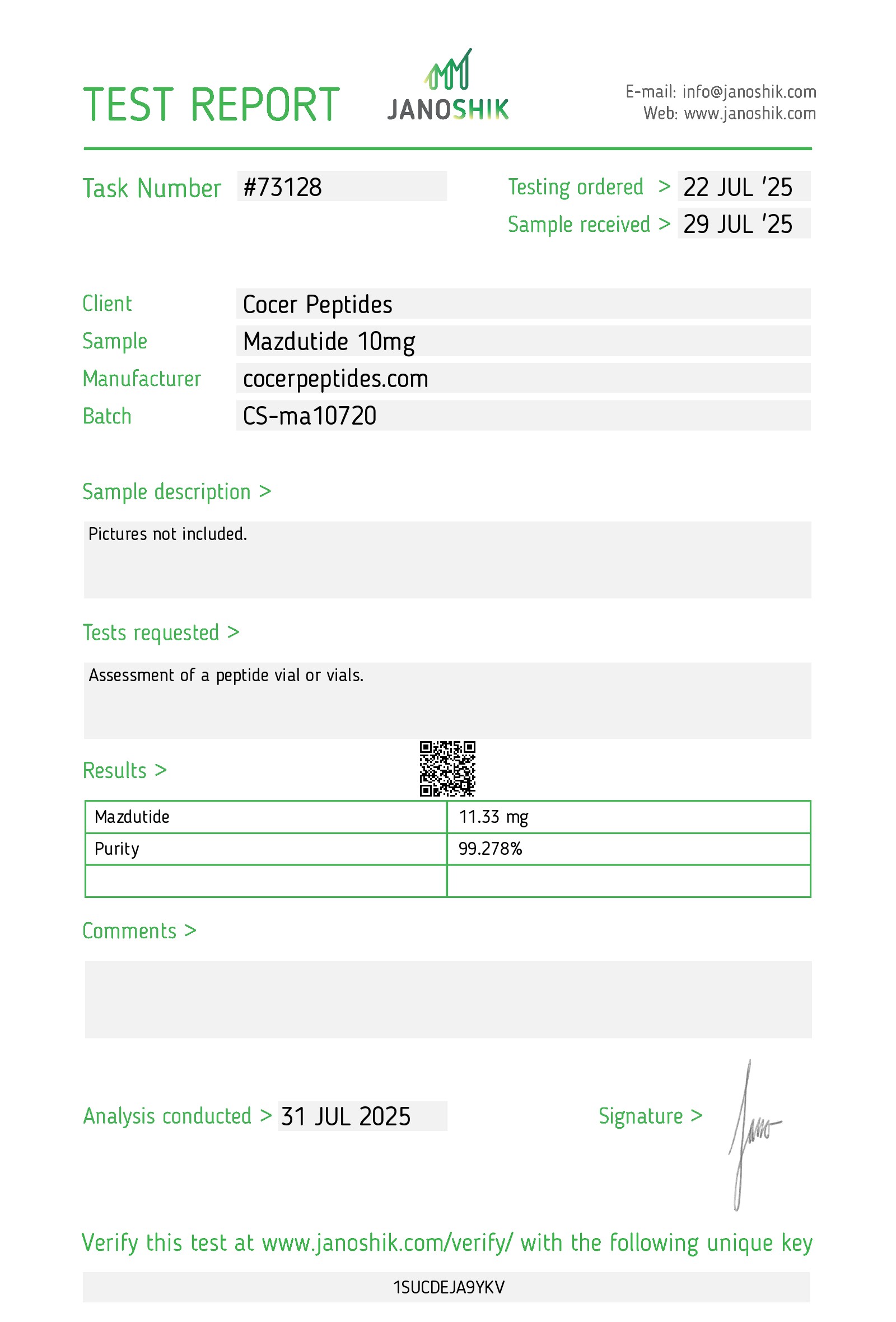
Reference scan 18
Open full-size image
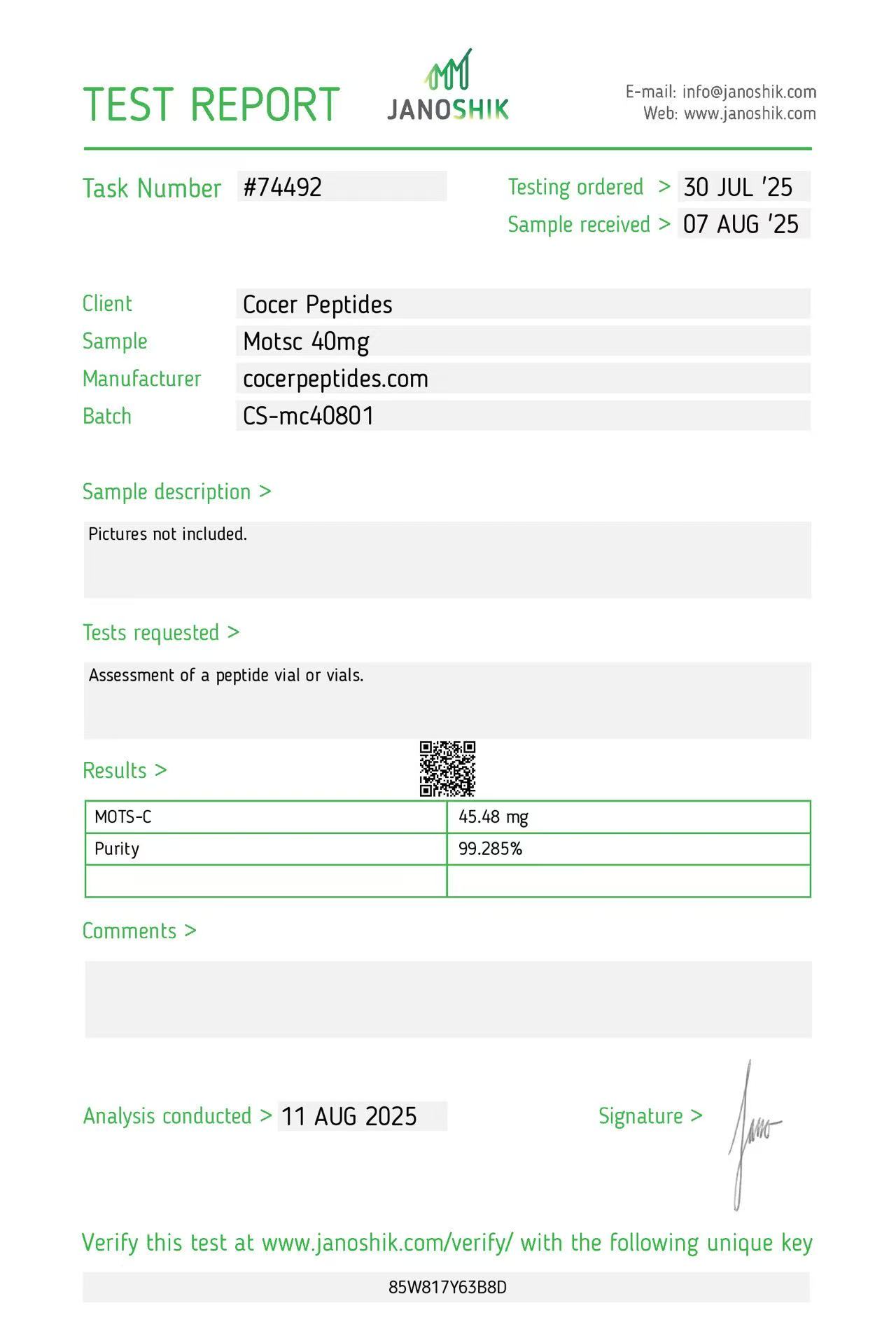
Reference scan 19
Open full-size image
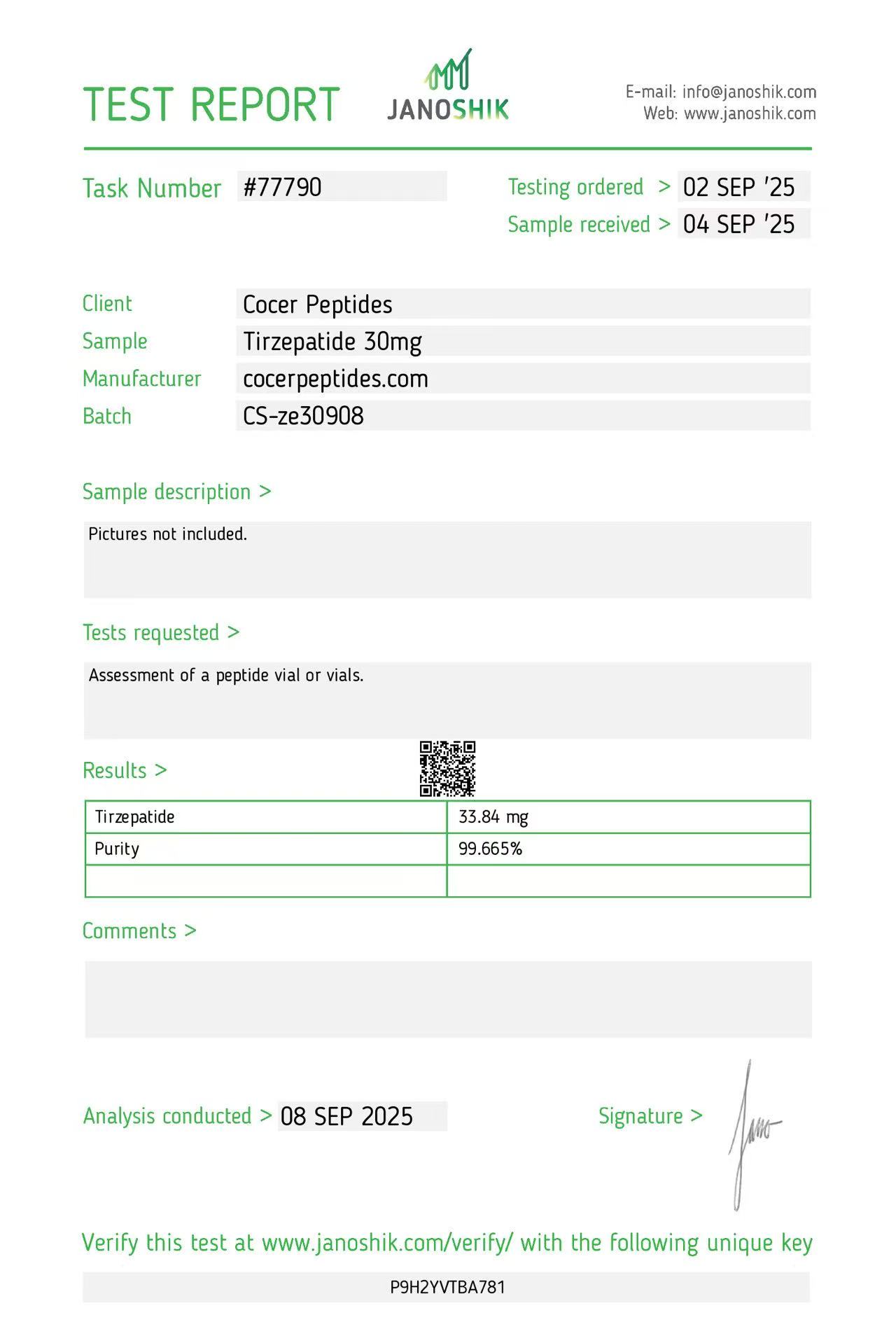
Reference scan 20
Open full-size image
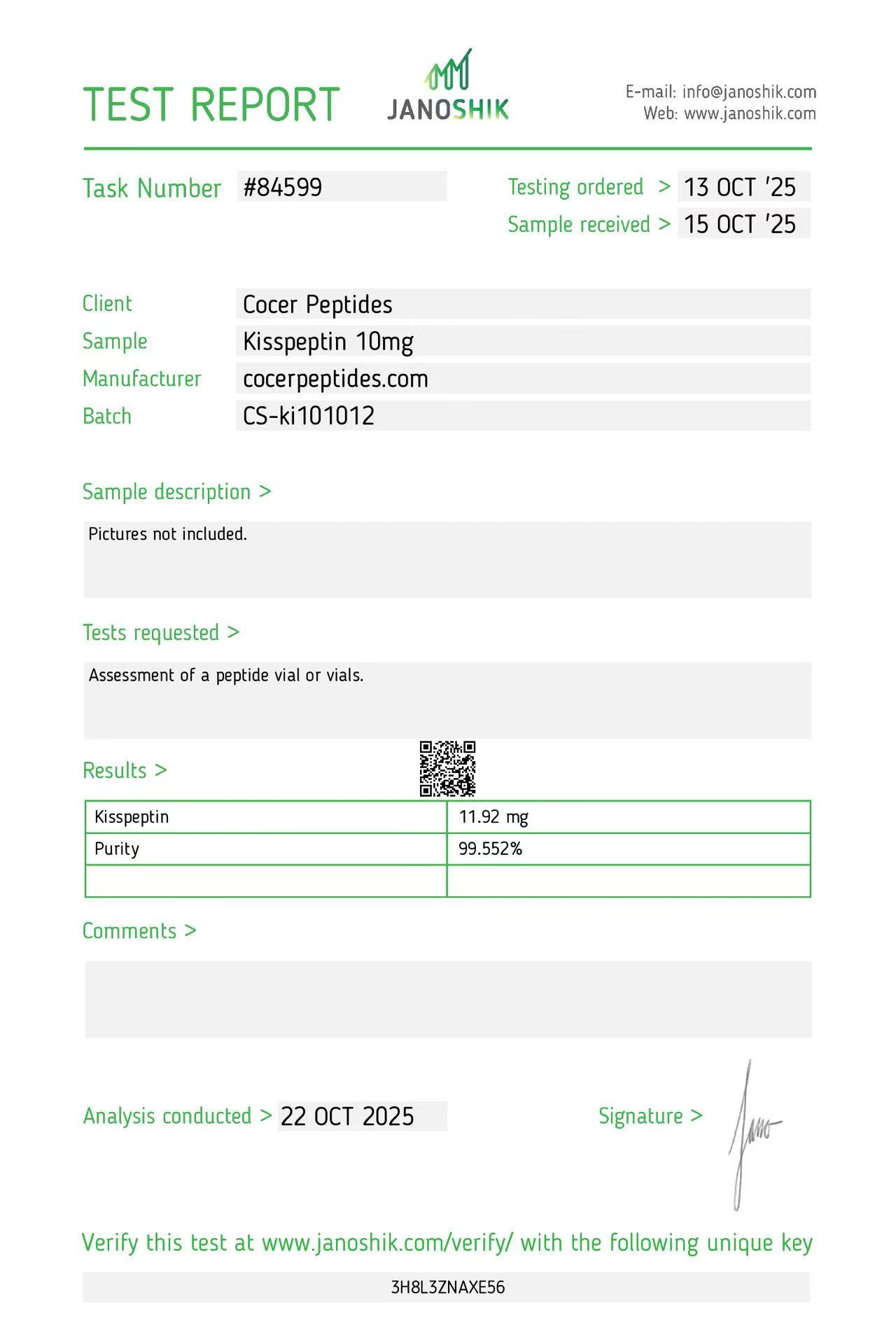
Reference scan 21
Open full-size image
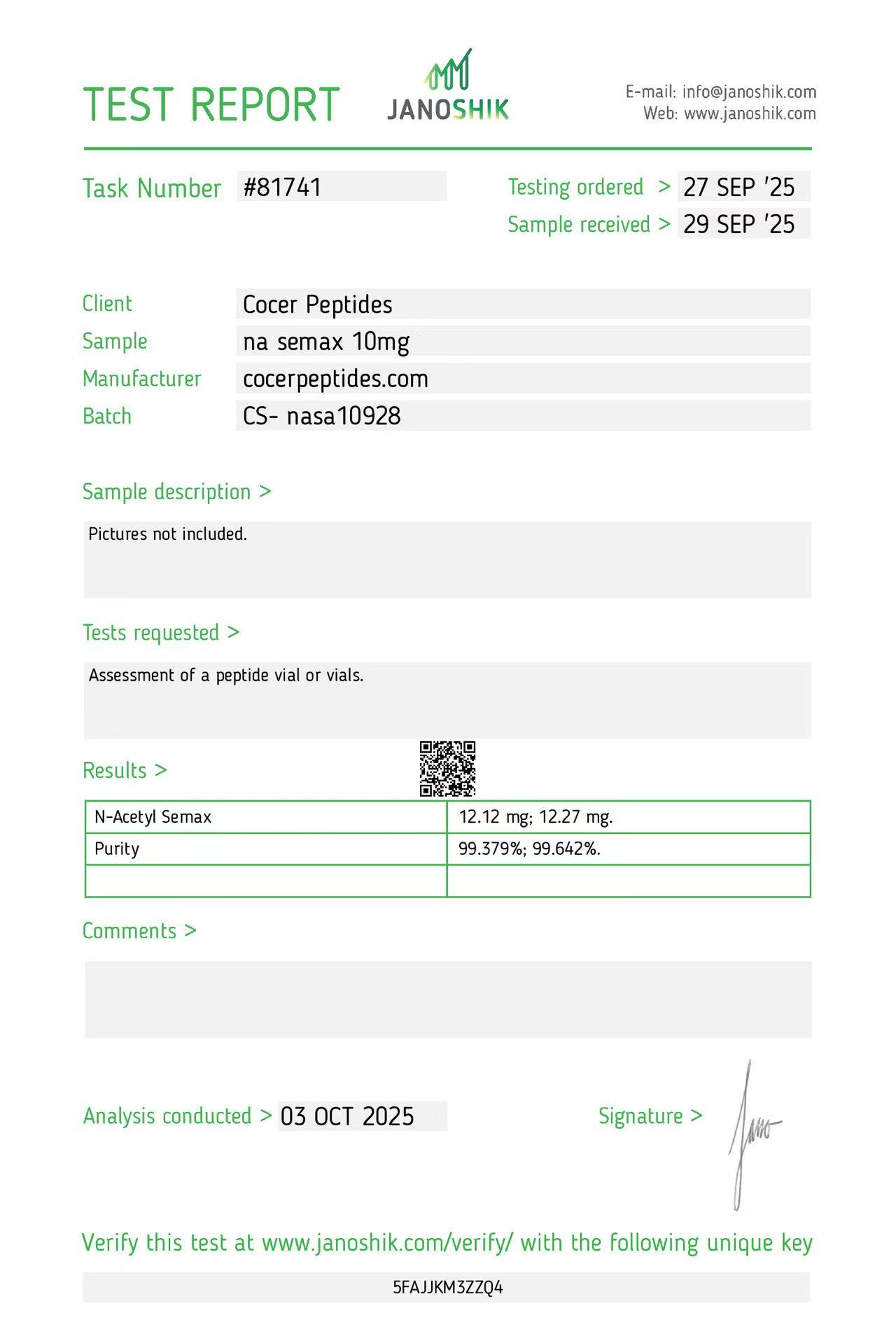
Reference scan 22
Open full-size image
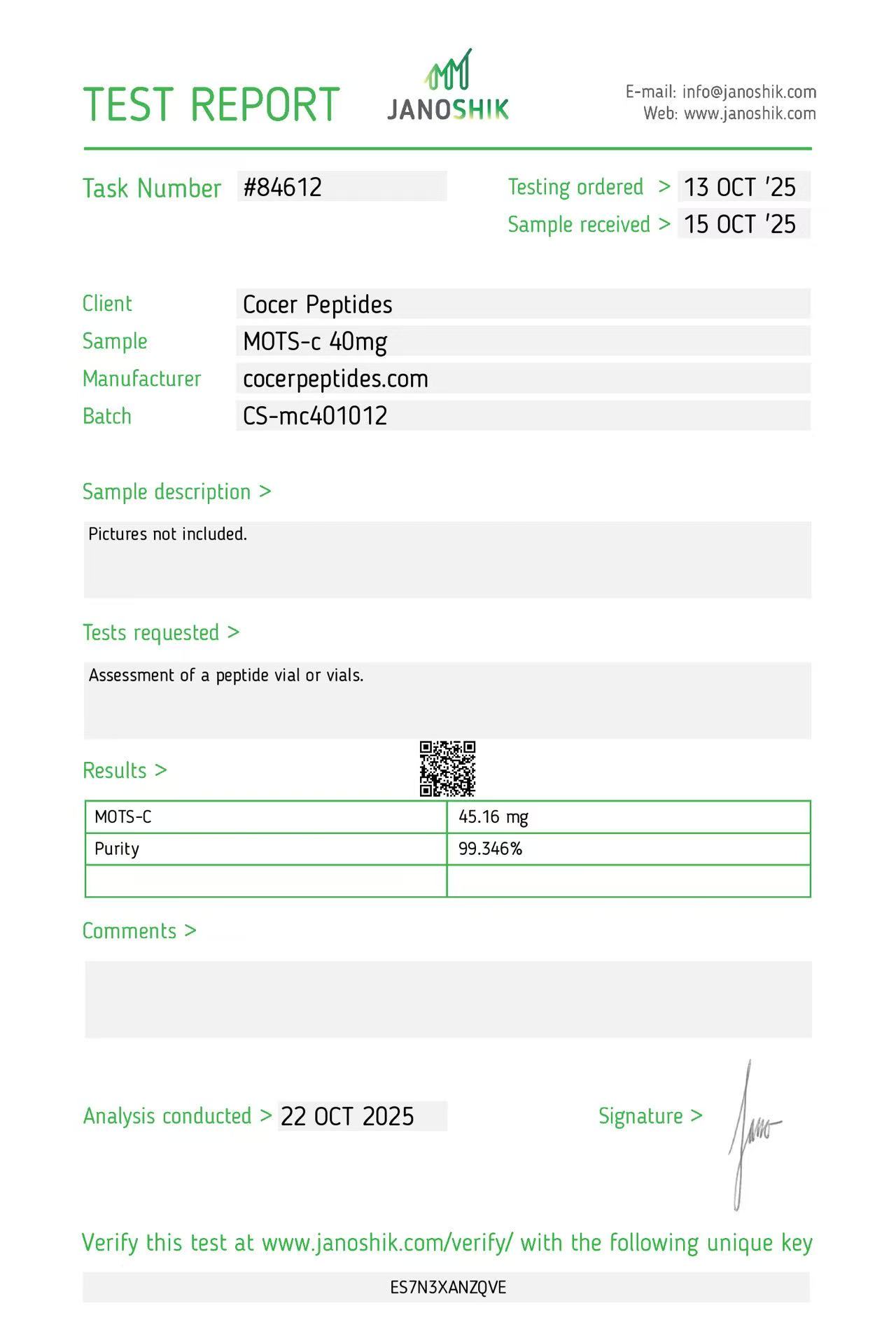
Reference scan 23
Open full-size image
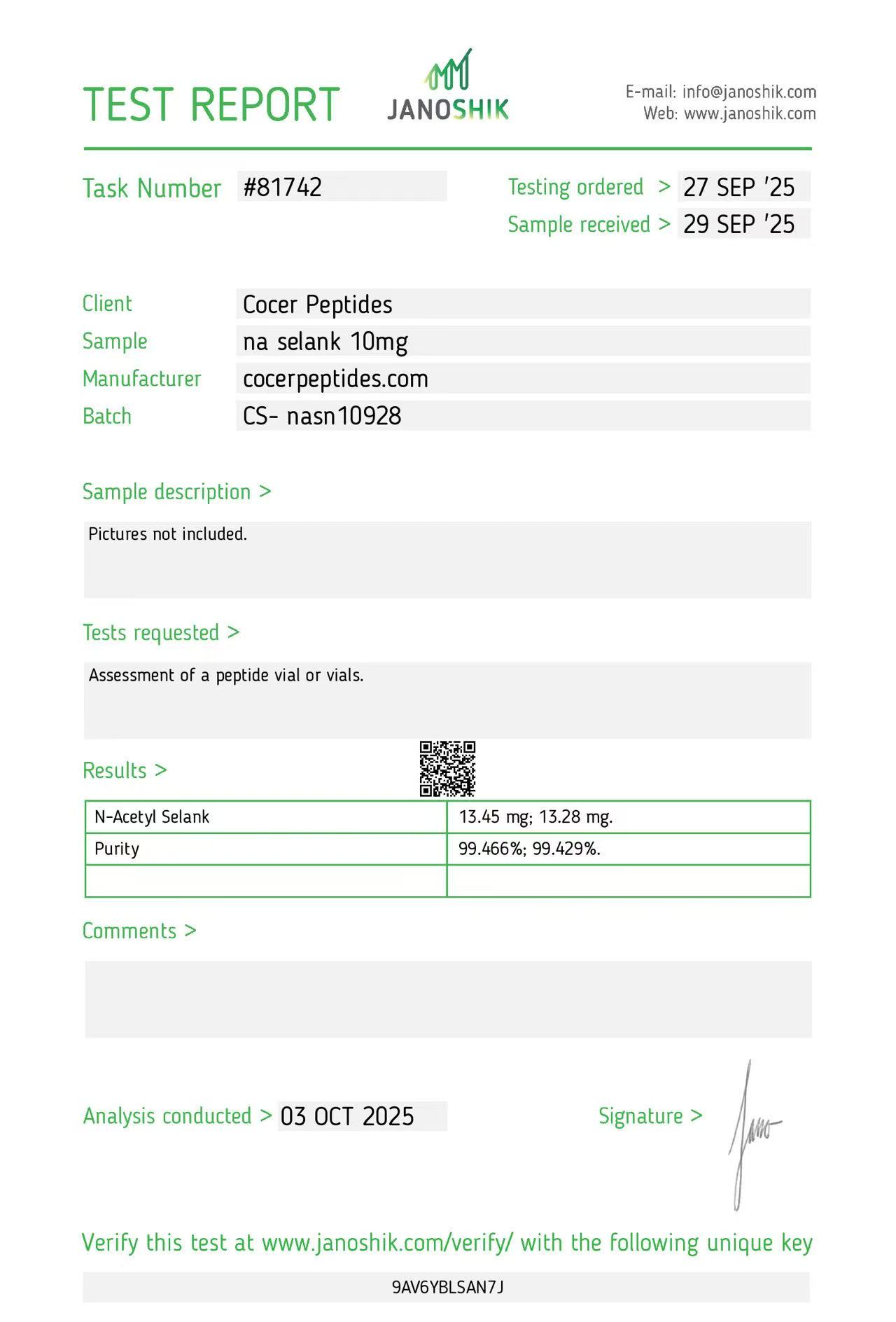
Reference scan 24
Open full-size image
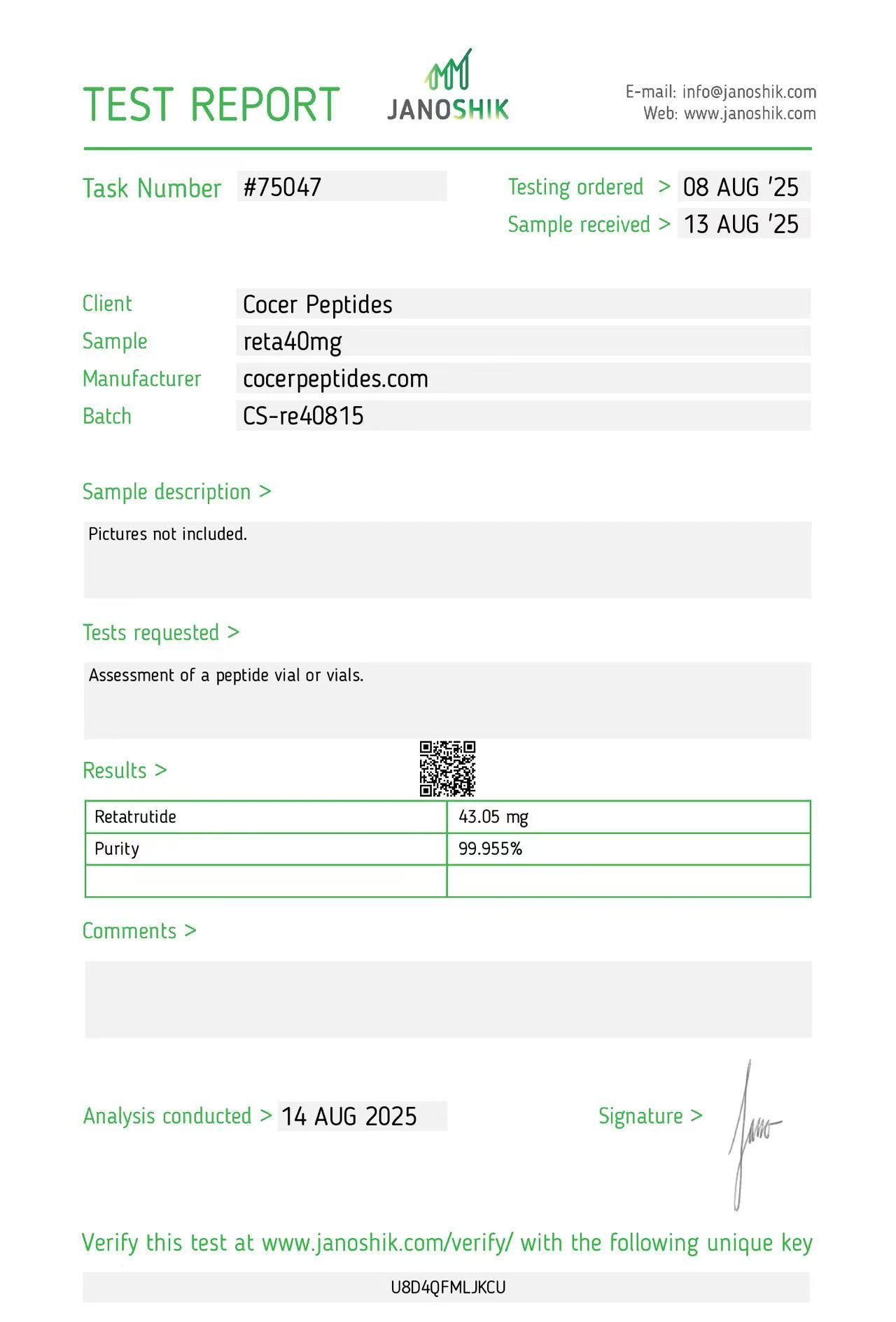
Reference scan 25
Open full-size image
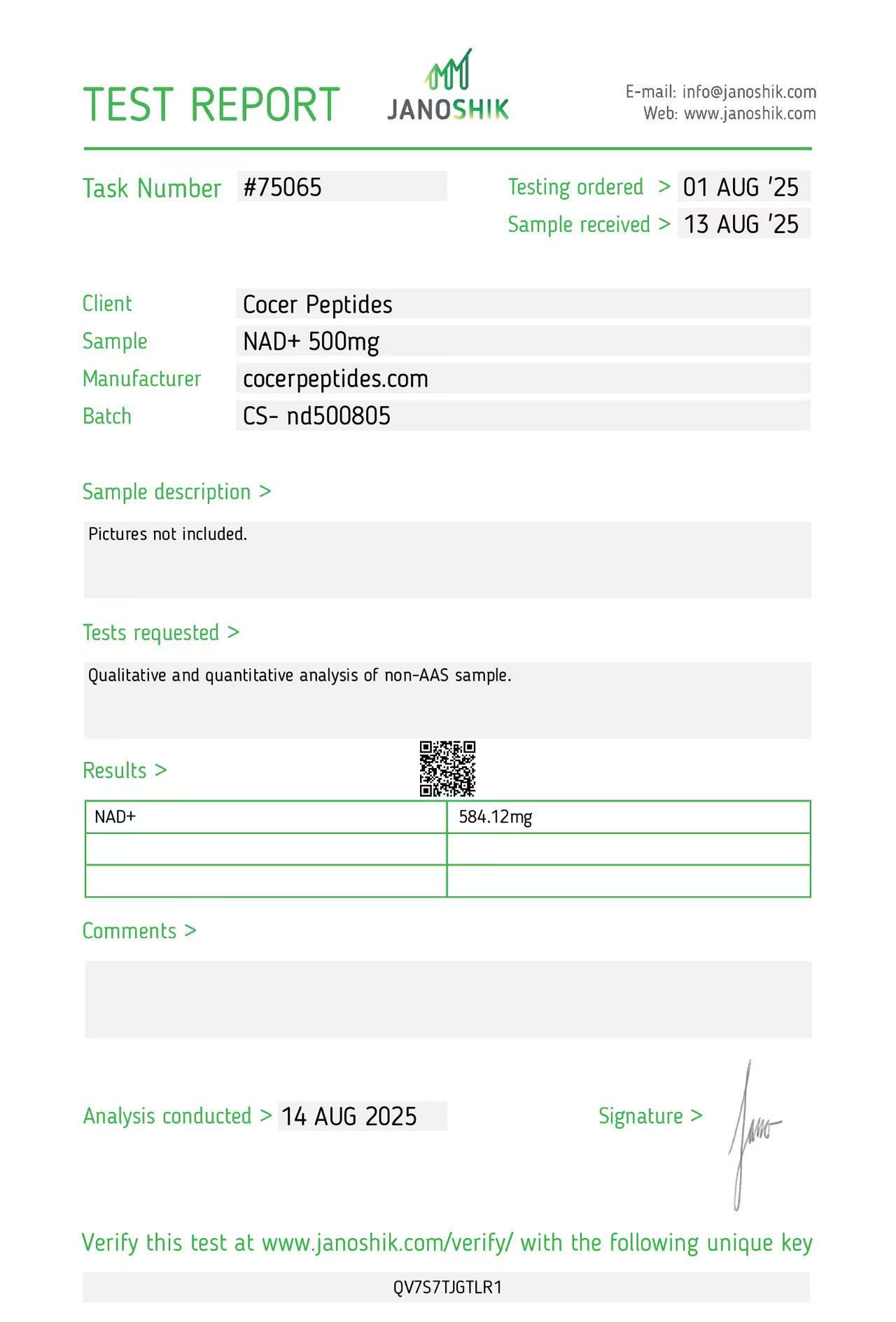
Reference scan 26
Open full-size image
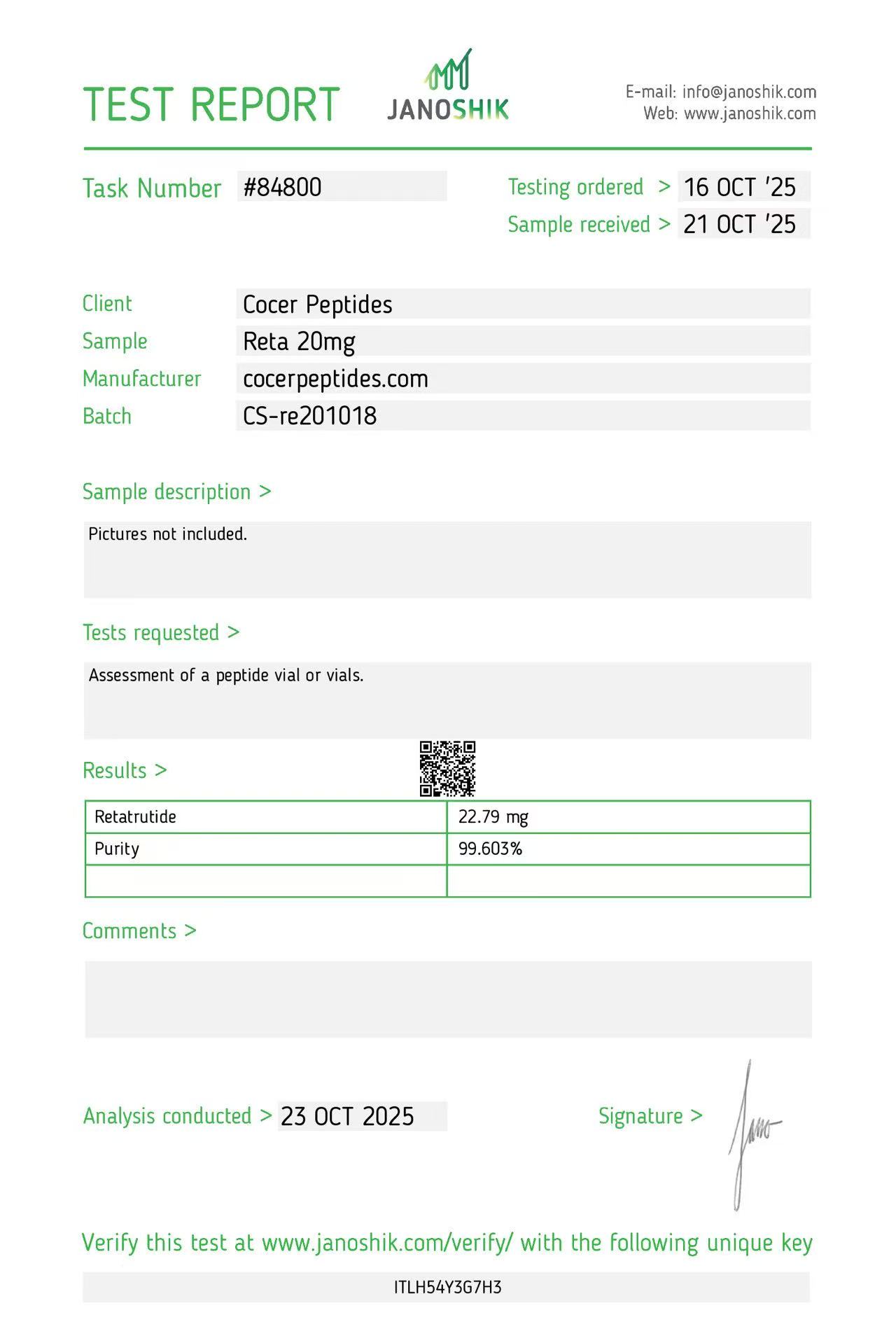
Reference scan 27
Open full-size image
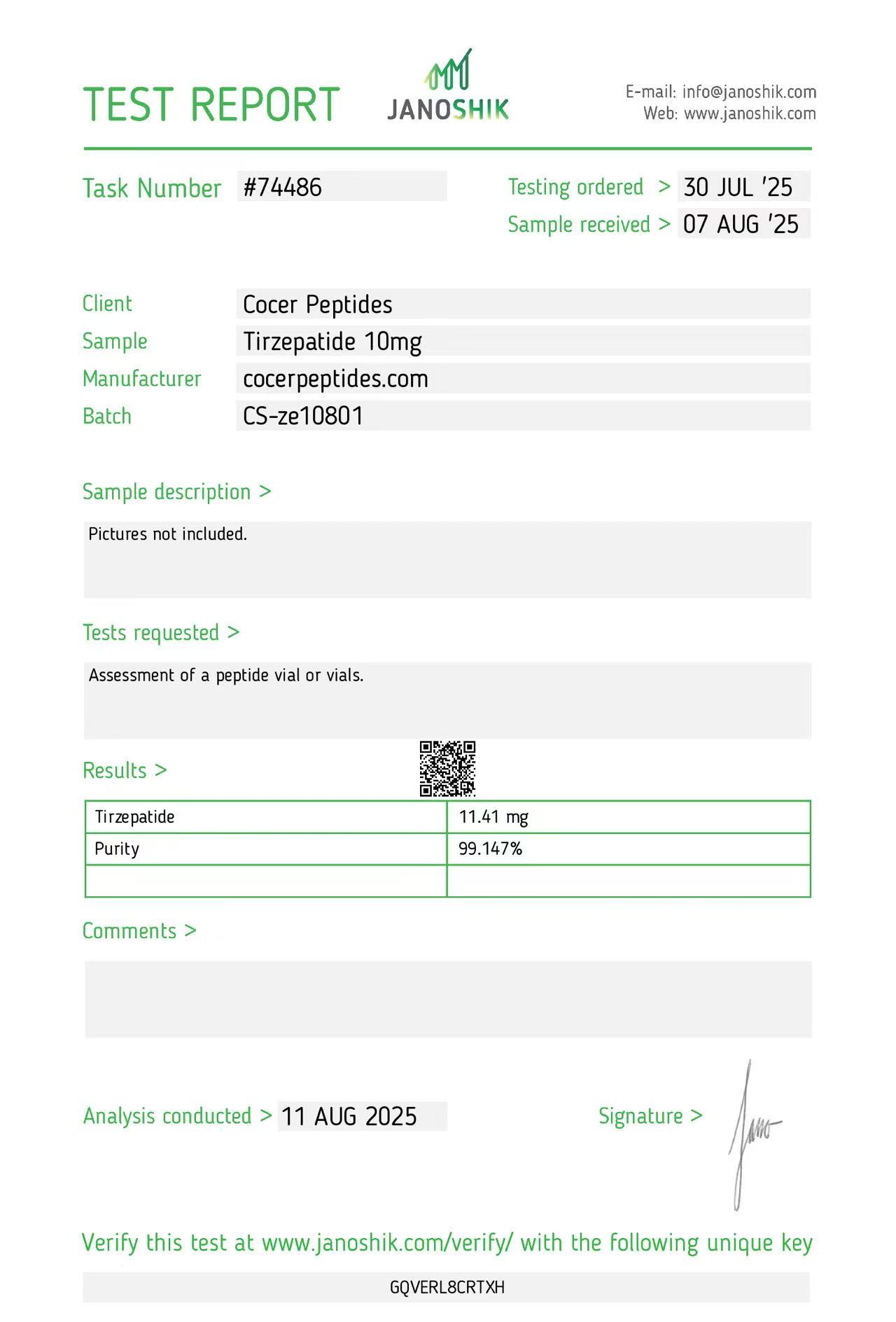
Reference scan 28
Open full-size image
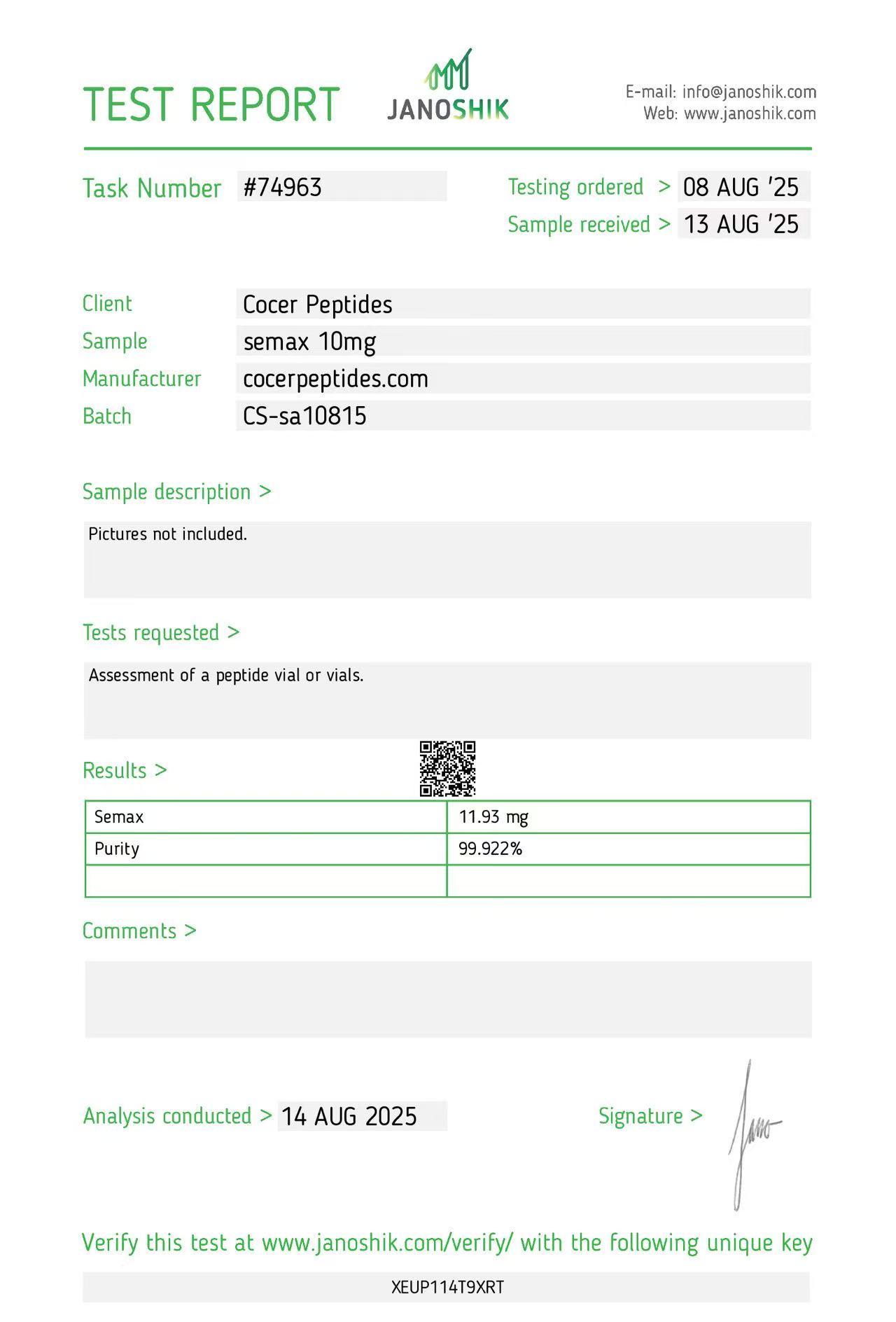
Reference scan 29
Open full-size image
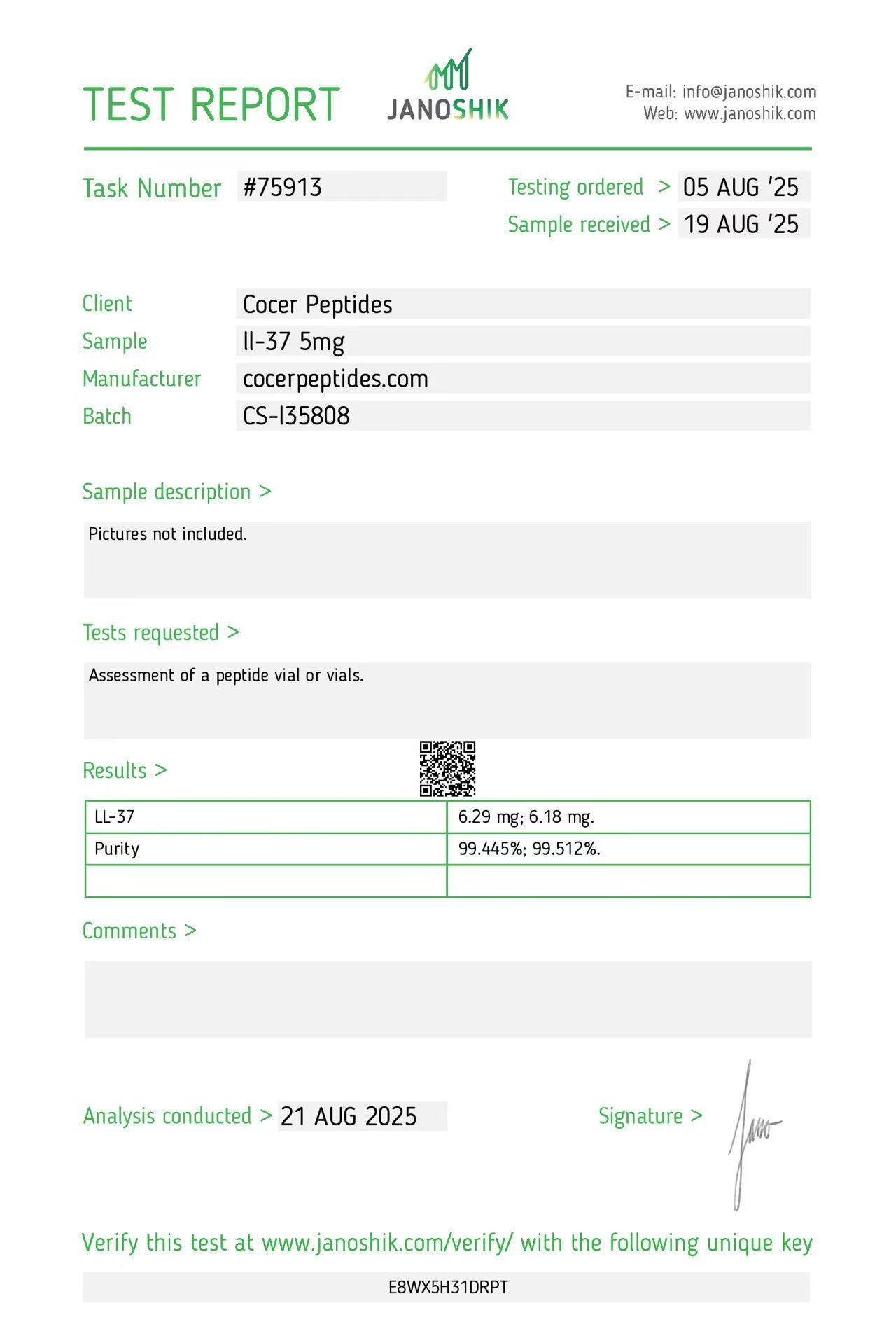
Reference scan 30
Open full-size image
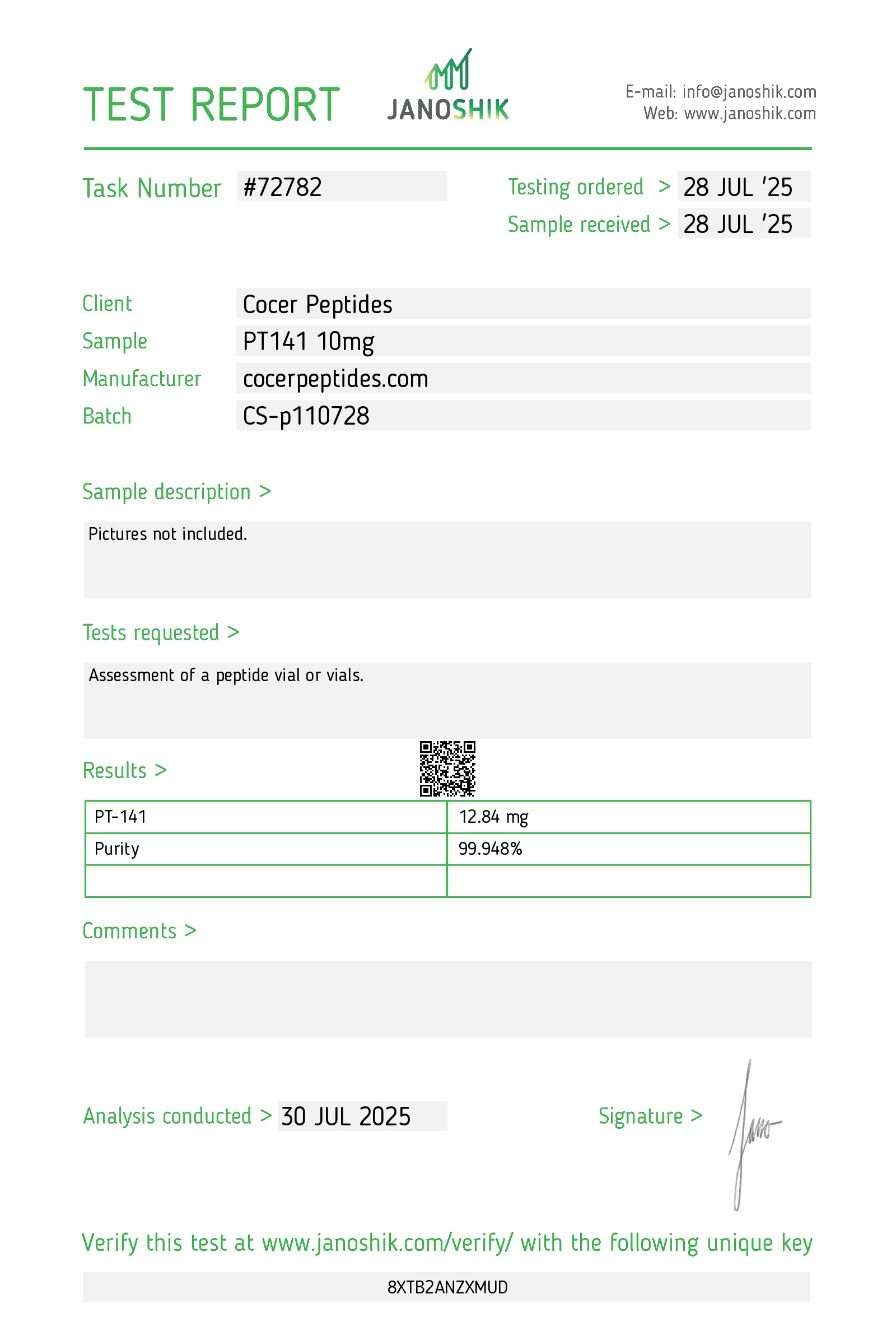
Reference scan 31
Open full-size image
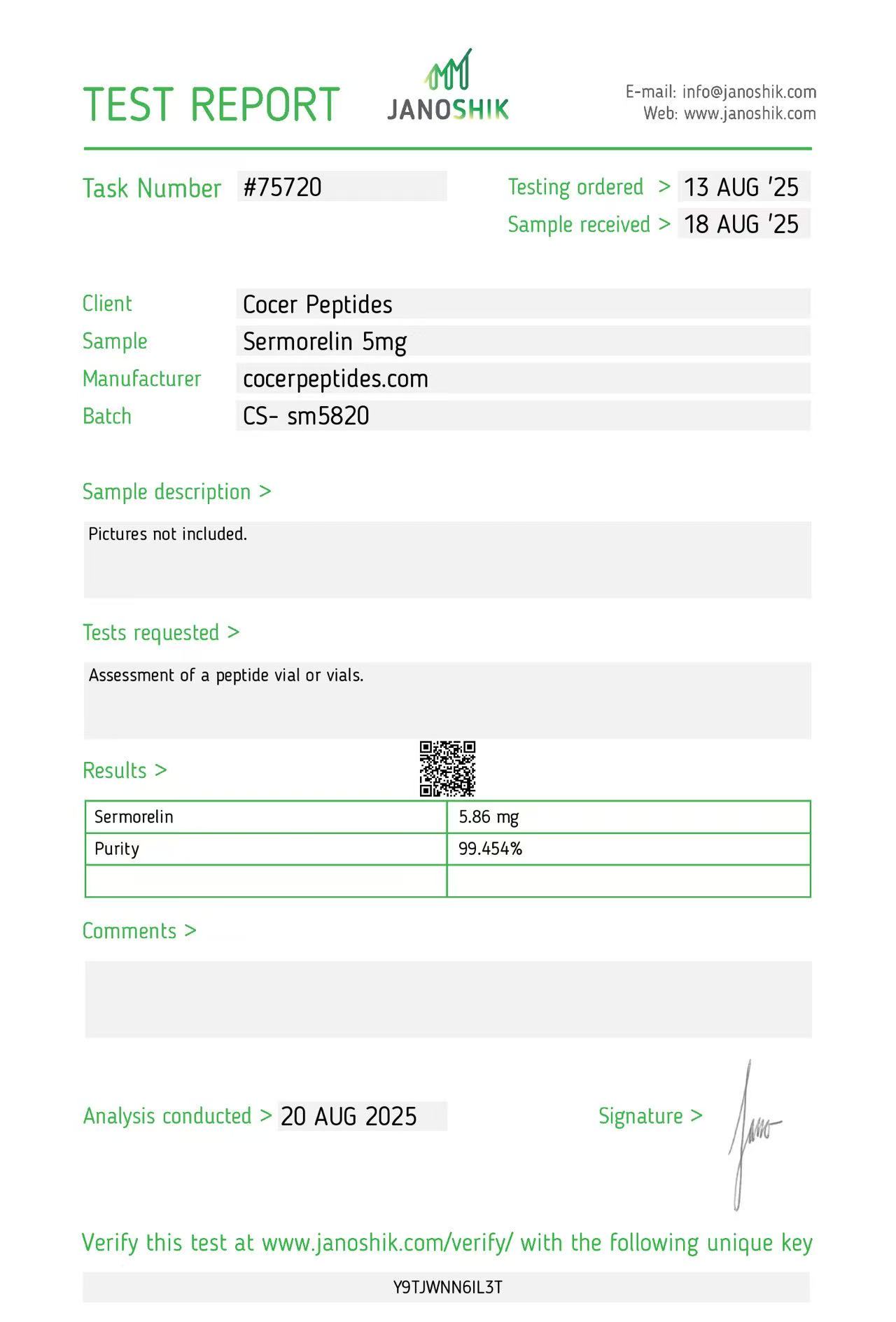
Reference scan 32
Open full-size image
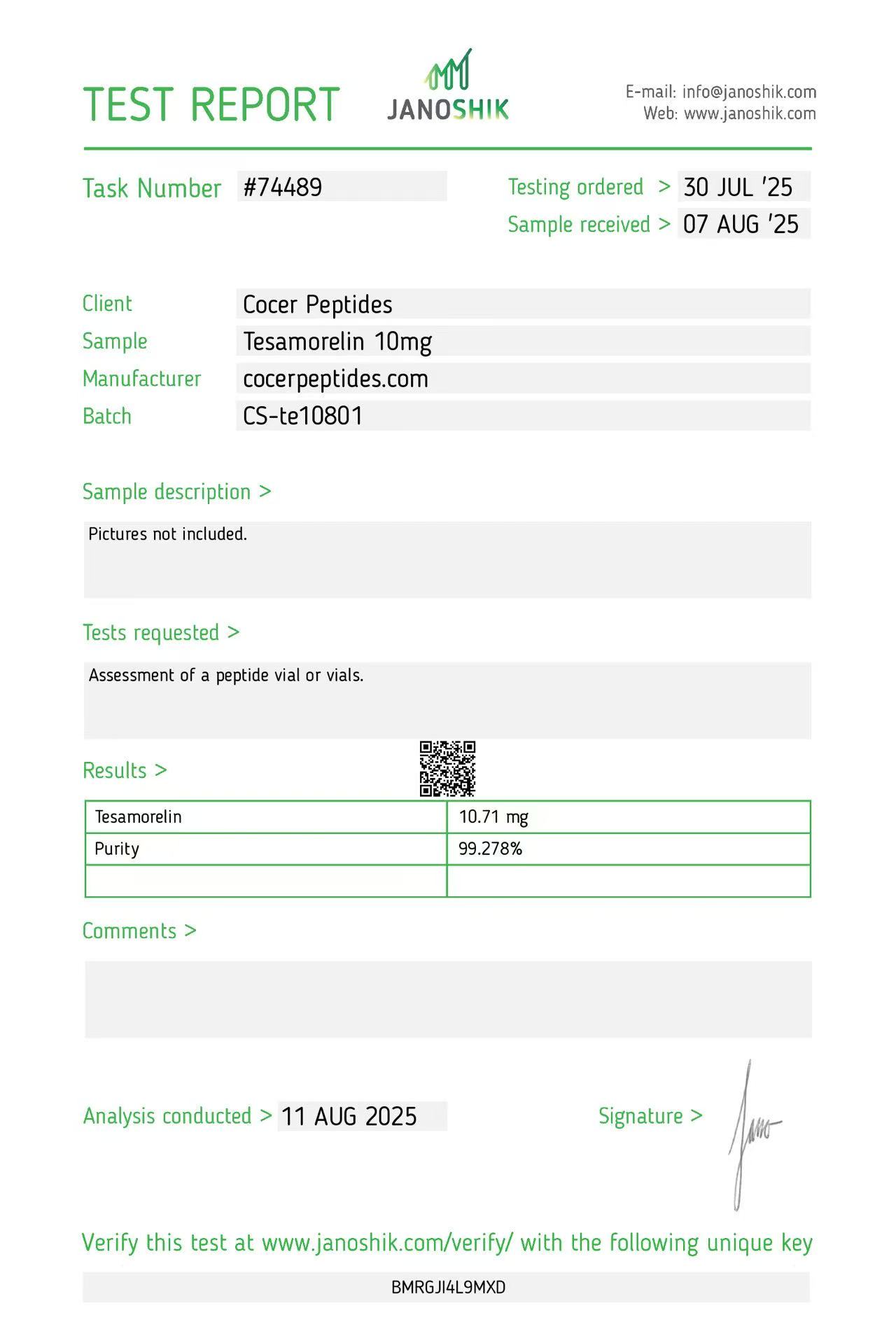
Reference scan 33
Open full-size image
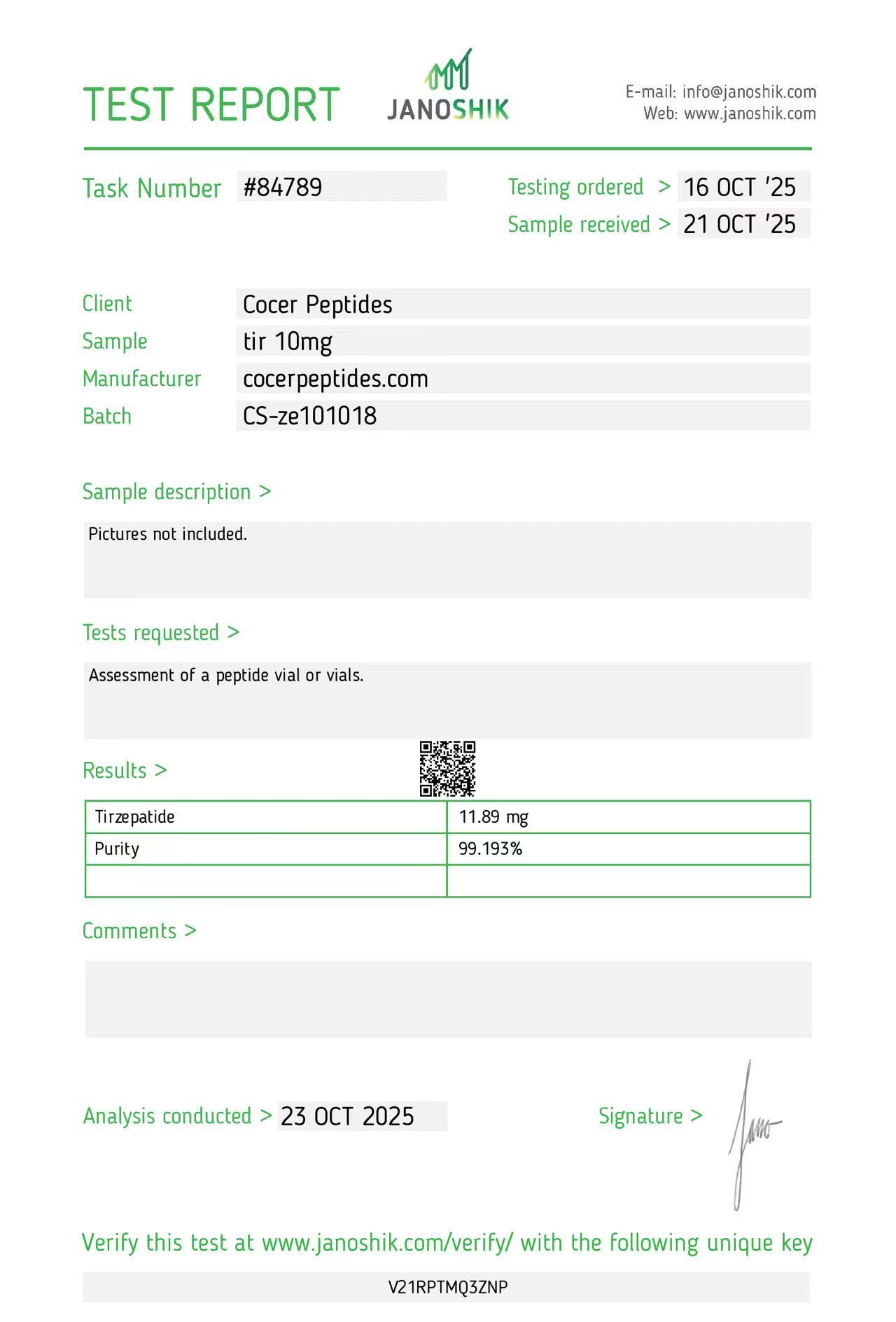
Reference scan 34
Open full-size image
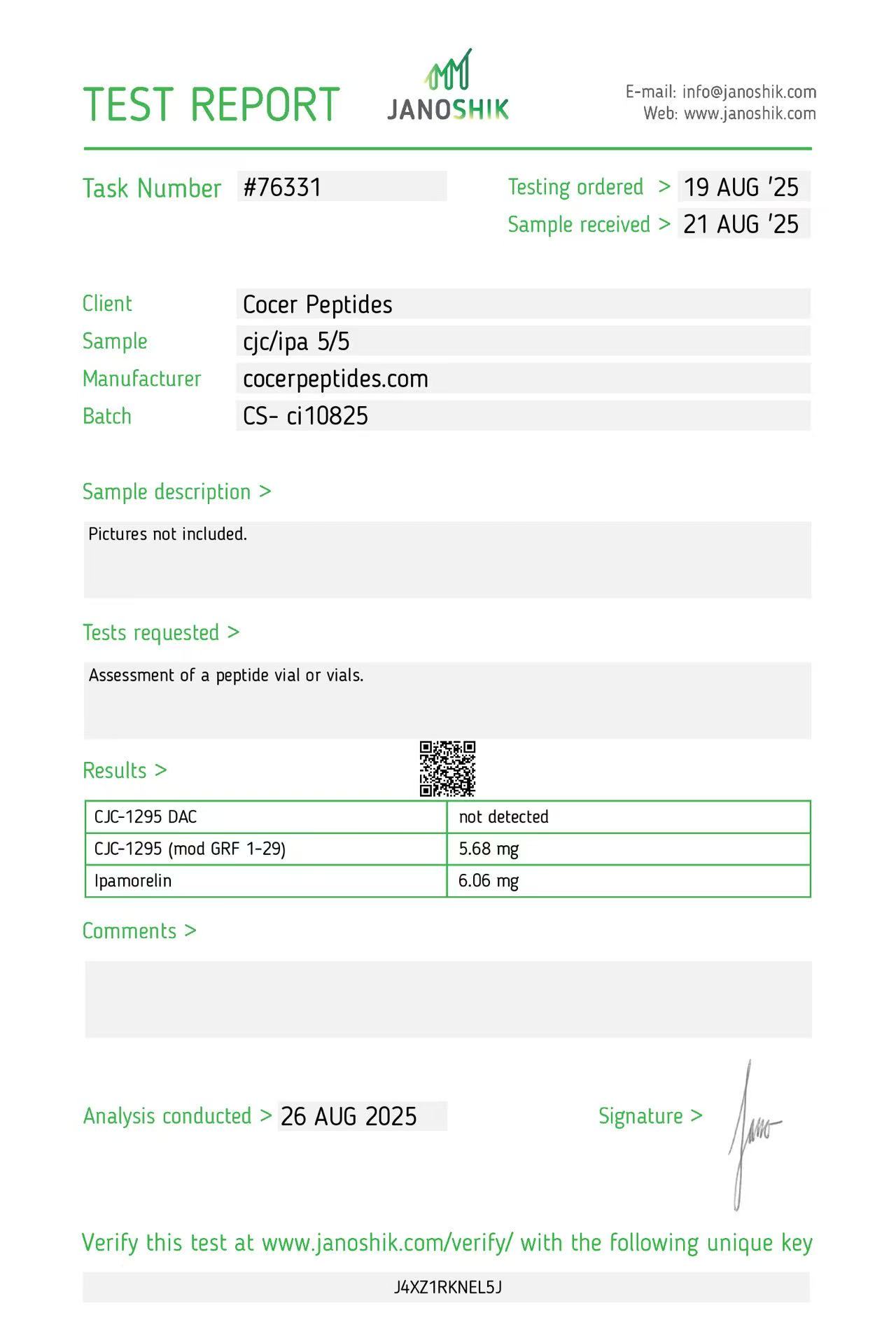
Reference scan 35
Open full-size image
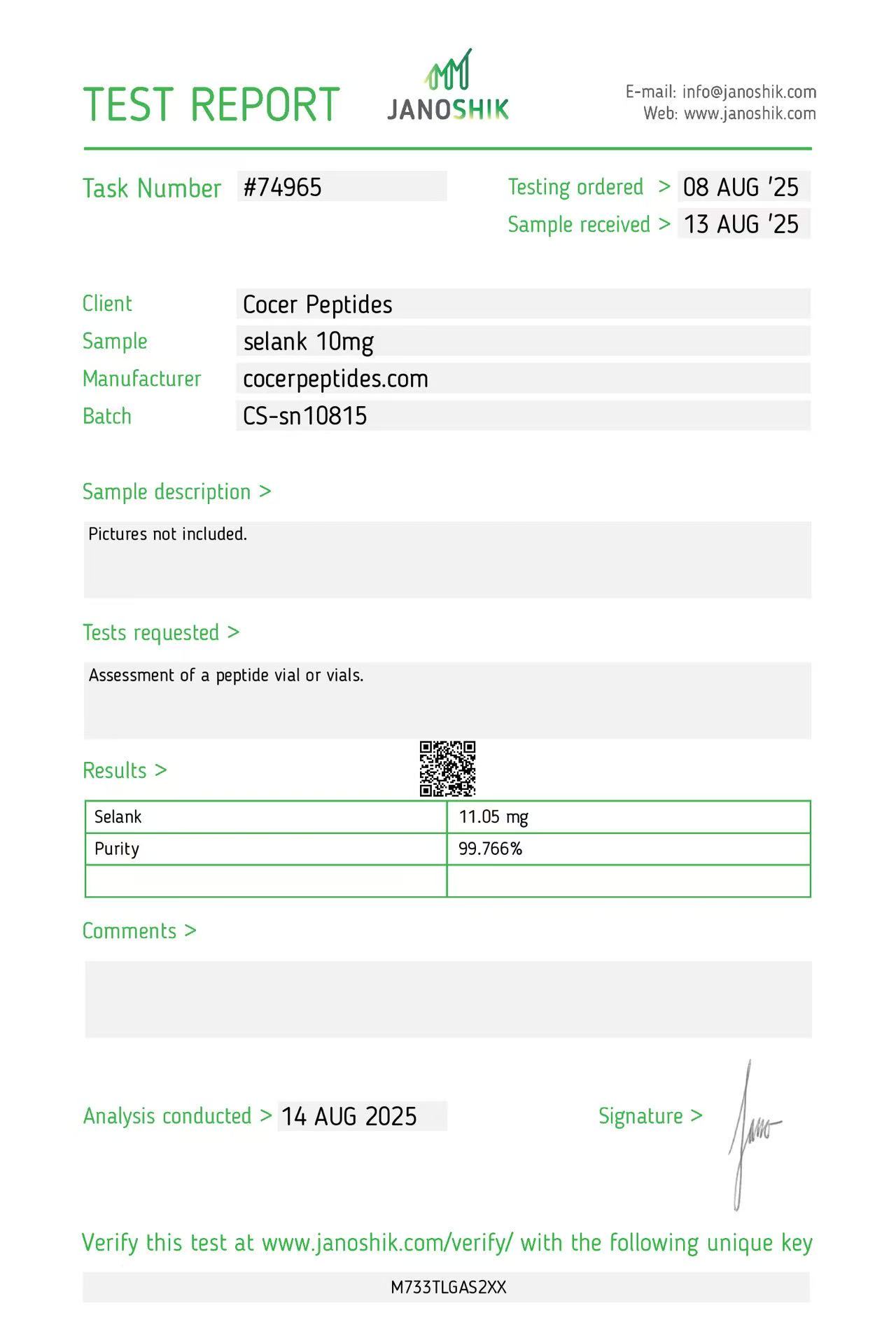
Reference scan 36
Open full-size image
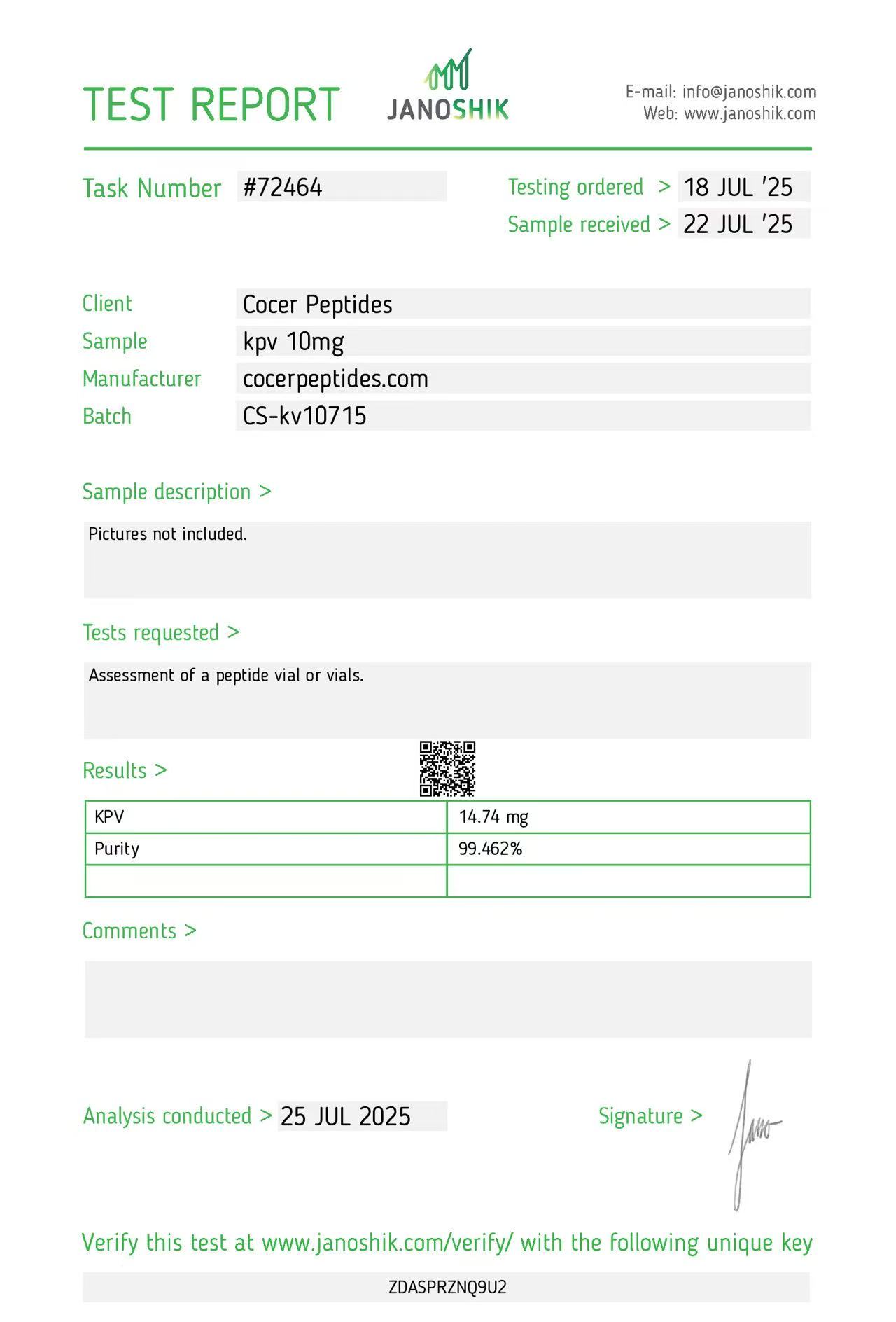
Reference scan 37
Open full-size image
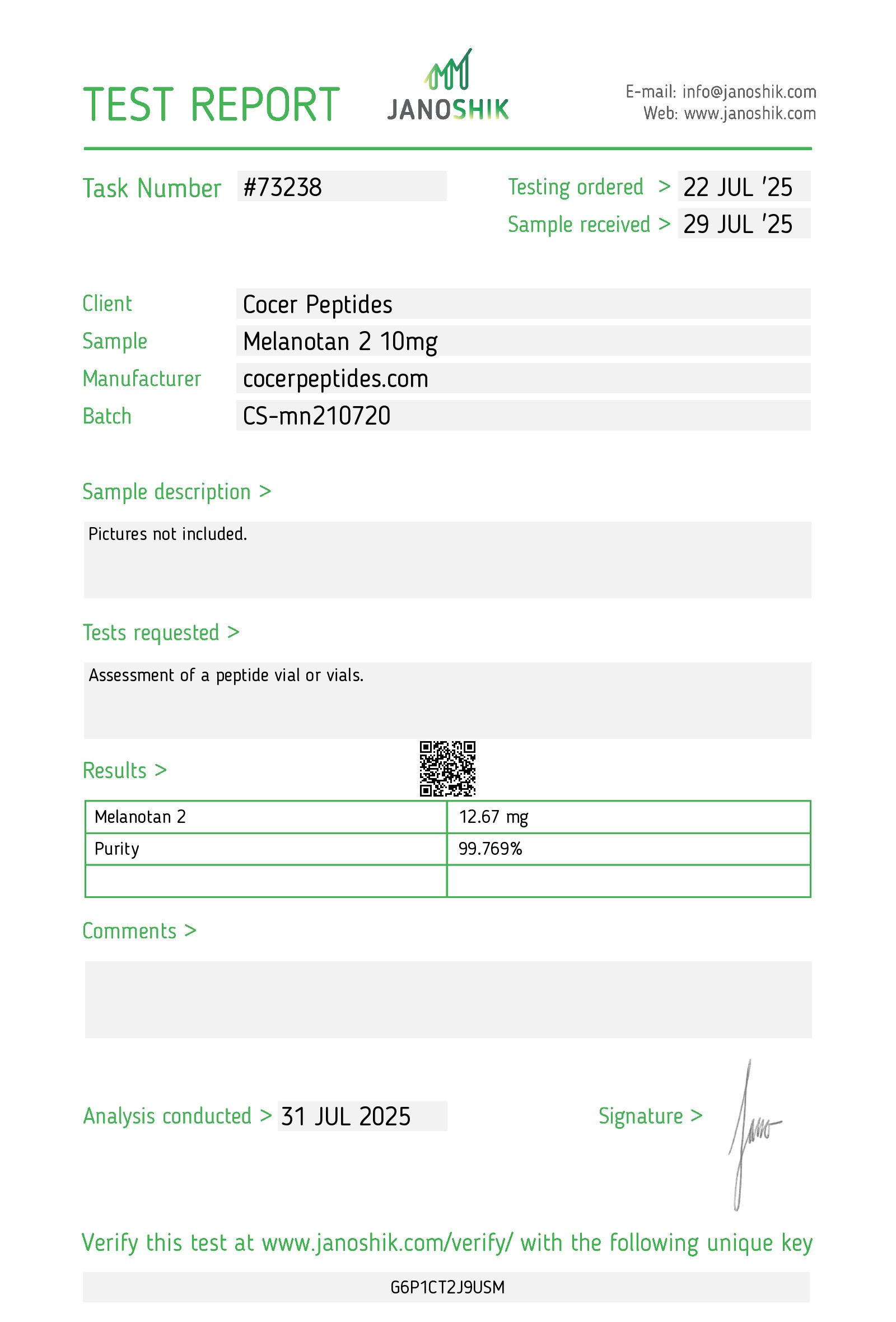
Reference scan 38
Open full-size image
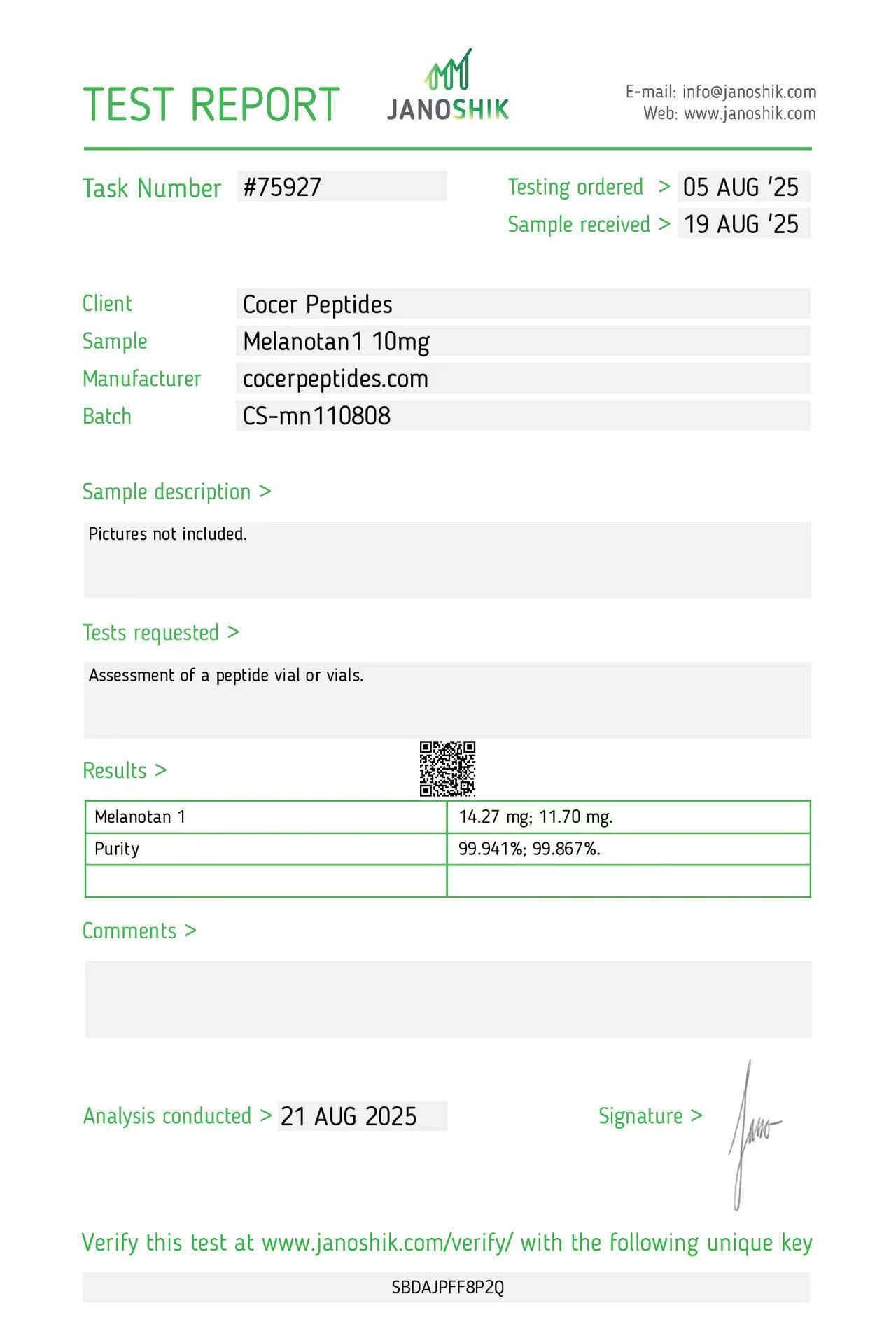
Reference scan 39
Open full-size image
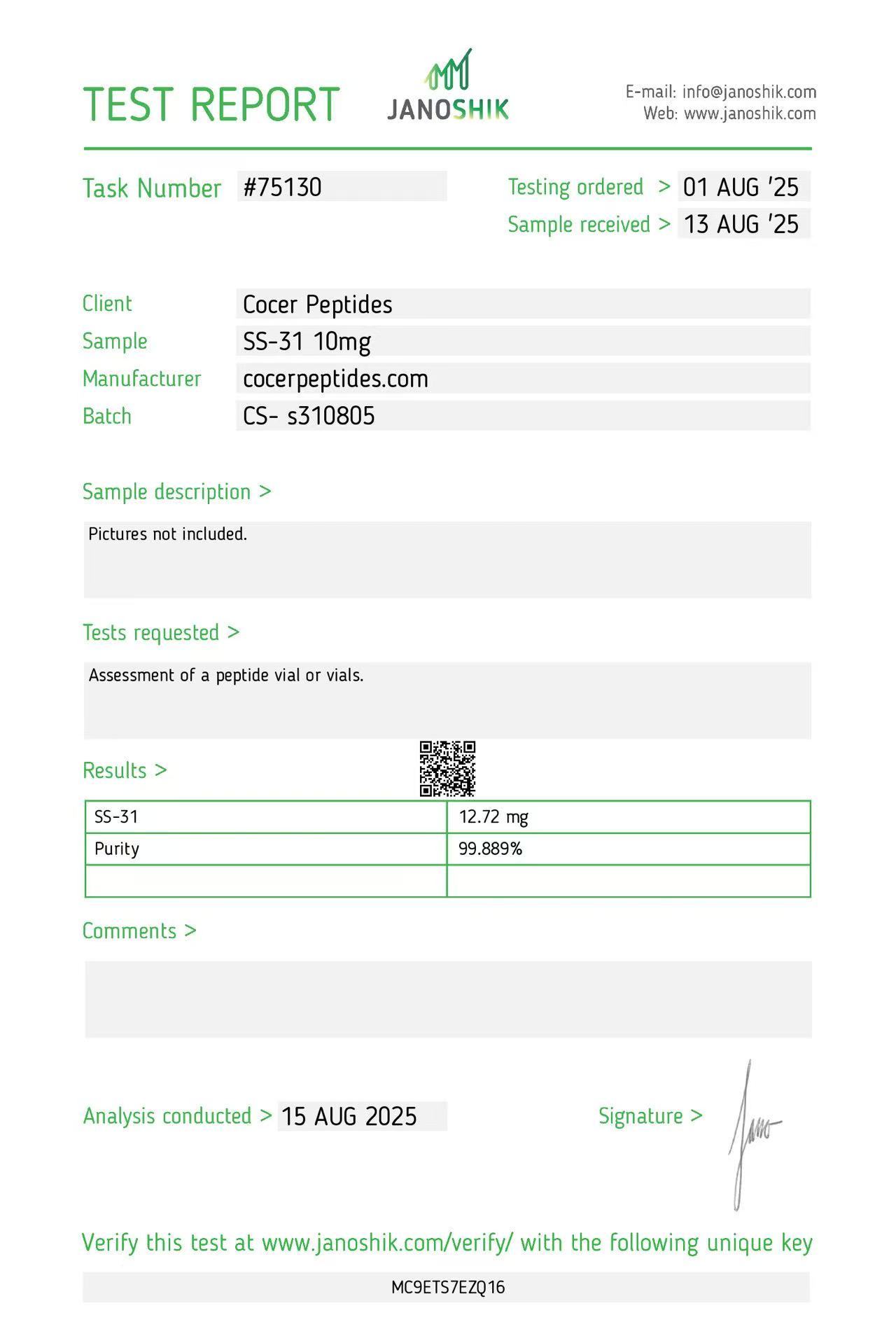
Reference scan 40
Open full-size image
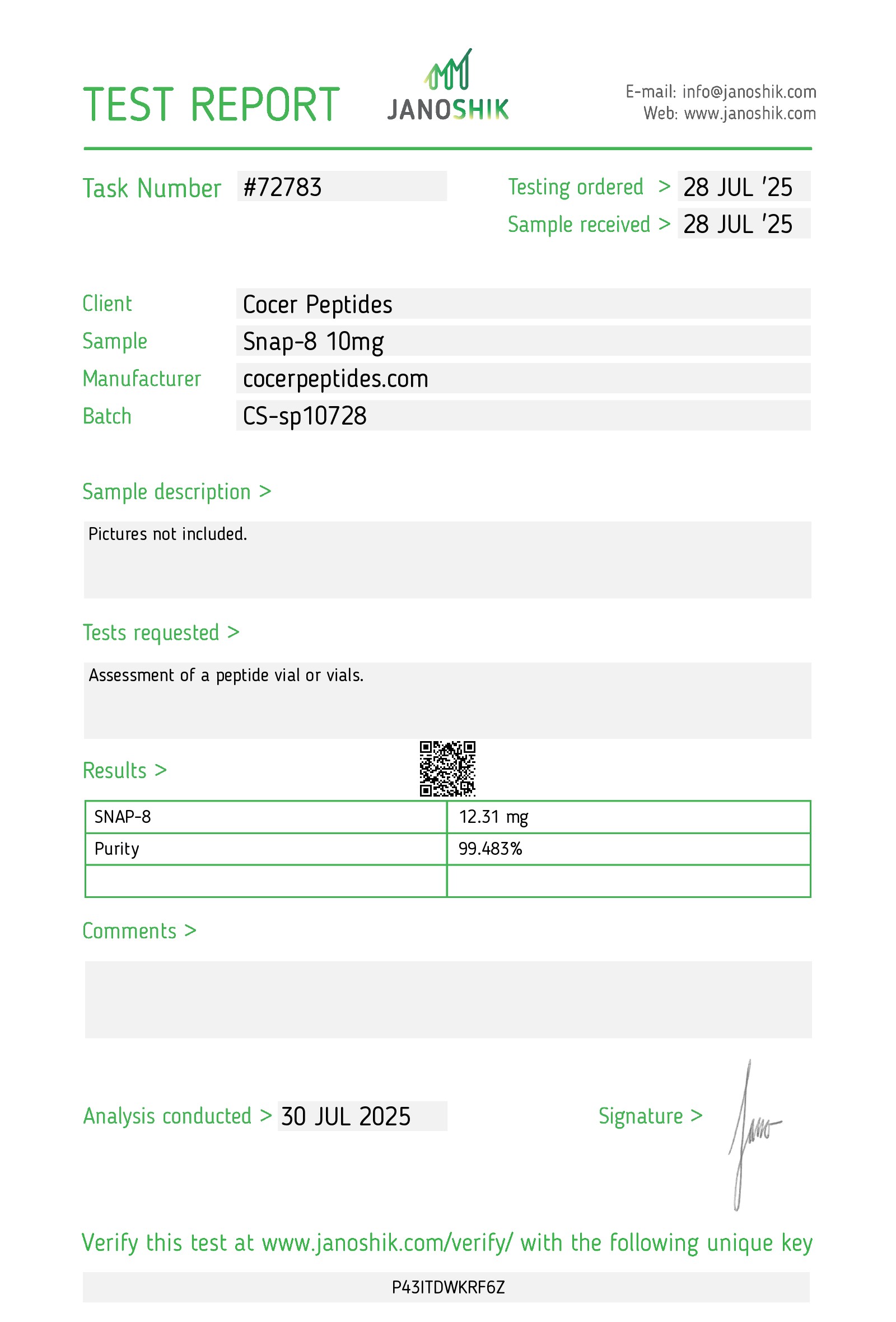
Reference scan 41
Open full-size image
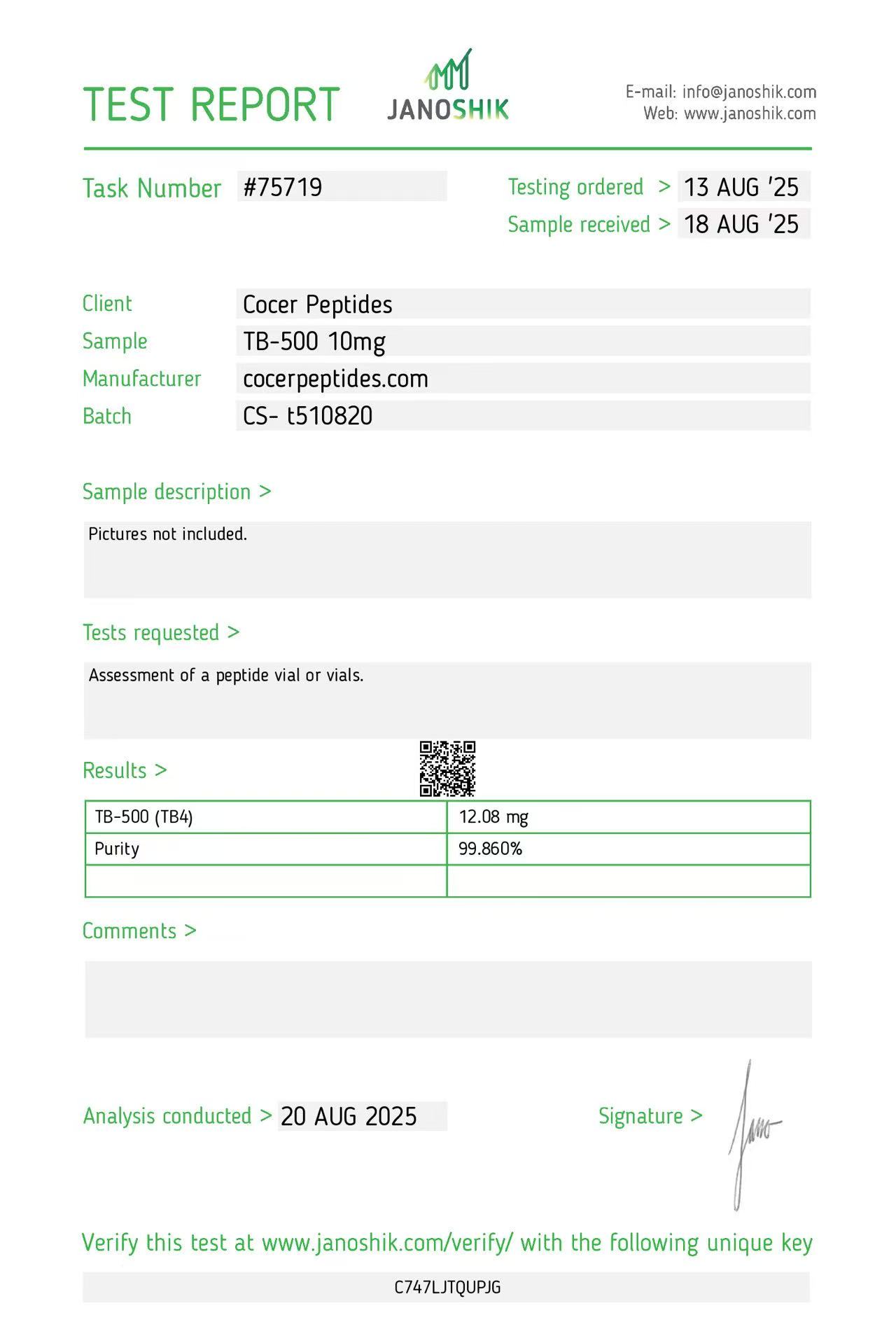
Reference scan 42
Open full-size image
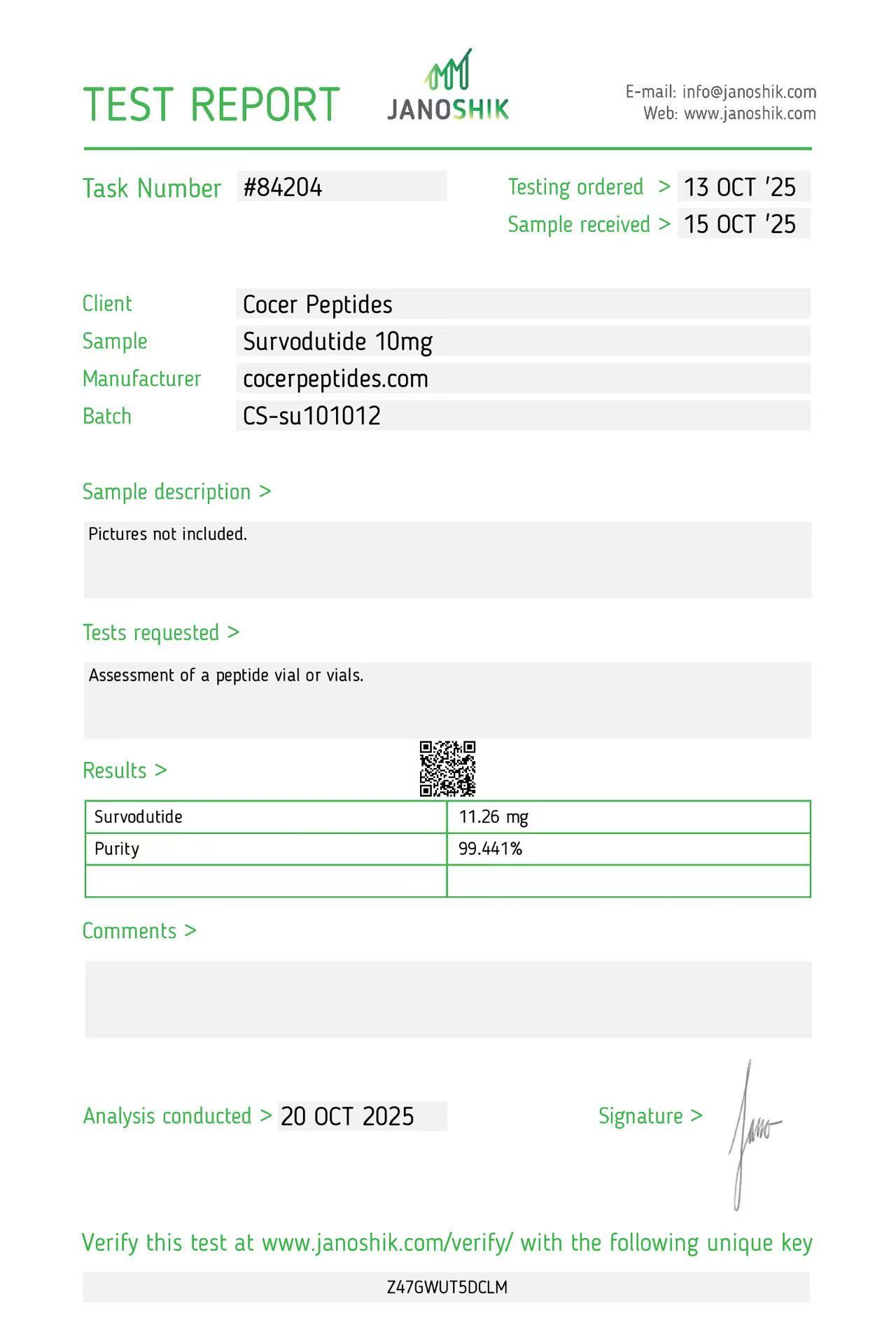
Reference scan 43
Open full-size image
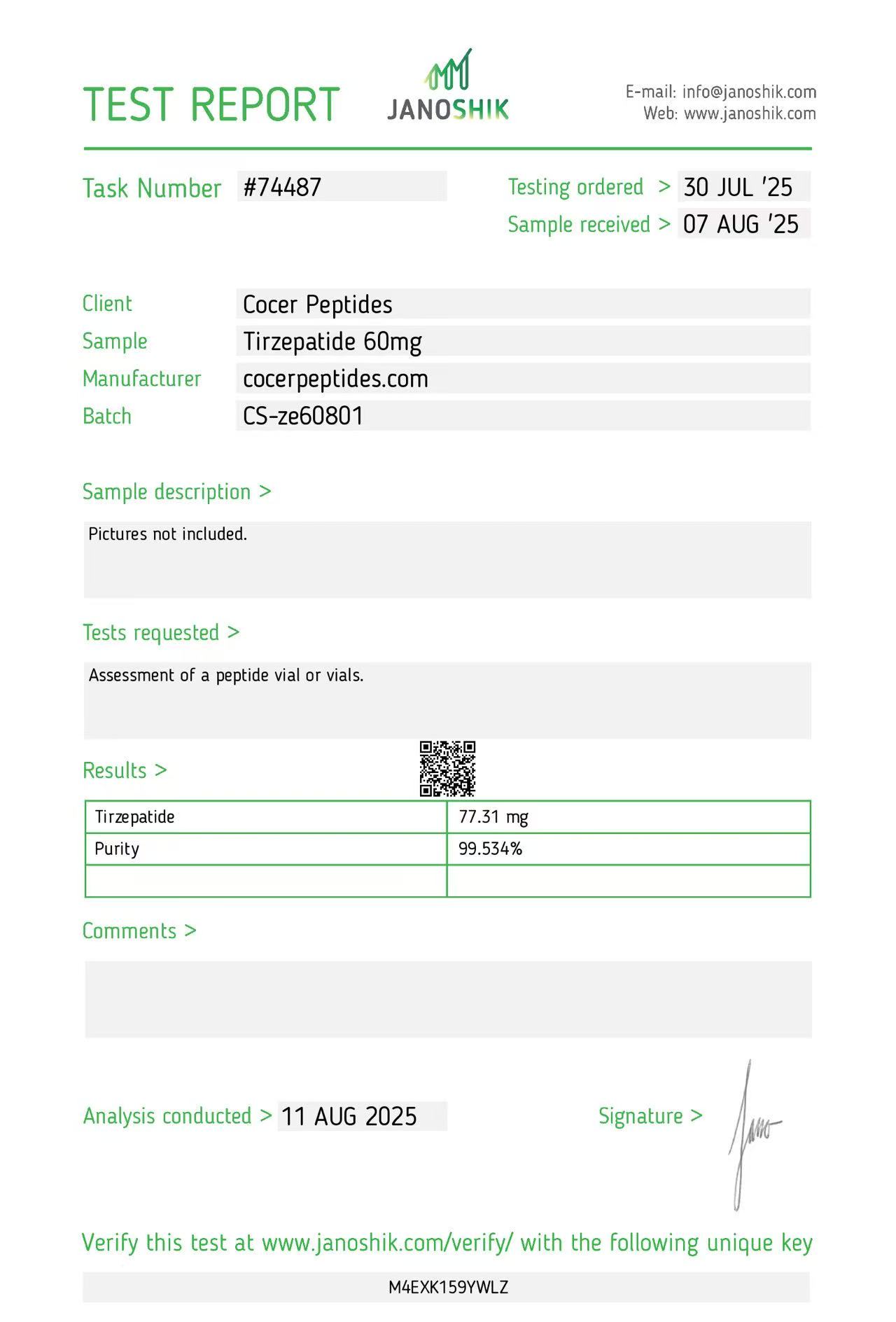
Reference scan 44
Open full-size image
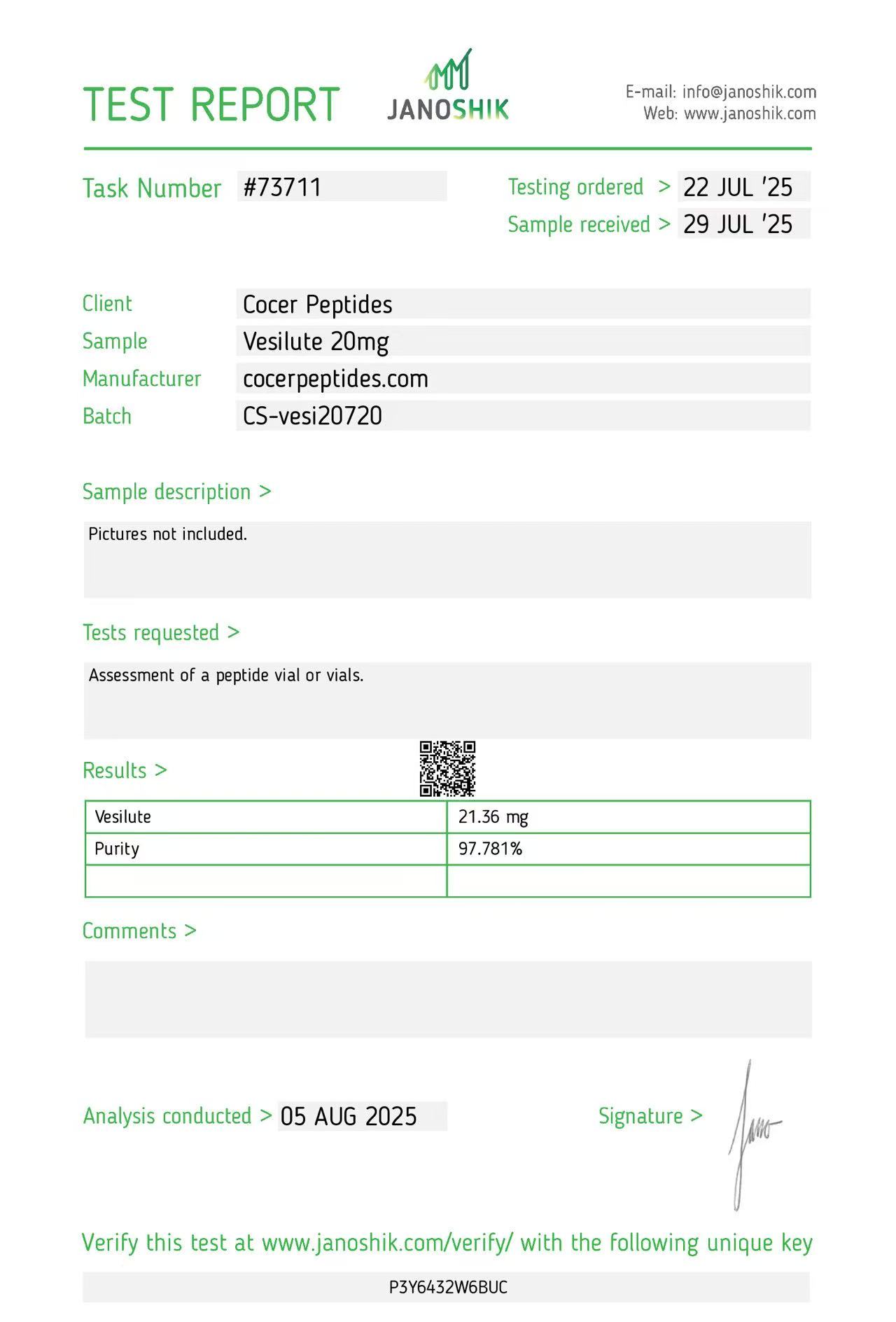
Reference scan 45
Open full-size image
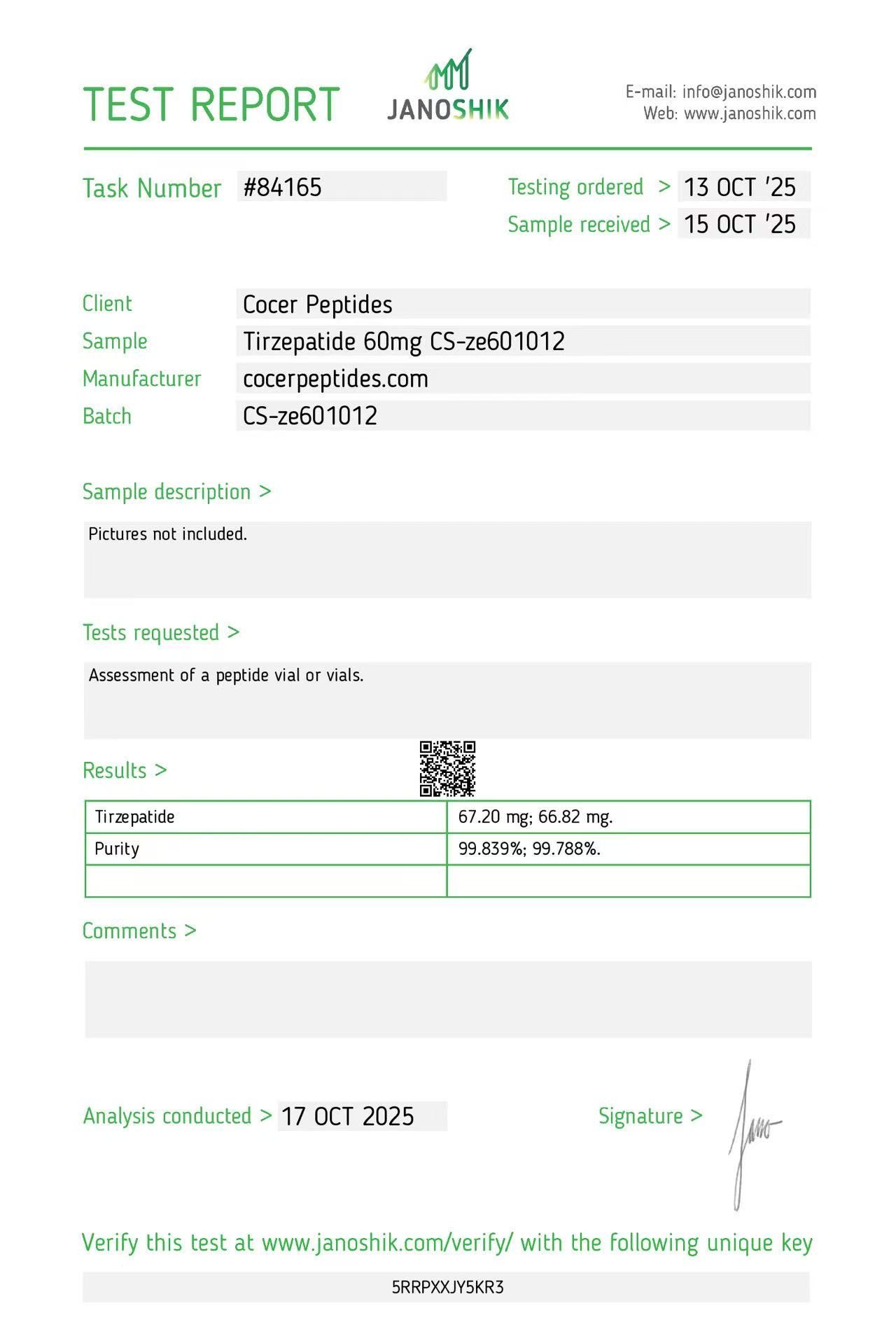
Reference scan 46
Open full-size image
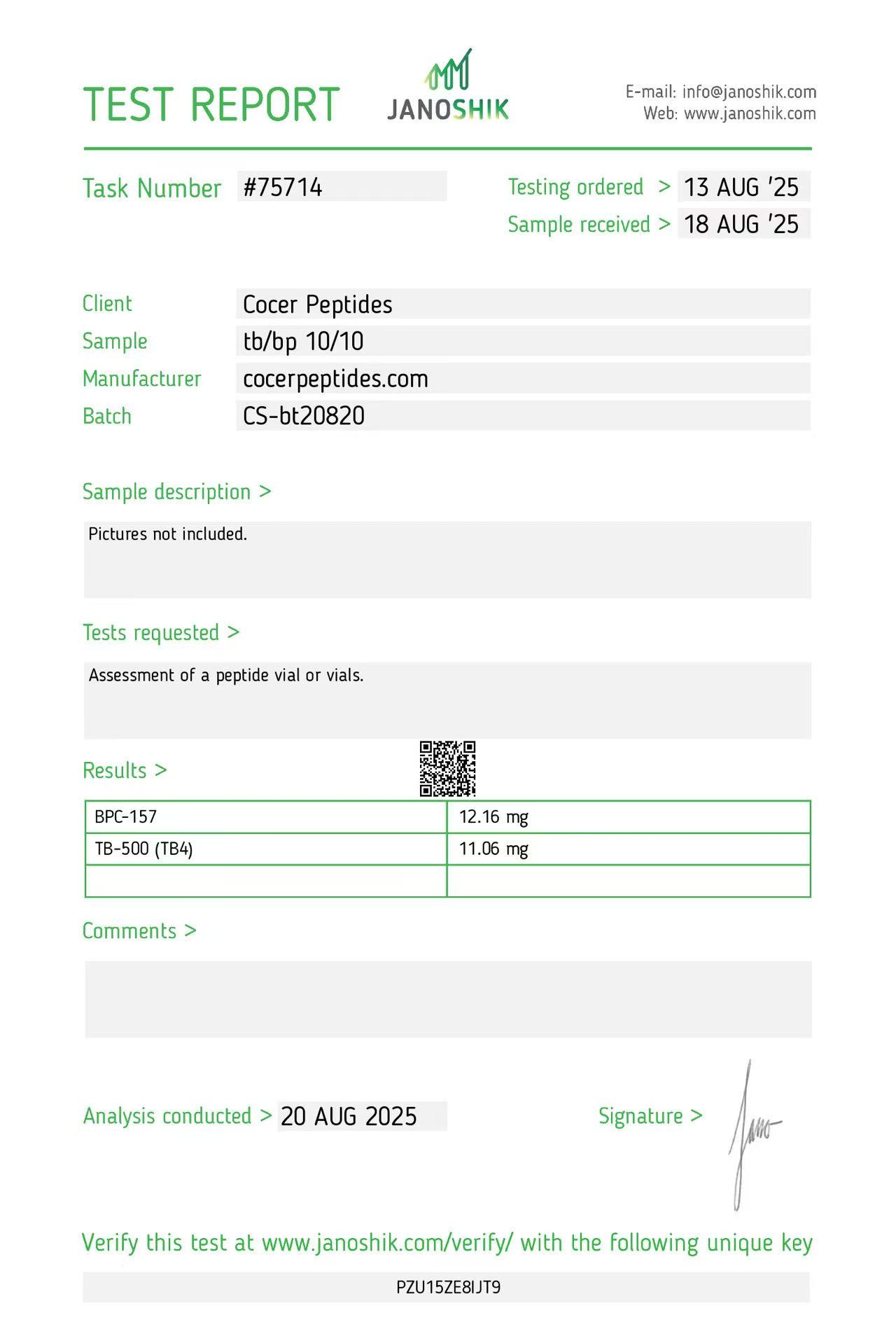
Reference scan 47
Open full-size image
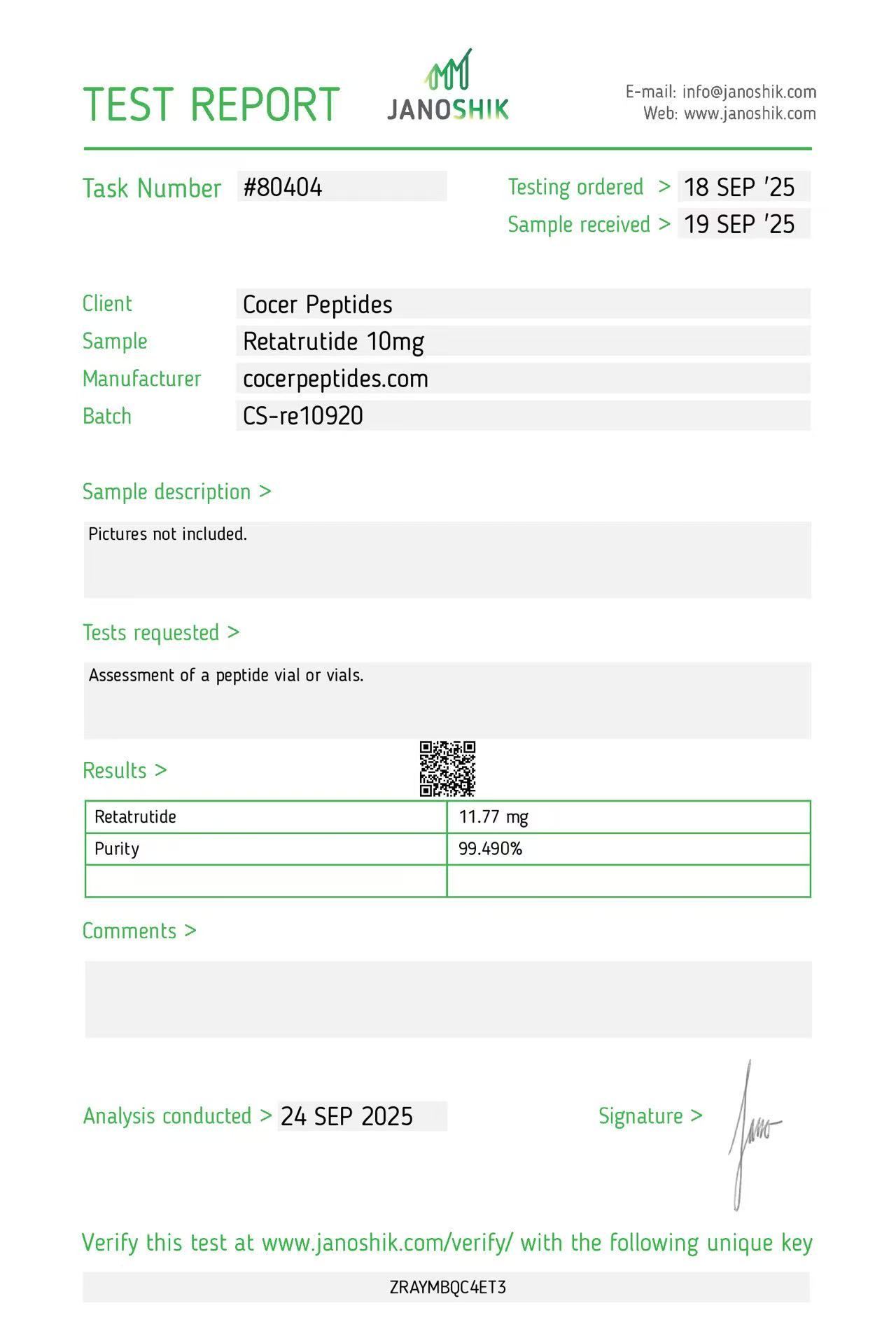
Reference scan 48
Open full-size image
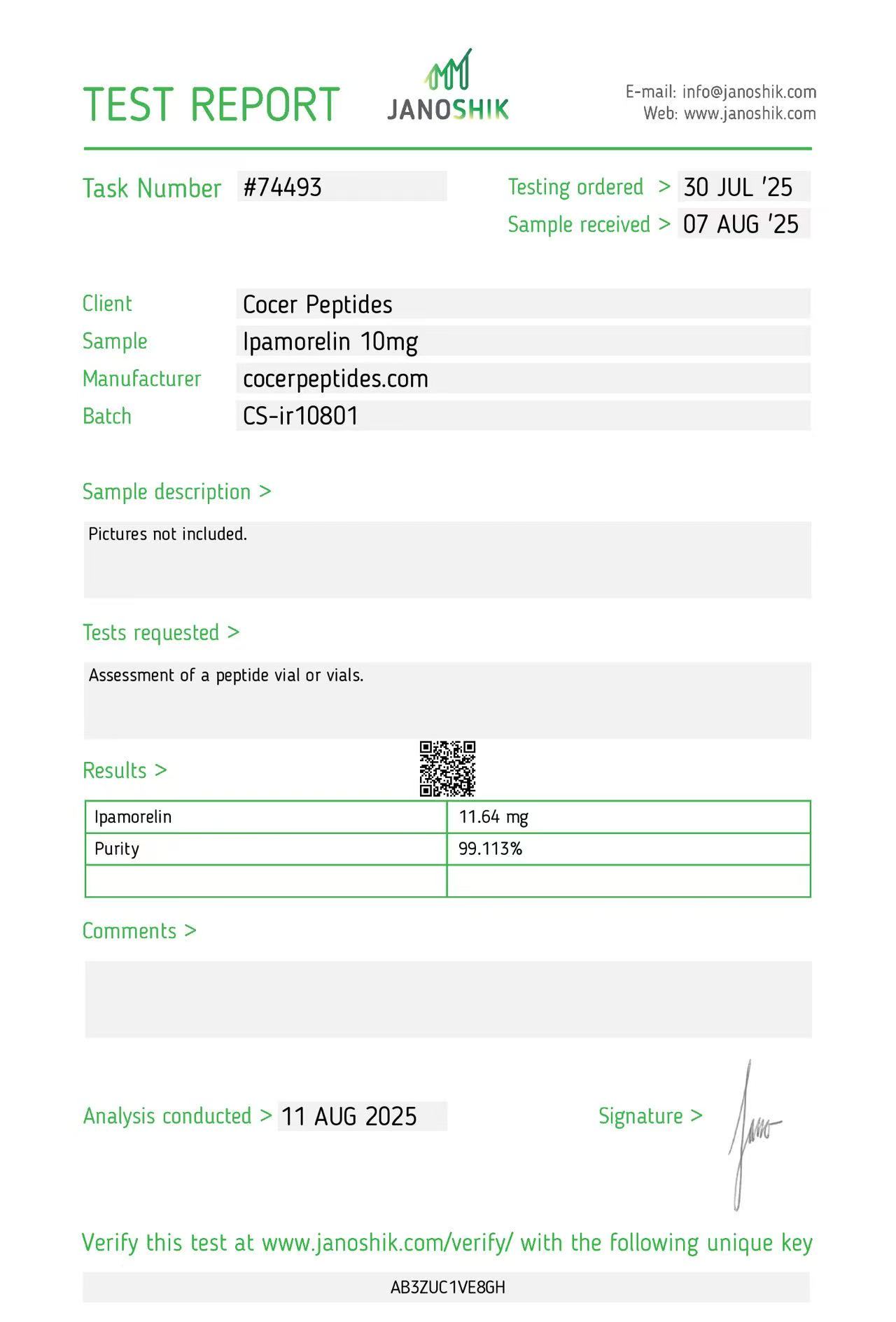
Reference scan 49
Open full-size image
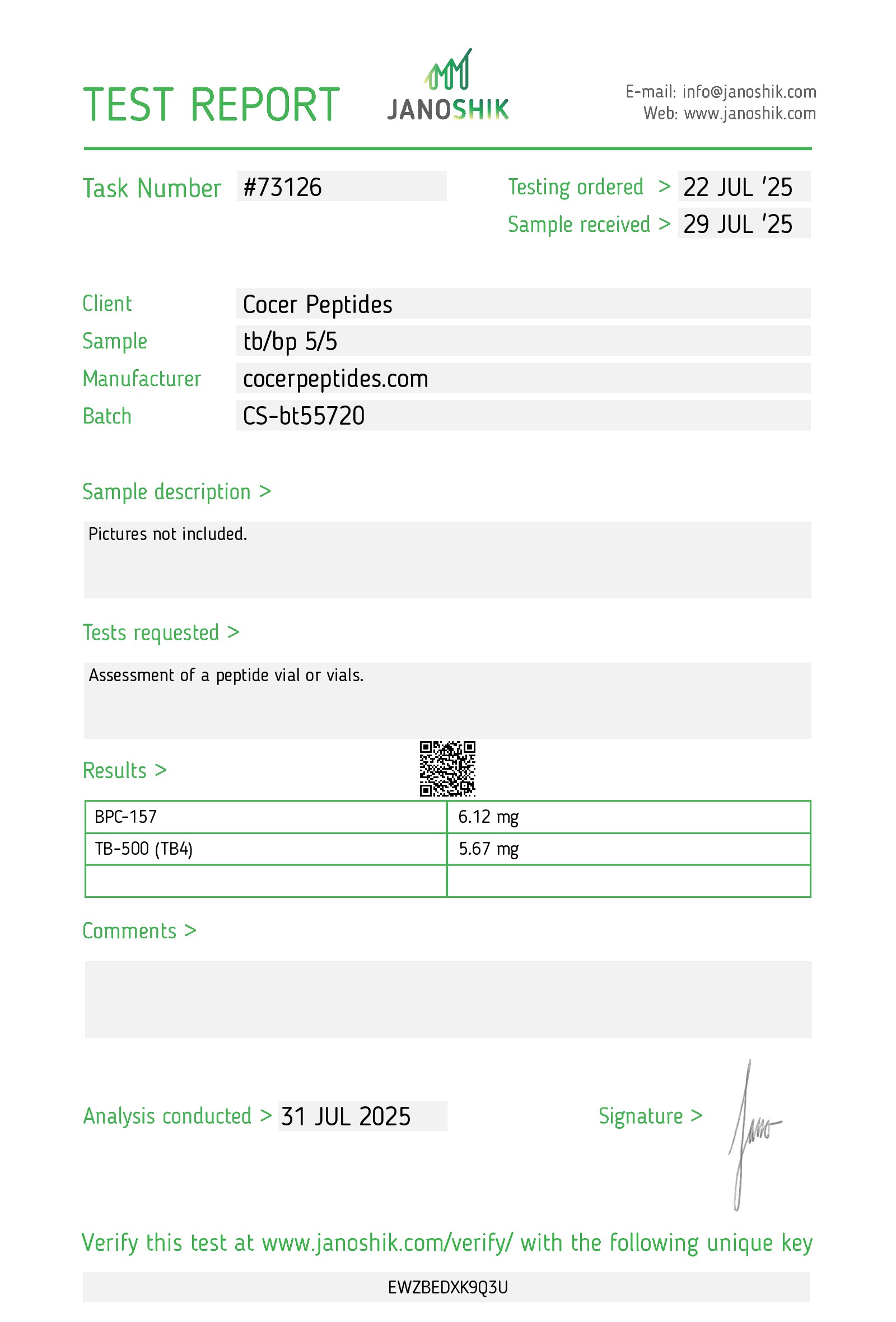
Reference scan 50
Open full-size image
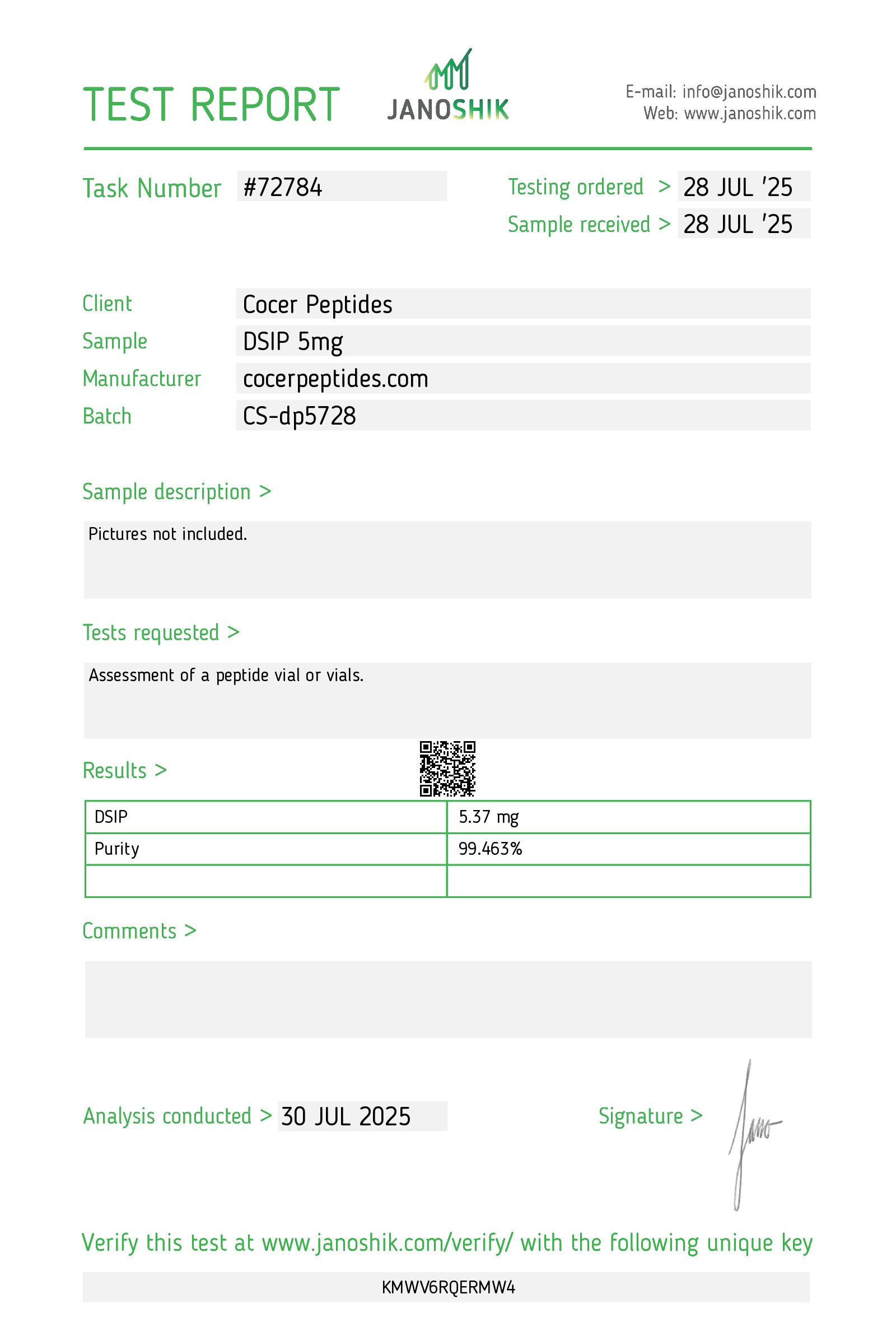
Reference scan 51
Open full-size image
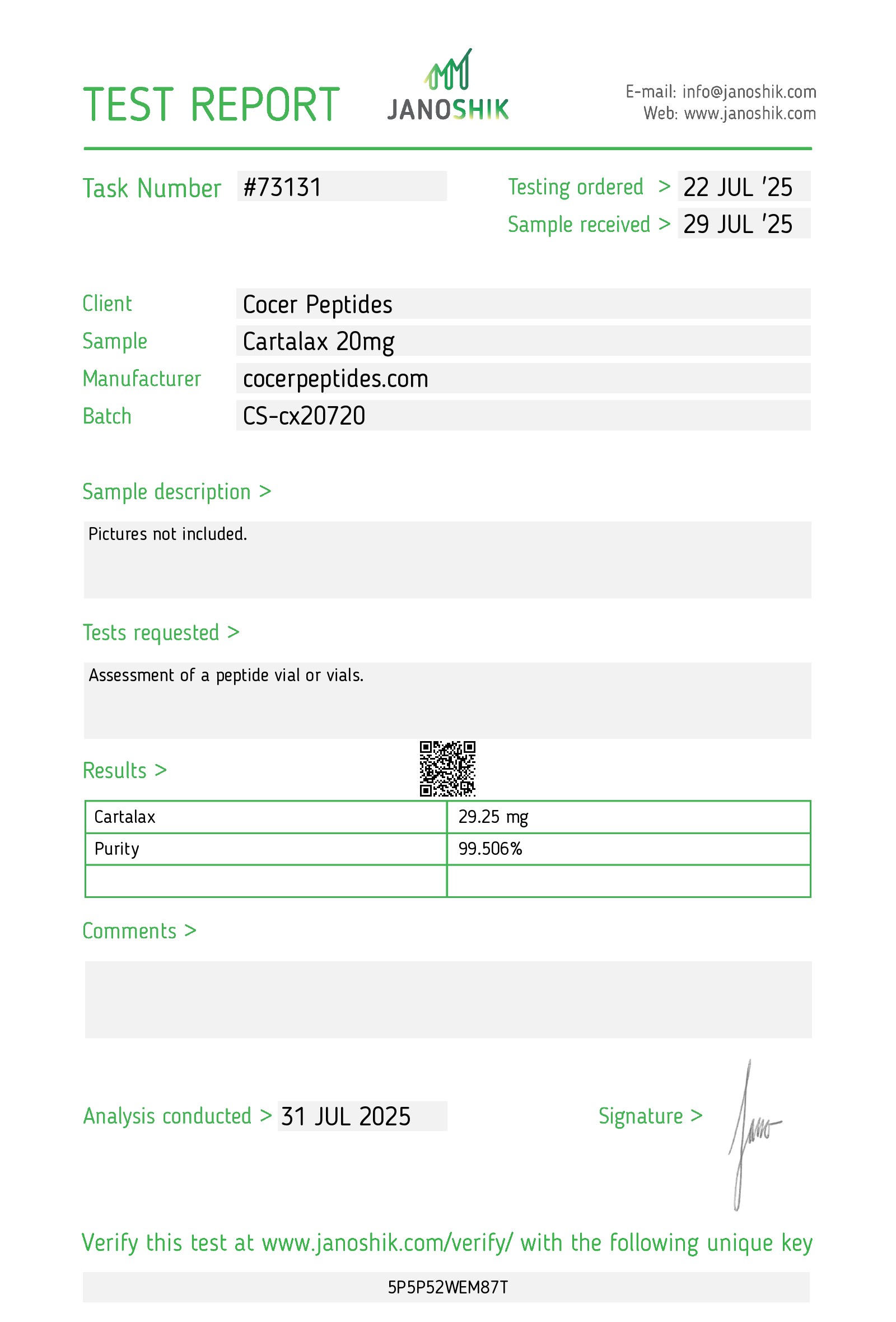
Reference scan 52
Open full-size image
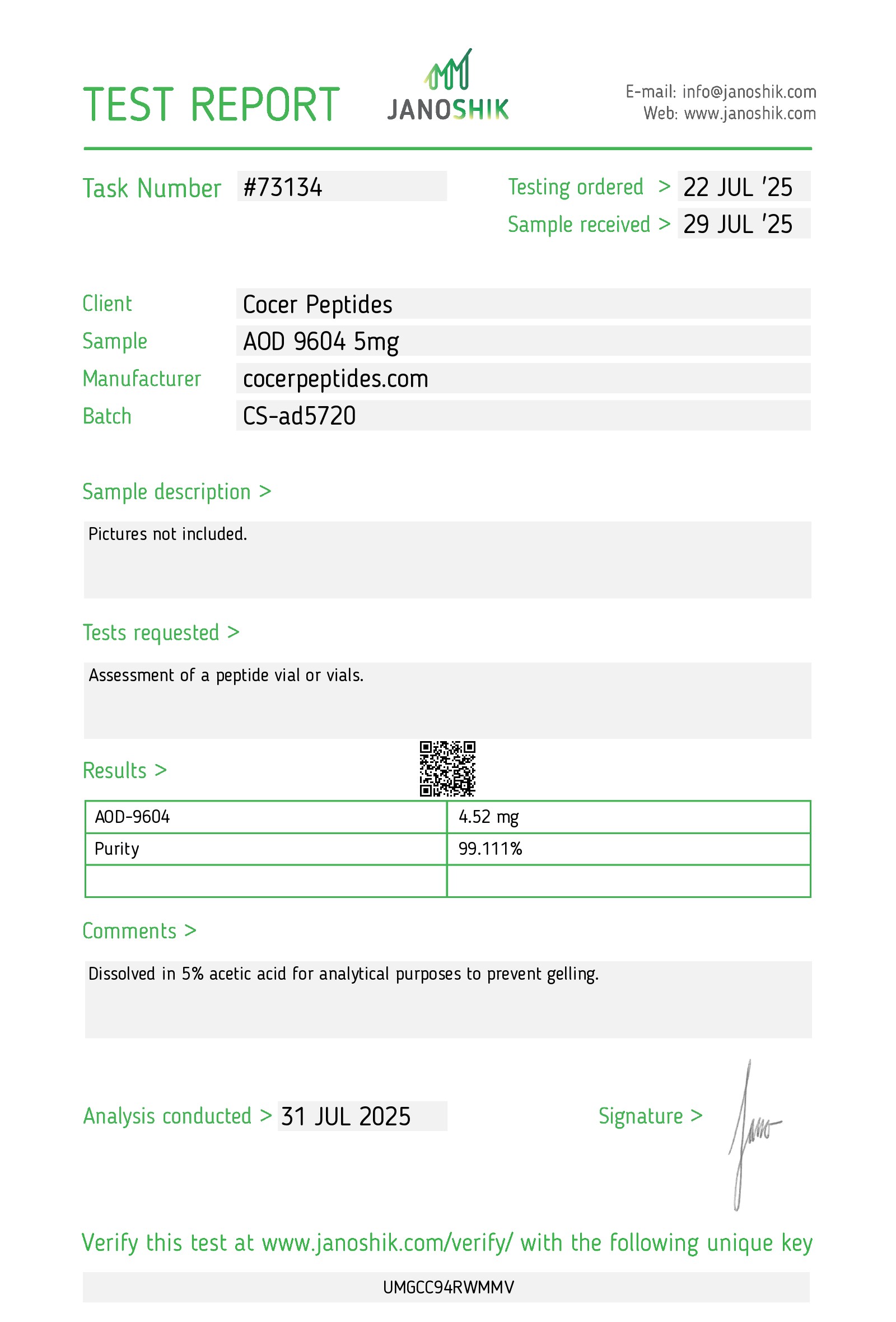
Reference scan 53
Open full-size image
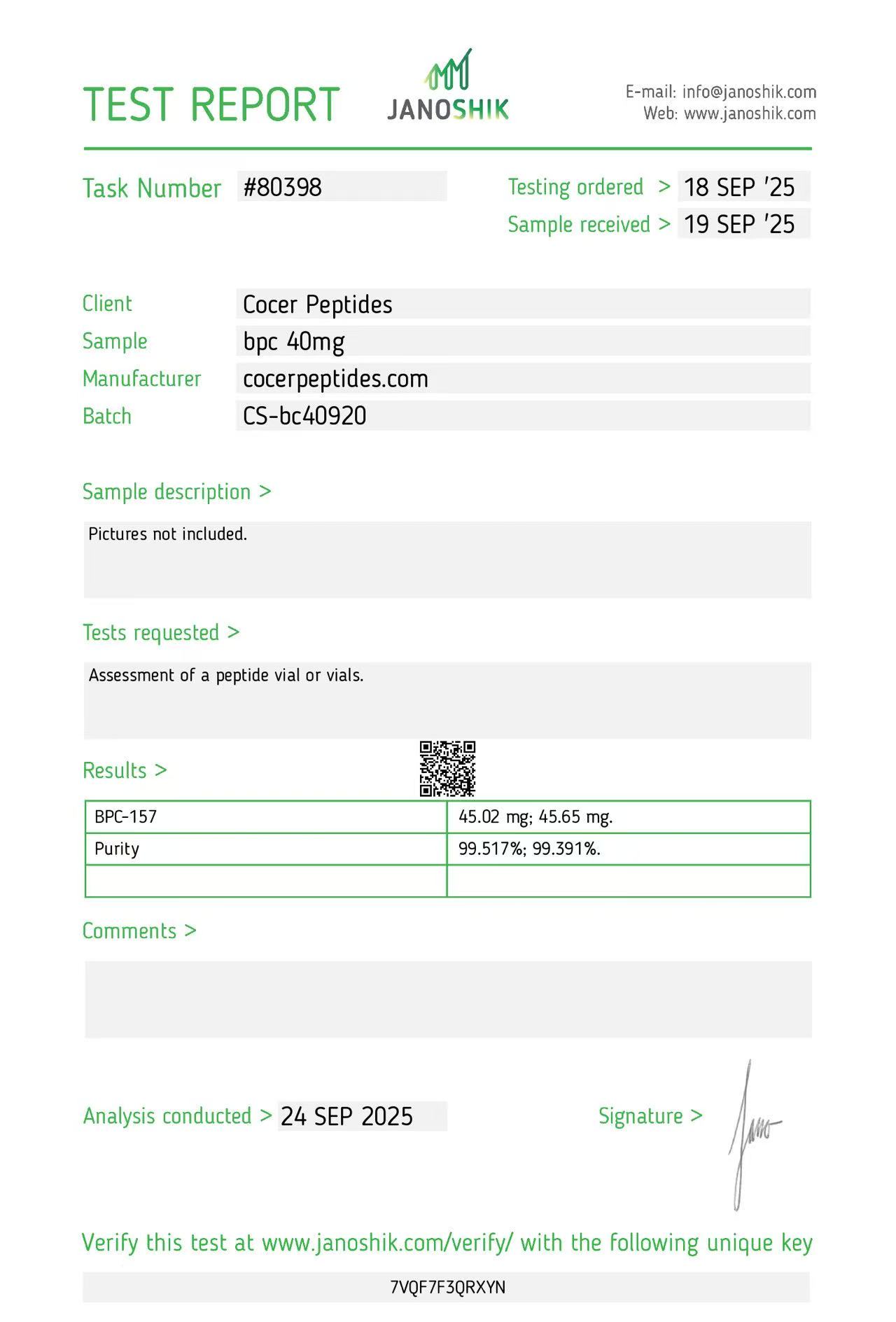
Reference scan 54
Open full-size image
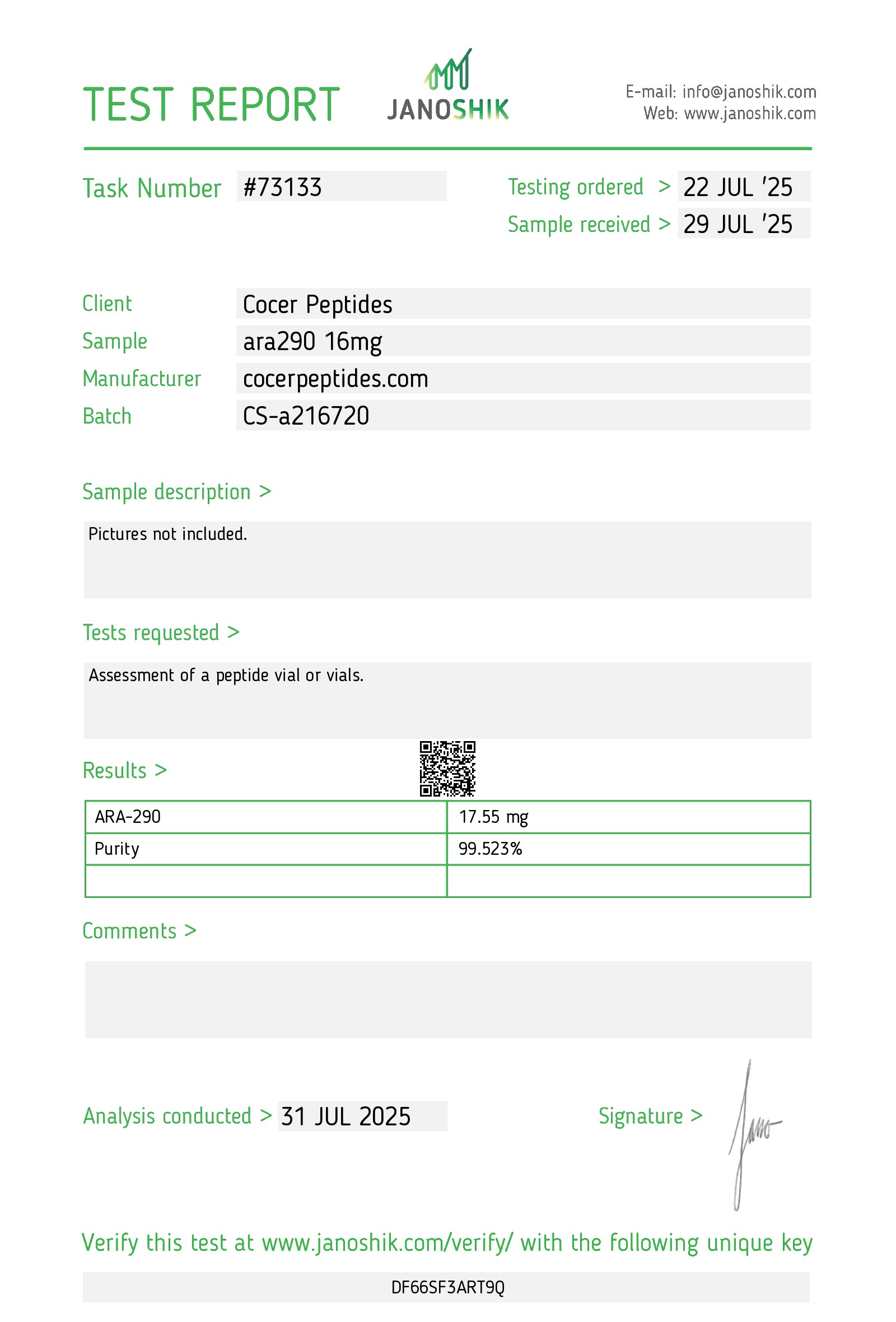
Reference scan 55
Open full-size image
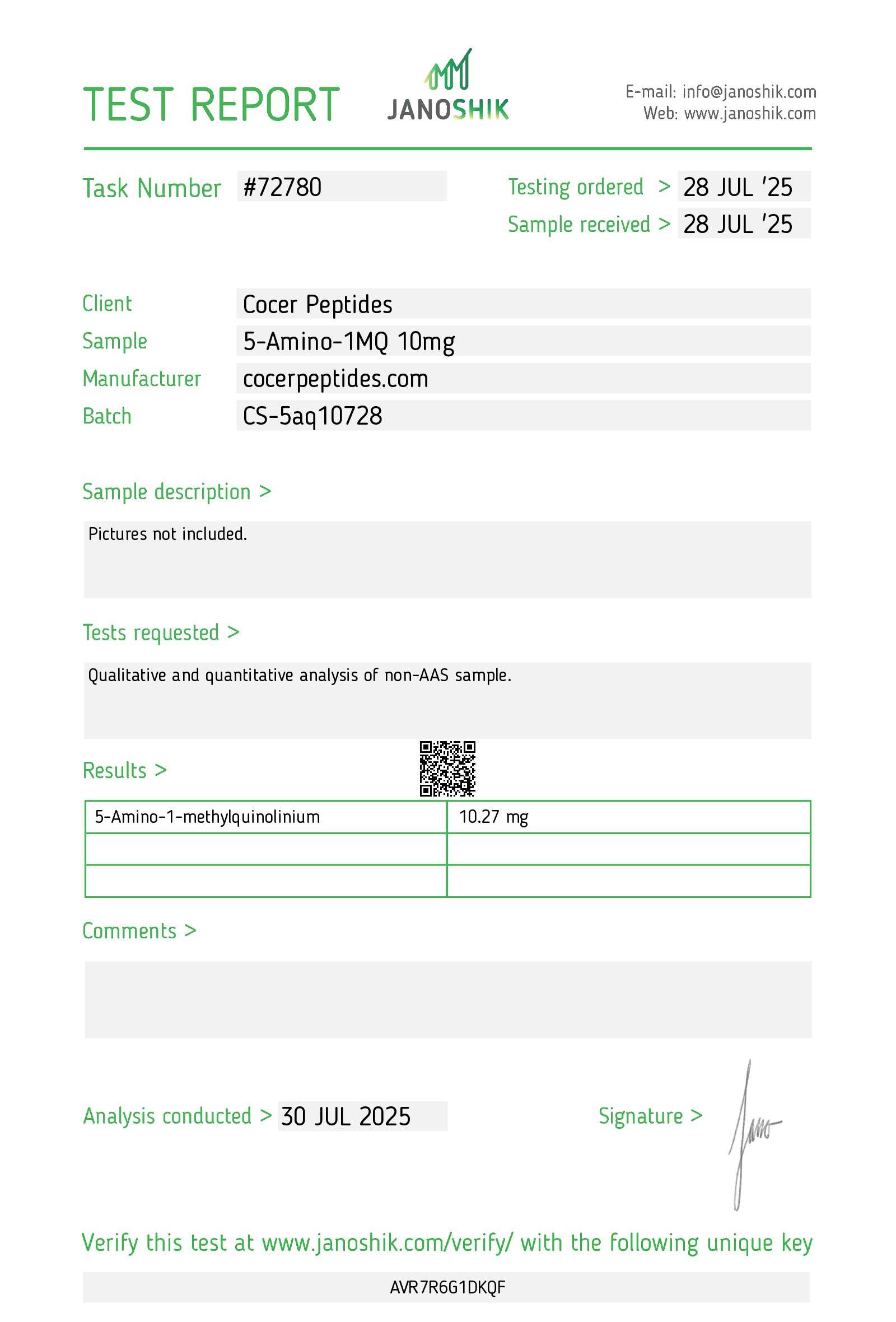
Reference scan 56
Open full-size image
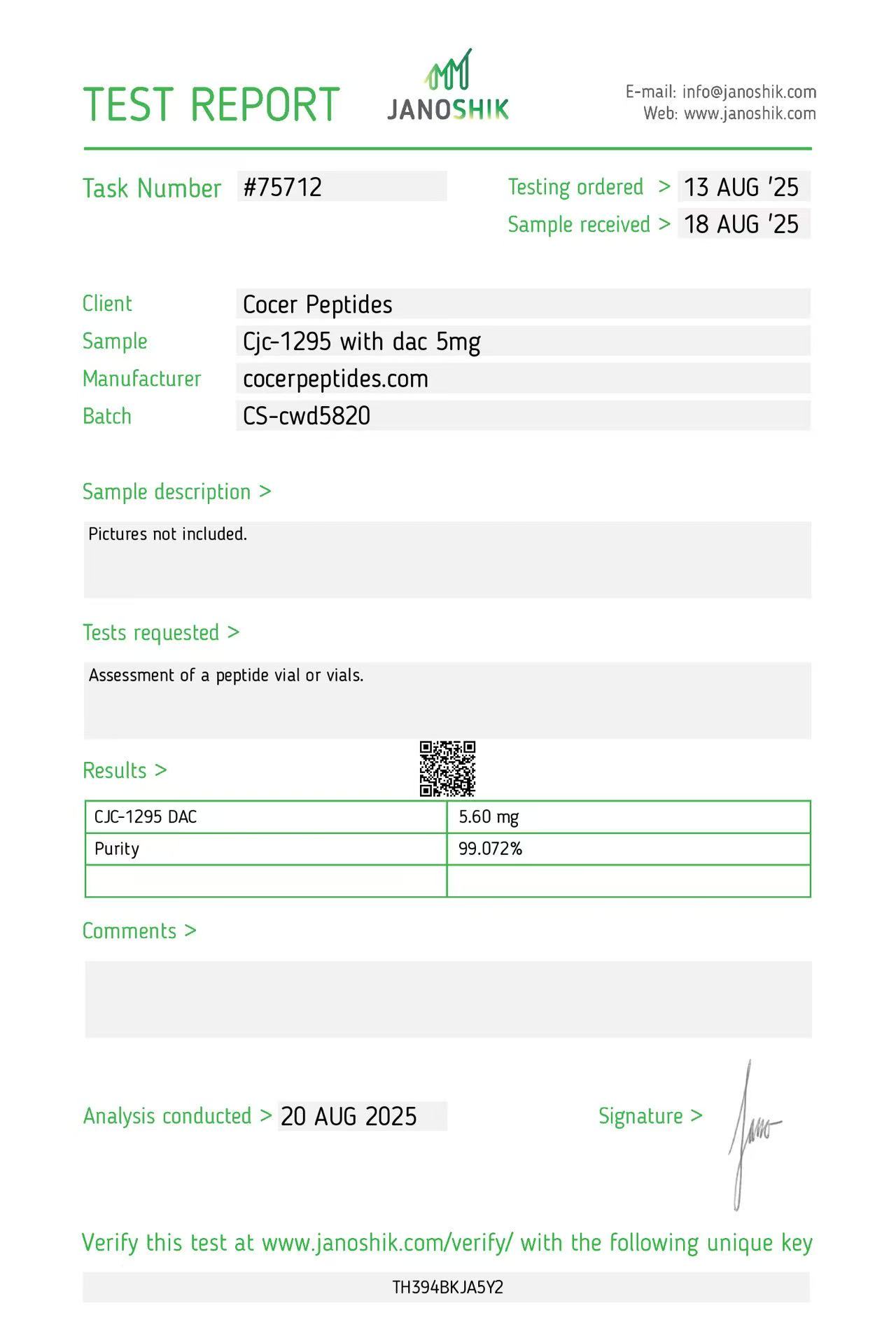
Reference scan 57
Open full-size image
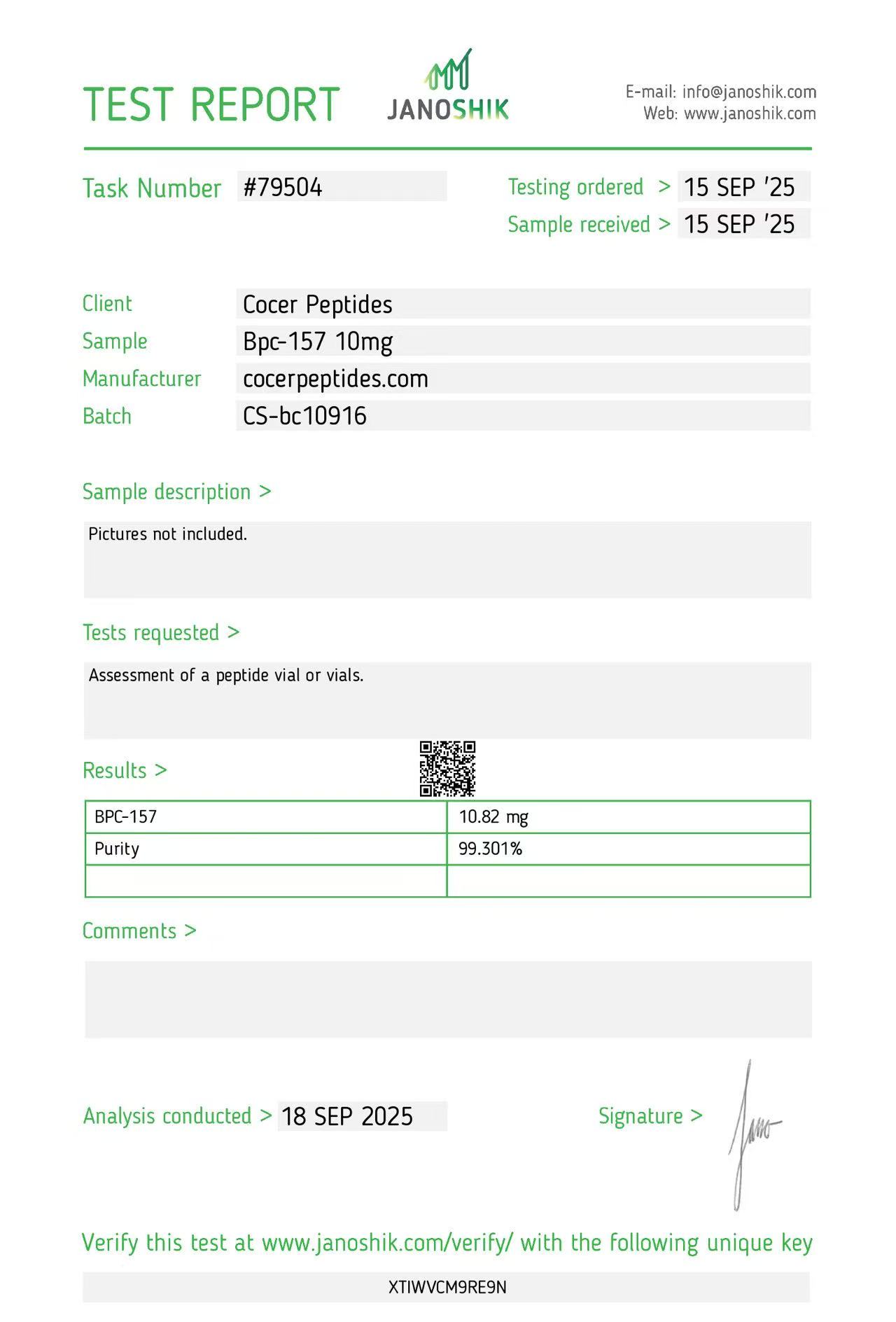
Reference scan 58
Open full-size image
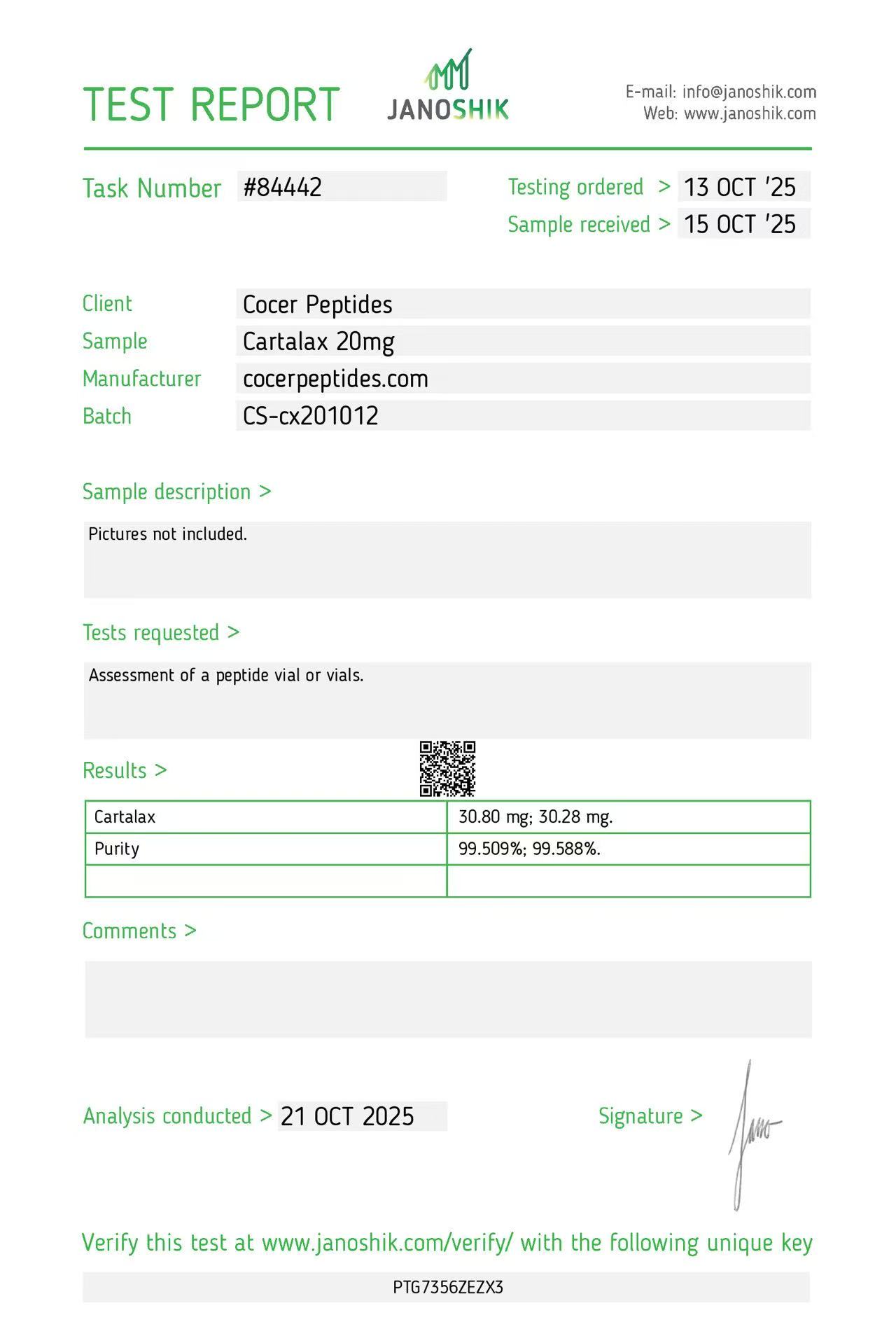
Reference scan 59
Open full-size image
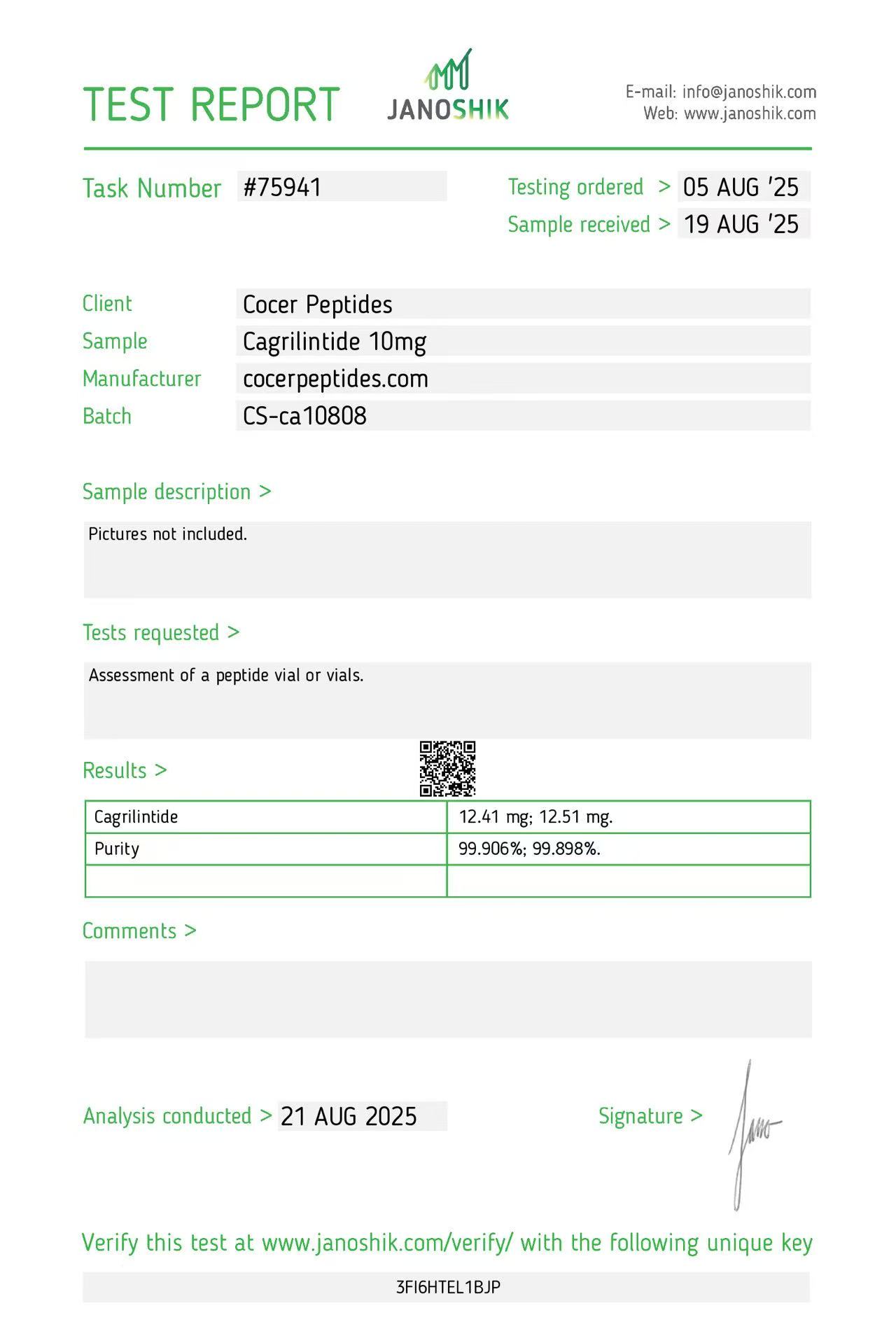
Reference scan 60
Open full-size image
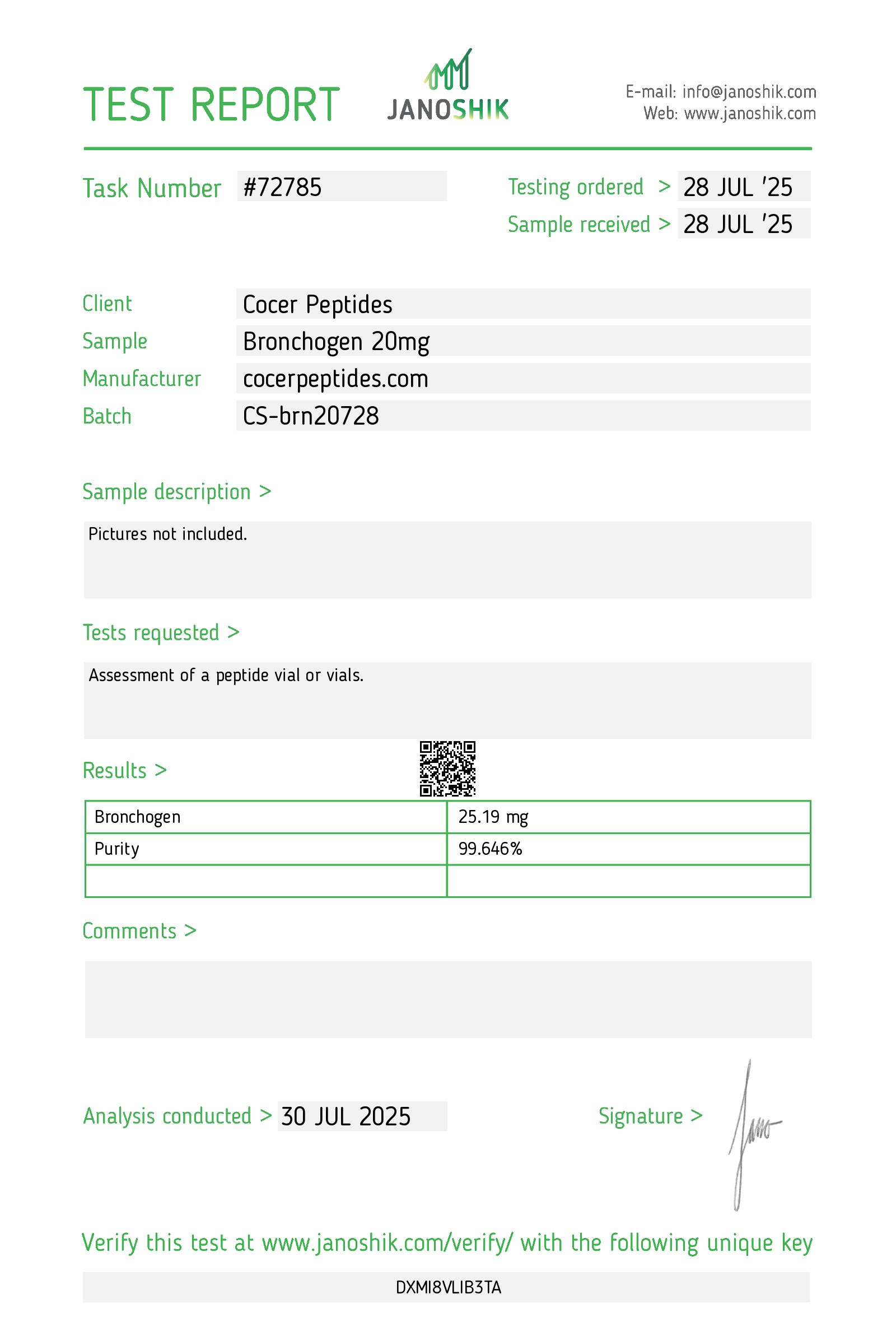
Reference scan 61
Open full-size image
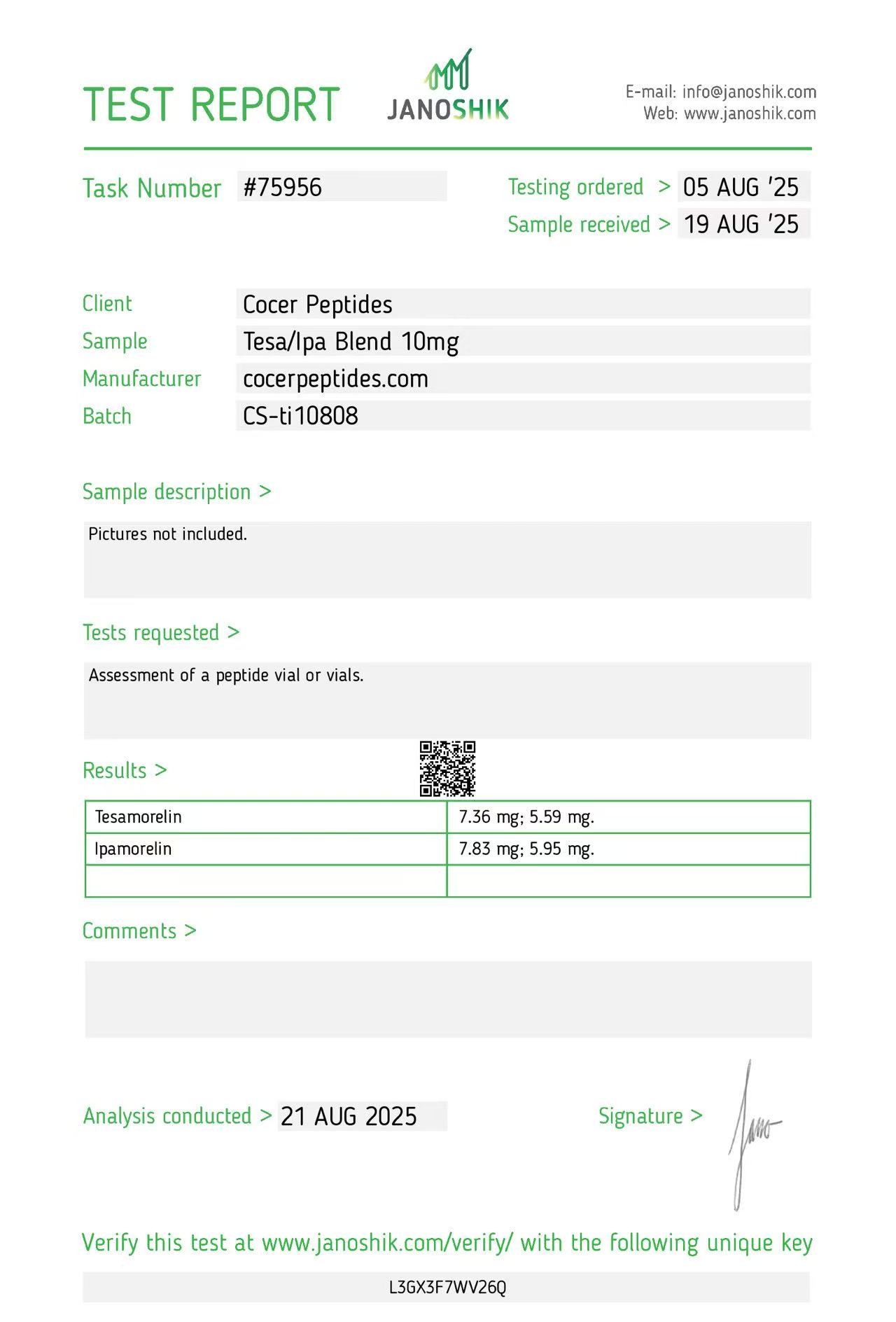
Reference scan 62
Open full-size image
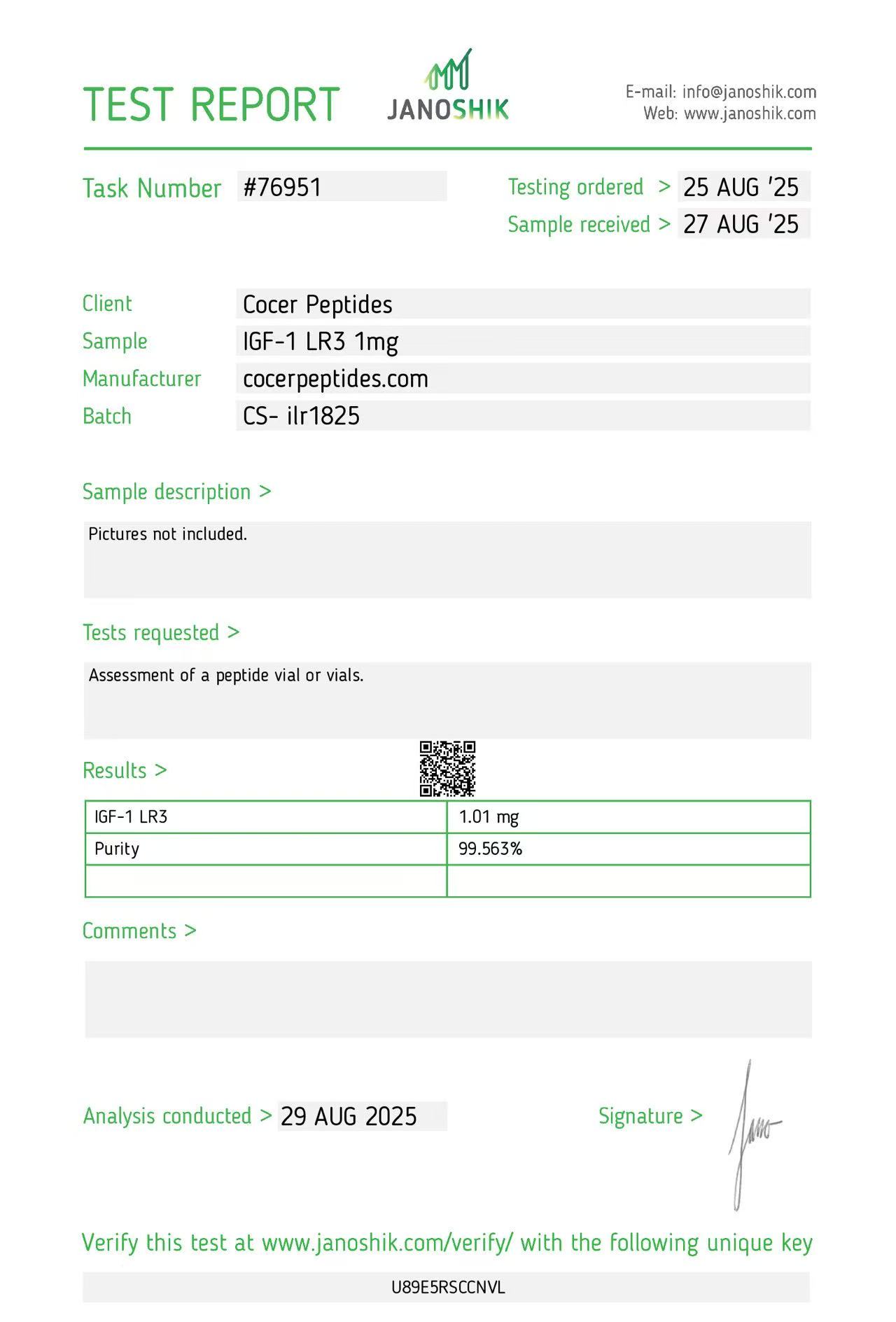
Reference scan 63
Open full-size image
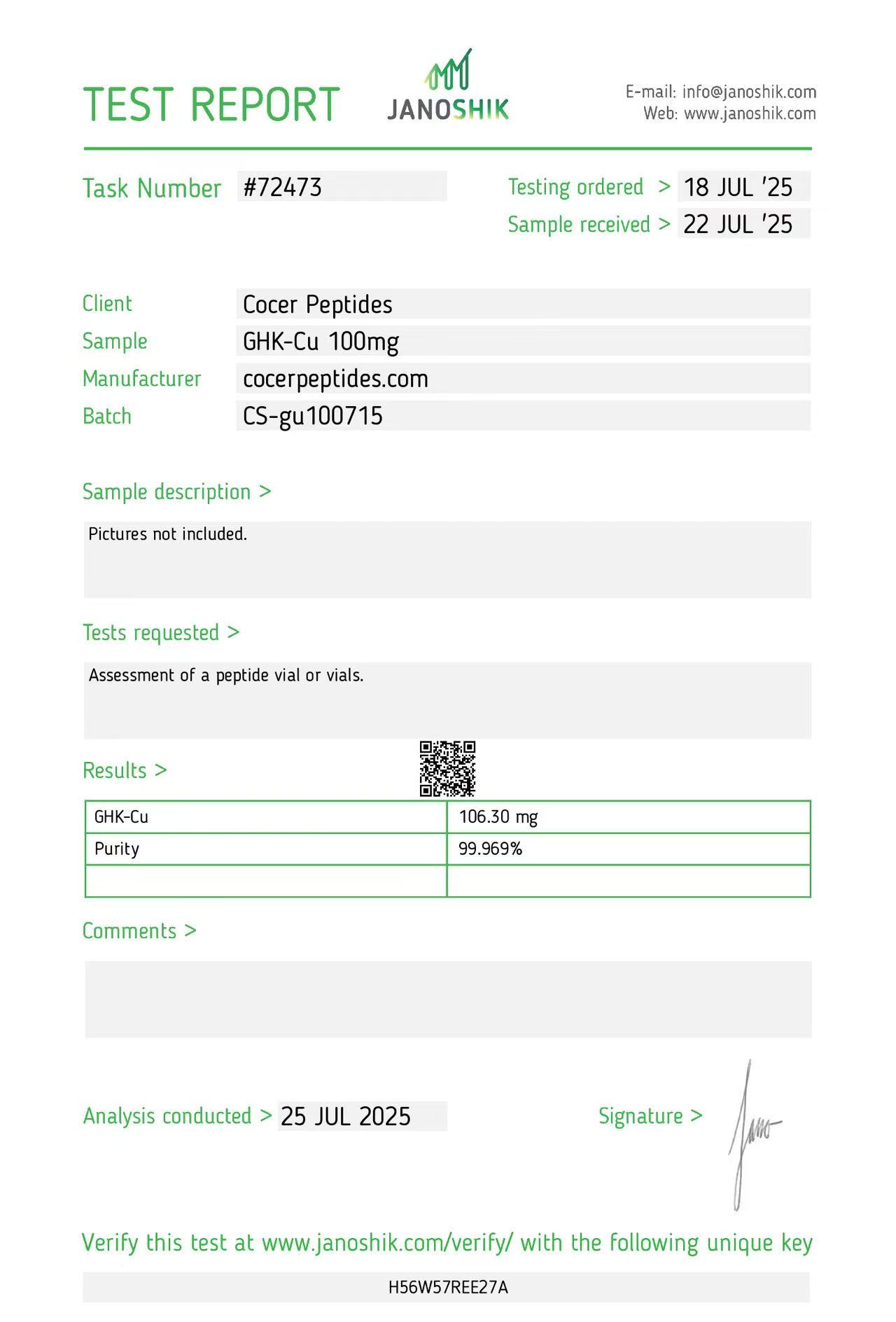
Reference scan 64
Open full-size image
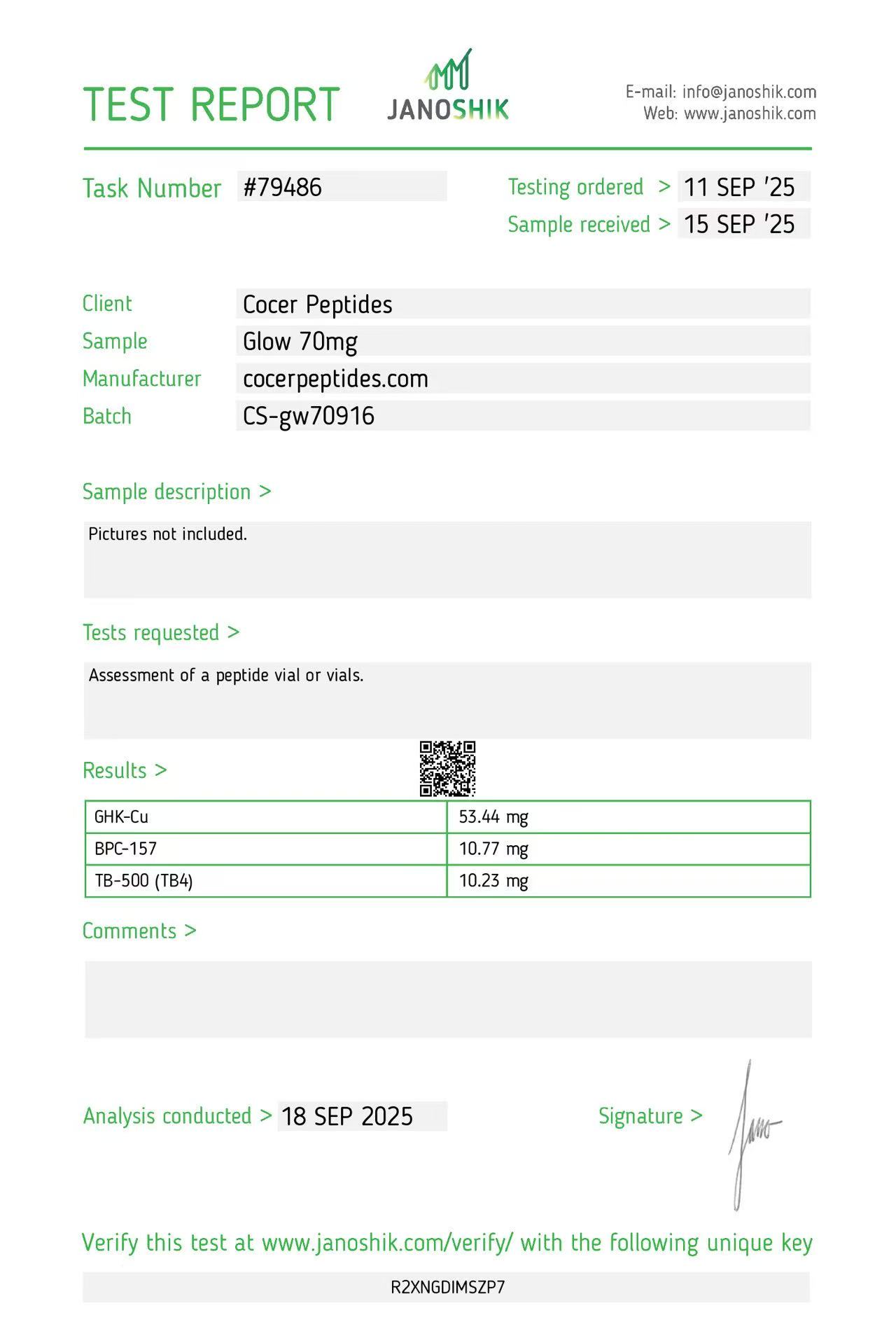
Reference scan 65
Open full-size image
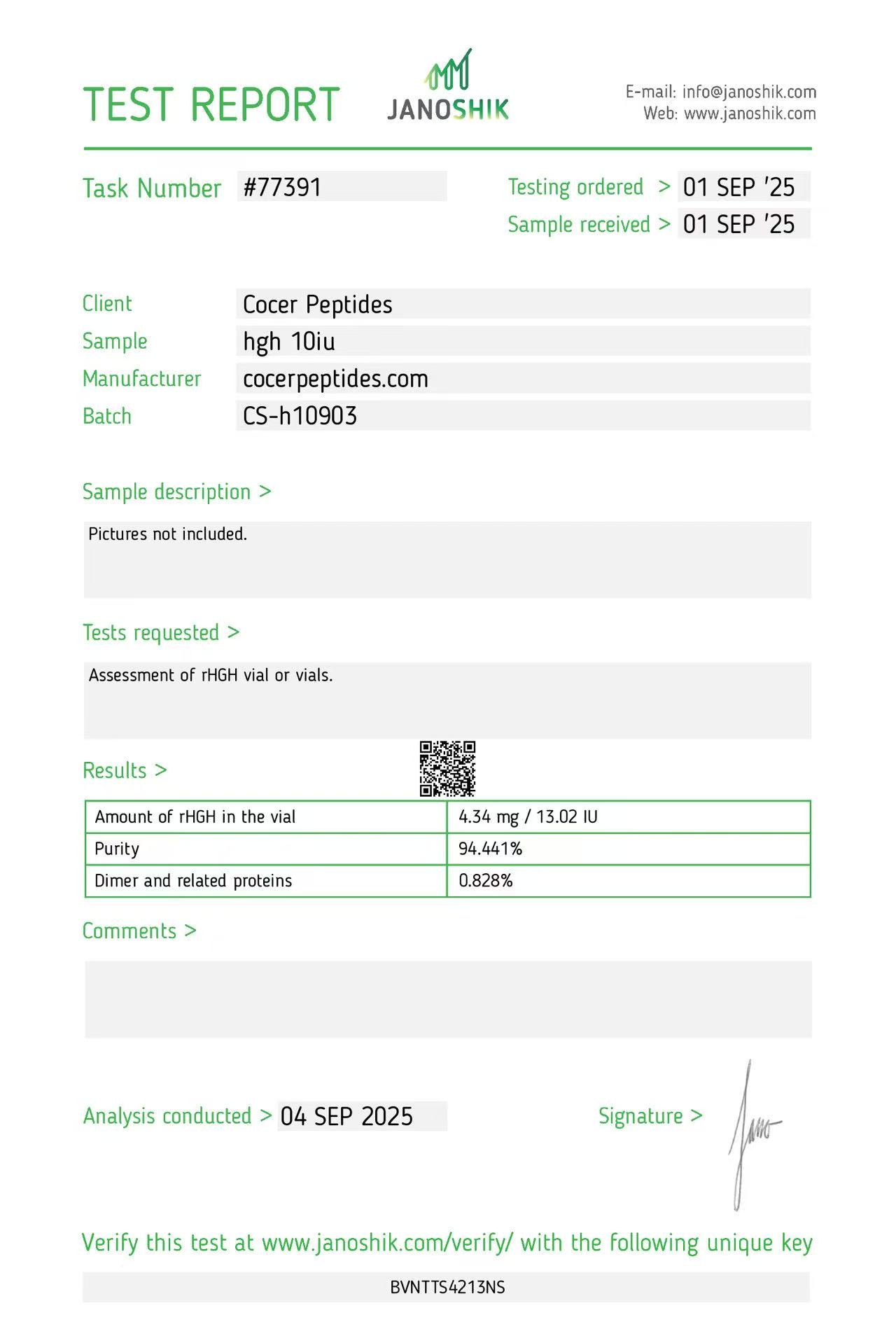
Reference scan 66
Open full-size image
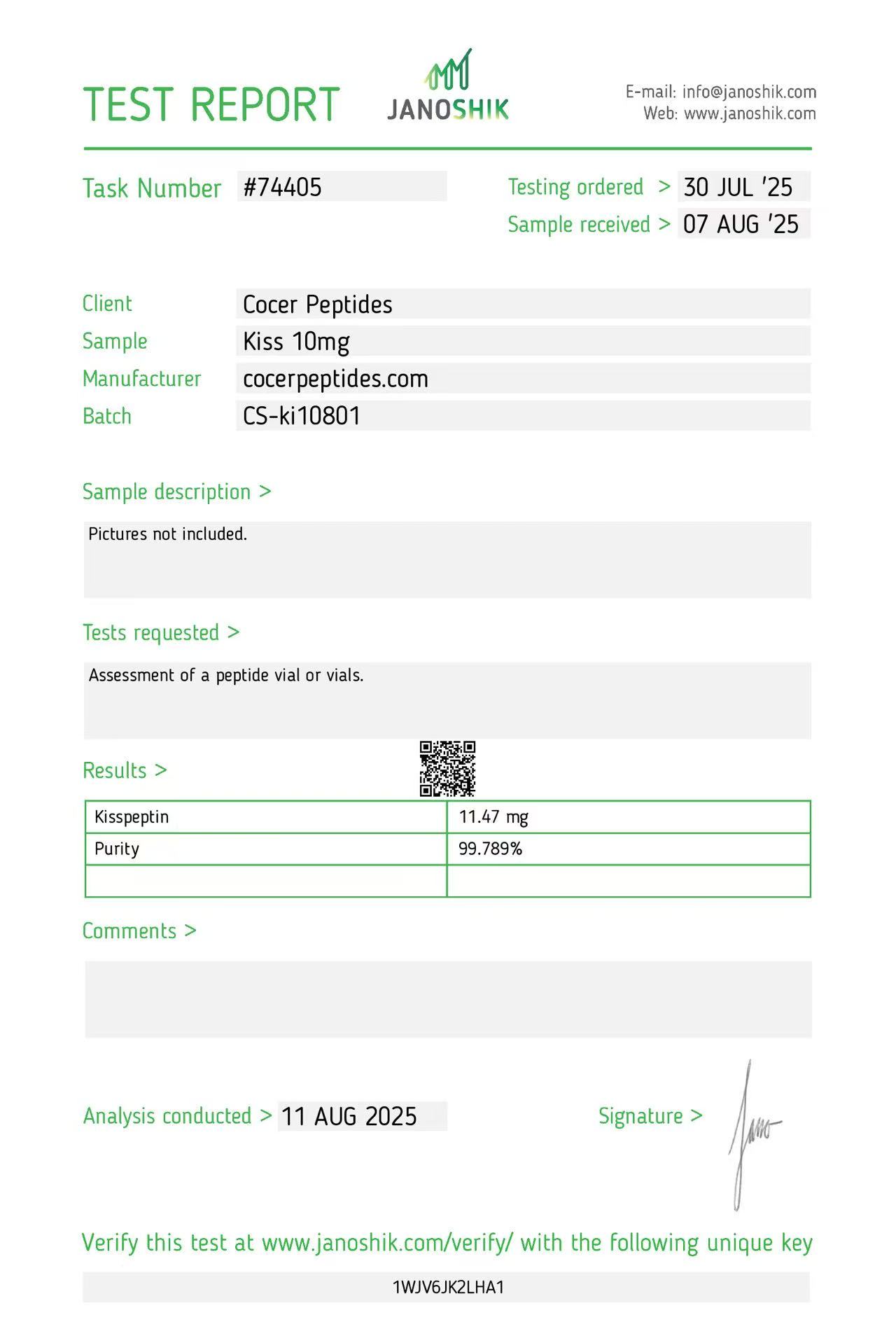
Reference scan 67
Open full-size image
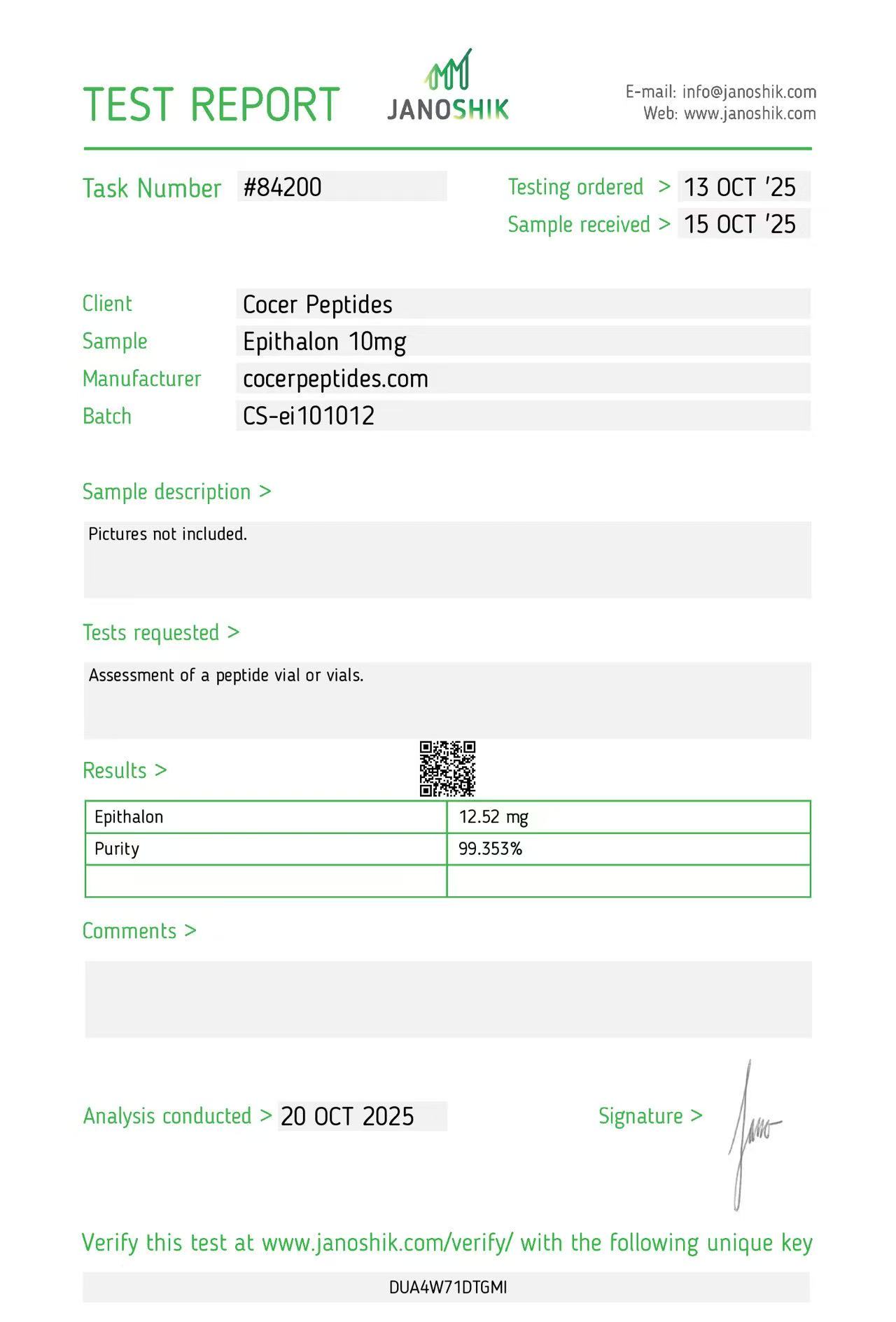
Reference scan 68
Open full-size image
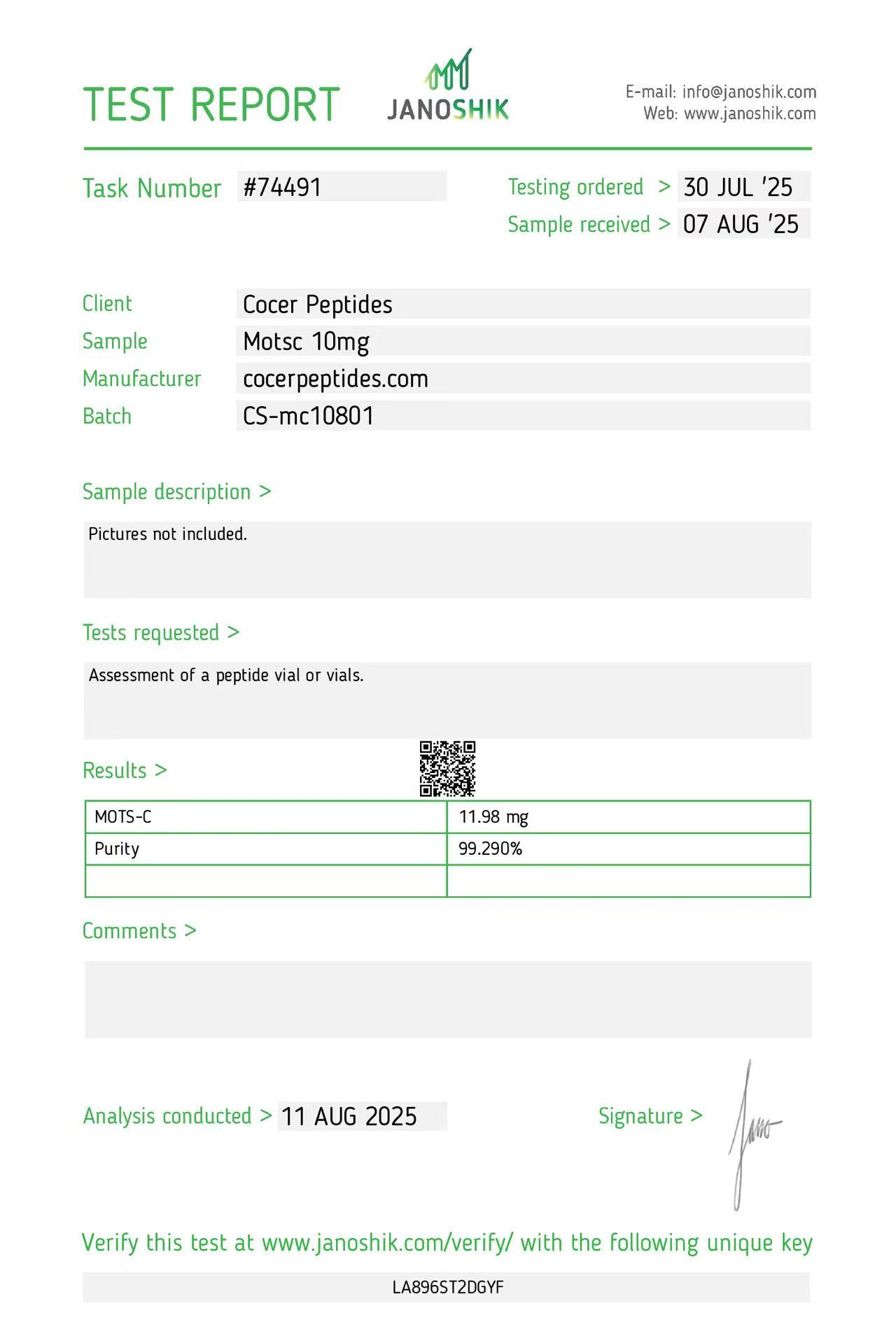
Reference scan 69
Open full-size image
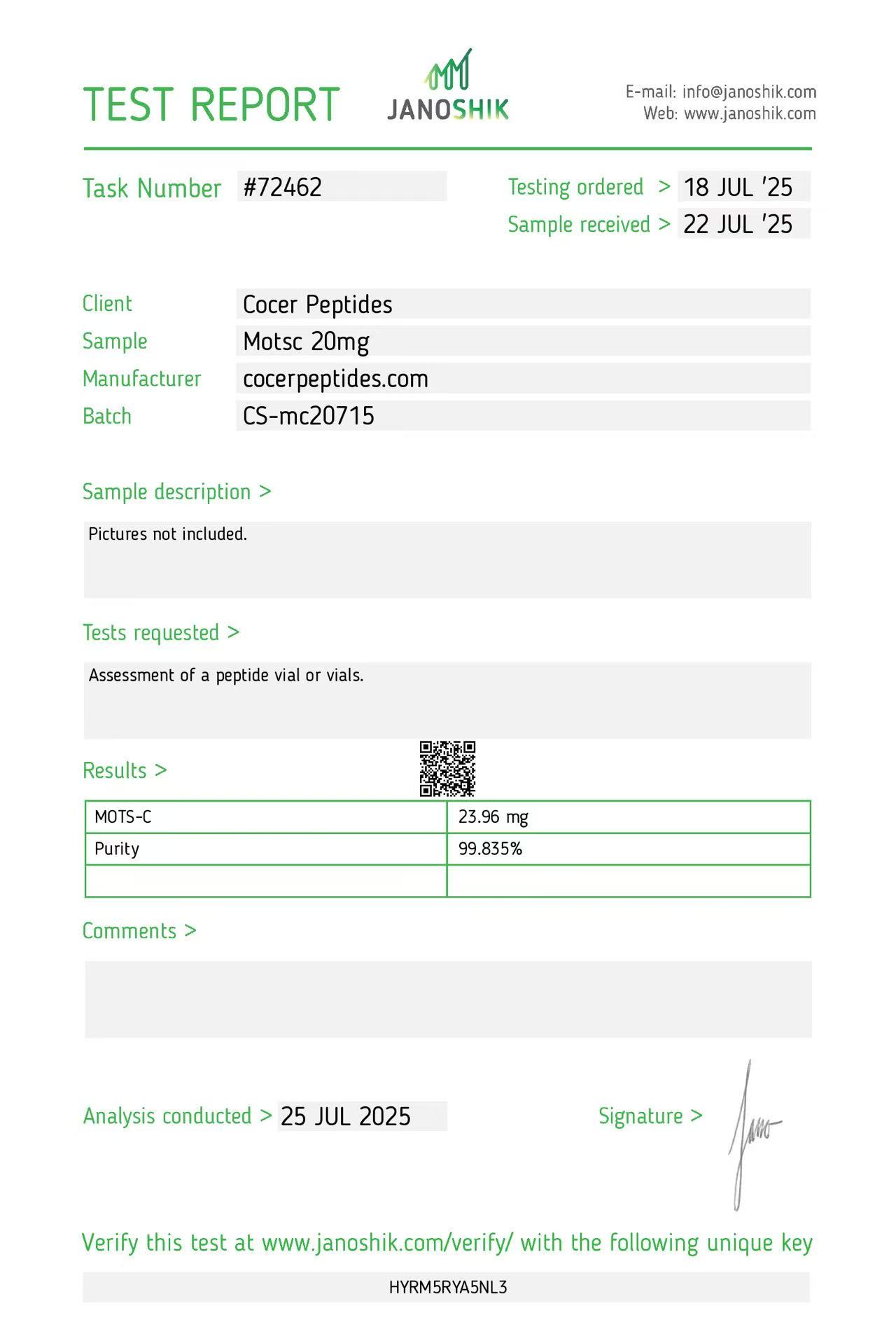
Reference scan 70
Open full-size image
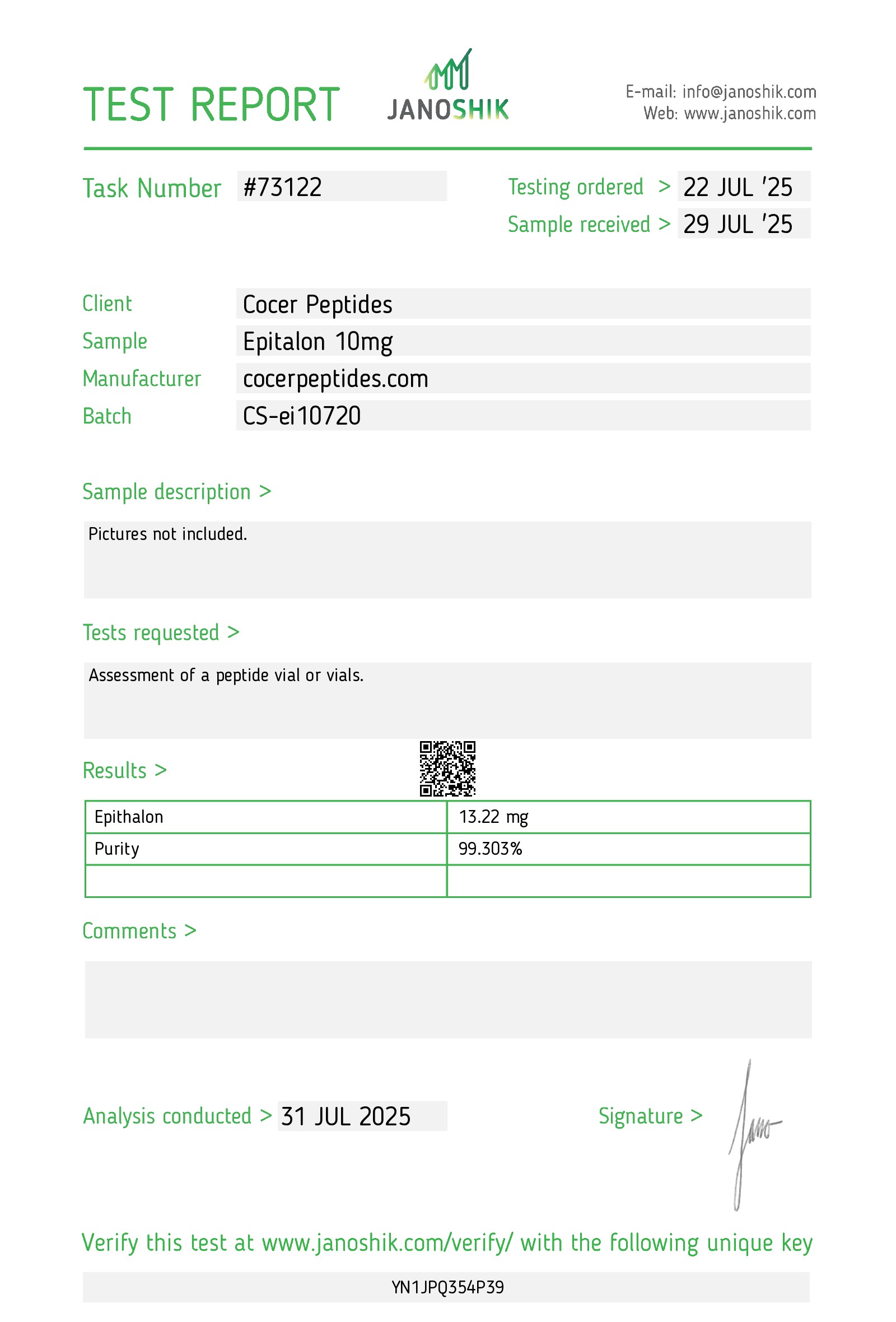
Reference scan 71
Open full-size image
Source: the public gallery at cocerpeptiides.com/page/Janoshik-COA. We do not claim ownership of the source documents.
Calibra batch-specific reports
0 records
No Calibra batch report published yet.
The public archive above is for reference. For a Calibra batch, send us the batch number and we will provide whatever documentation exists for that exact run.
Getting the report for the batch you hold
- 1
Read the batch or lot number printed on the vial label or the outer carton.
- 2
Send us that number — and, if you have it, the product name and quantity.
- 3
We reply with whatever documentation exists for that exact run. If a batch has not been to an independent laboratory, we will say so rather than send you a generic sheet.
- 4
File it with the vial so the paper trail travels with the material.
Scope note. All materials are supplied for laboratory and scientific research use only. A certificate of analysis is an analytical record for the batch that was submitted — it is not a specification guarantee across production, nor a statement of suitability for any particular application. Purchasers are responsible for confirming that their intended use complies with applicable laws and institutional policies.